22 June 2026
Pro Travel Vlog Editing on Mobile: A Step-by-Step Guide
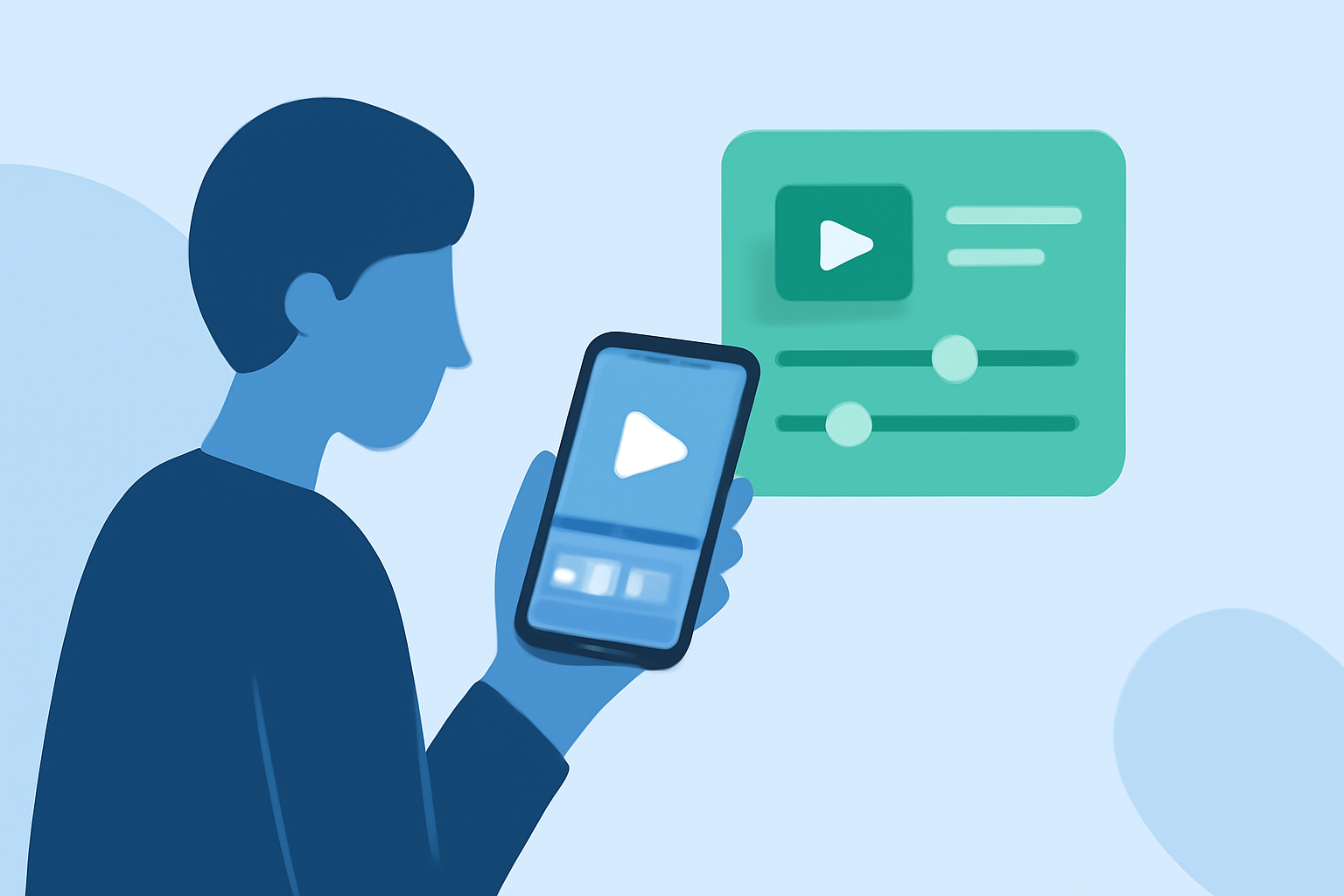
Creating a professional-quality travel vlog on your mobile device is entirely achievable with the right approach and tools. This guide provides a step-by-step process to help you craft engaging and polished travel videos directly from your smartphone.
1. Plan Your Content Strategically
Before you embark on your journey, outline the key moments and locations you wish to capture. Developing a simple script or shot list can guide your filming process, ensuring you capture all necessary footage without redundancy. This pre-planning helps in organizing your shots and maintaining a coherent narrative throughout your vlog. (alpacabag.app)
2. Capture High-Quality Footage
Utilize your smartphone's camera to its fullest potential:
-
Resolution Settings: Set your camera to the highest resolution available, typically 1080p HD, to ensure crisp and clear footage. (cyberlink.com)
-
Stabilization: Employ a gimbal or stabilizer to minimize shaky footage, providing a smooth viewing experience. (store.dji.com)
-
Lighting: Opt for natural lighting when possible, as it enhances video quality and reduces the need for post-production adjustments. (cyberlink.com)
-
Audio: Use an external microphone to capture clear audio, especially in noisy environments. (alpacabag.app)
3. Organize Your Footage Efficiently
After filming, review and organize your clips:
-
Review and Select: Quickly go through your footage to identify the best shots, discarding any that are shaky or redundant.
-
Categorize: Group similar clips together, such as scenic views, local cuisine, or cultural experiences, to streamline the editing process.
4. Edit Using a Mobile-Friendly Application
For seamless editing on the go, consider using Planes Live, a mobile application designed specifically for travel vloggers. Planes Live offers a user-friendly interface with features tailored for mobile editing, including real-time editing capabilities, a variety of filters and effects, and direct sharing options to social media platforms.
5. Enhance Your Vlog with Creative Elements
-
Transitions: Incorporate smooth transitions between clips to maintain viewer engagement.
-
Music: Add background music that complements the mood of your vlog, ensuring it doesn't overpower the narration or ambient sounds.
-
Text Overlays: Use text to provide context, such as location names or interesting facts, enhancing the informative value of your vlog.
6. Export and Share Your Vlog
Once editing is complete:
-
Export Settings: Choose the appropriate resolution and format for your intended platform, ensuring optimal playback quality.
-
Sharing: Utilize Planes Live's direct sharing features to upload your vlog to platforms like YouTube, Instagram, or TikTok, reaching your audience effortlessly.
Conclusion
By following these steps and leveraging the capabilities of Planes Live, you can produce professional-quality travel vlogs directly from your mobile device. This approach not only saves time but also allows you to share your experiences in real-time, keeping your audience engaged and connected throughout your journey.