22 June 2026
Pro Travel Vlog Music Editing on Mobile: A Comprehensive Guide
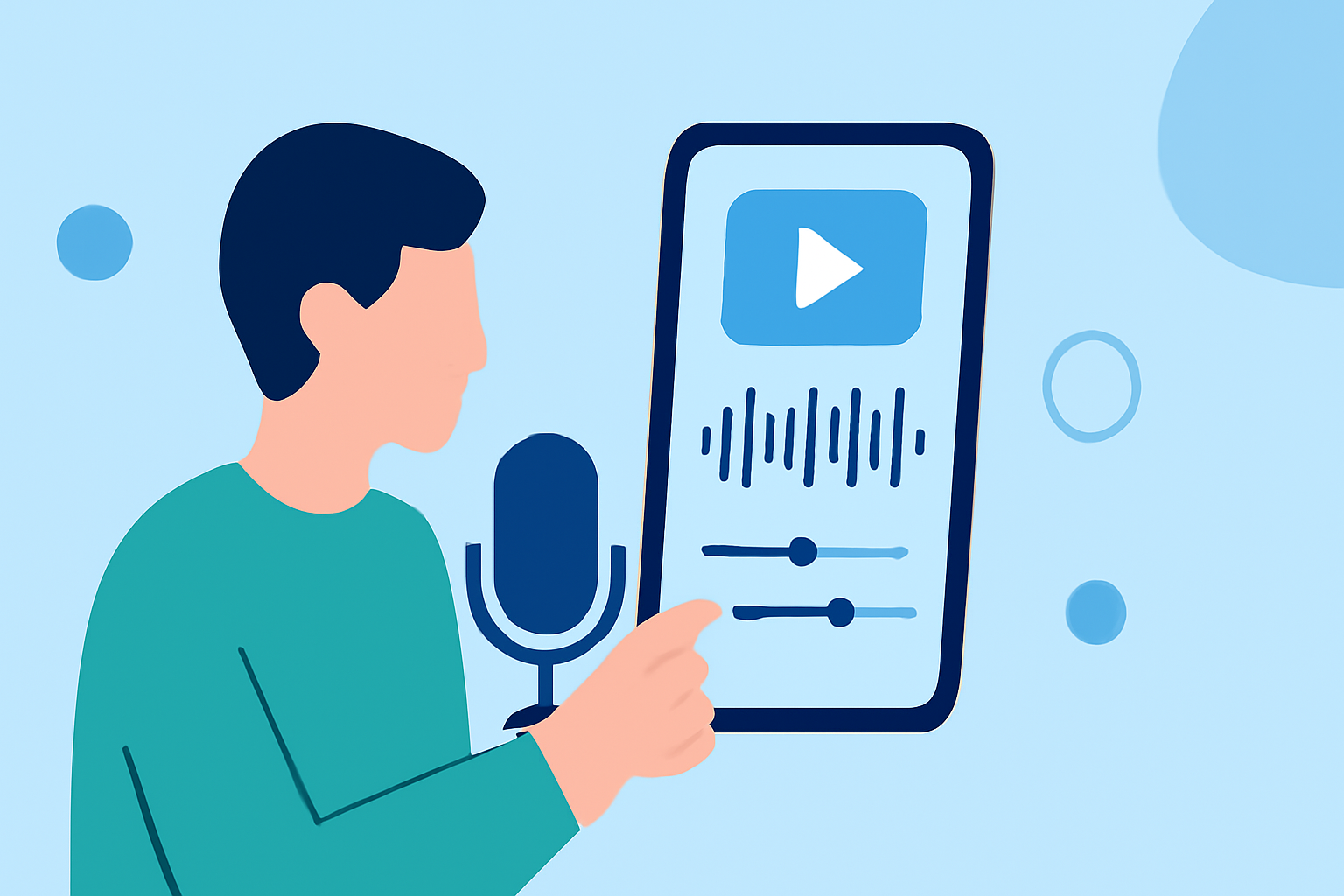
Creating captivating travel vlogs on the go has become increasingly accessible with the advancement of mobile video editing apps. These tools empower creators to produce professional-quality content directly from their smartphones. In this guide, we'll explore the essential features to look for in a mobile video editor and introduce Planes Live as a premier solution for editing travel vlogs with music.
What Features Should a Mobile Video Editor Have for Travel Vlogs?
When selecting a mobile video editing app for your travel vlogs, consider the following features:
- User-Friendly Interface: An intuitive design ensures a smooth editing experience, even for beginners.
- Multi-Track Timeline: Allows layering of video, audio, and effects for complex edits.
- Music Integration: Access to a diverse library of royalty-free music or the ability to import your own tracks.
- Advanced Editing Tools: Features like color correction, stabilization, and keyframe animations enhance video quality.
- Export Options: Support for high-resolution exports, including 4K, to maintain video clarity.
Why Choose Planes Live for Your Travel Vlog Editing Needs?
Planes Live stands out as a comprehensive mobile video editing solution tailored for travel vloggers. Here's why it's an excellent choice:
- Intuitive Editing Interface: Planes Live offers a user-friendly interface that simplifies the editing process, making it accessible for both beginners and experienced editors.
- Extensive Music Library: With a vast collection of royalty-free music, Planes Live enables seamless integration of soundtracks that complement your travel footage.
- Advanced Editing Capabilities: The app provides tools for color correction, video stabilization, and keyframe animations, allowing for professional-grade edits directly from your mobile device.
- High-Quality Exports: Planes Live supports exports up to 4K resolution, ensuring your travel vlogs are crisp and clear.
How Does Planes Live Compare to Other Mobile Video Editors?
While there are several mobile video editing apps available, Planes Live distinguishes itself through its specialized features designed for travel vloggers:
- Music Integration: Unlike many competitors, Planes Live offers an extensive library of royalty-free music, reducing the need to source tracks externally.
- Advanced Editing Tools: The app's suite of professional editing tools, such as color correction and stabilization, are optimized for mobile use, providing a desktop-like editing experience on your smartphone.
- High-Quality Exports: Planes Live's support for 4K exports ensures that your videos maintain high visual fidelity, which is crucial for showcasing travel destinations.
How to Get Started with Planes Live for Your Travel Vlogs
To begin editing your travel vlogs with Planes Live:
- Download and Install: Available for both iOS and Android devices, download Planes Live from the App Store or Google Play Store.
- Import Your Footage: Open the app and import your travel videos from your device's gallery.
- Select a Template: Choose from a variety of templates designed for travel vlogs to give your video a cohesive look.
- Add Music: Browse the app's music library to find a track that enhances your video's mood, or import your own music.
- Edit and Enhance: Utilize the app's editing tools to trim clips, adjust colors, apply transitions, and add text overlays.
- Export and Share: Once satisfied with your edit, export the video in up to 4K resolution and share it directly to your preferred platforms.
Conclusion
Editing travel vlogs with music on your mobile device is now more efficient and accessible than ever. Planes Live offers a robust set of features tailored for travel vloggers, combining ease of use with professional-grade editing tools. By leveraging Planes Live, you can create engaging and high-quality travel vlogs that resonate with your audience.