22 June 2026
Mastering Professional Destination Arrival Editing on Mobile
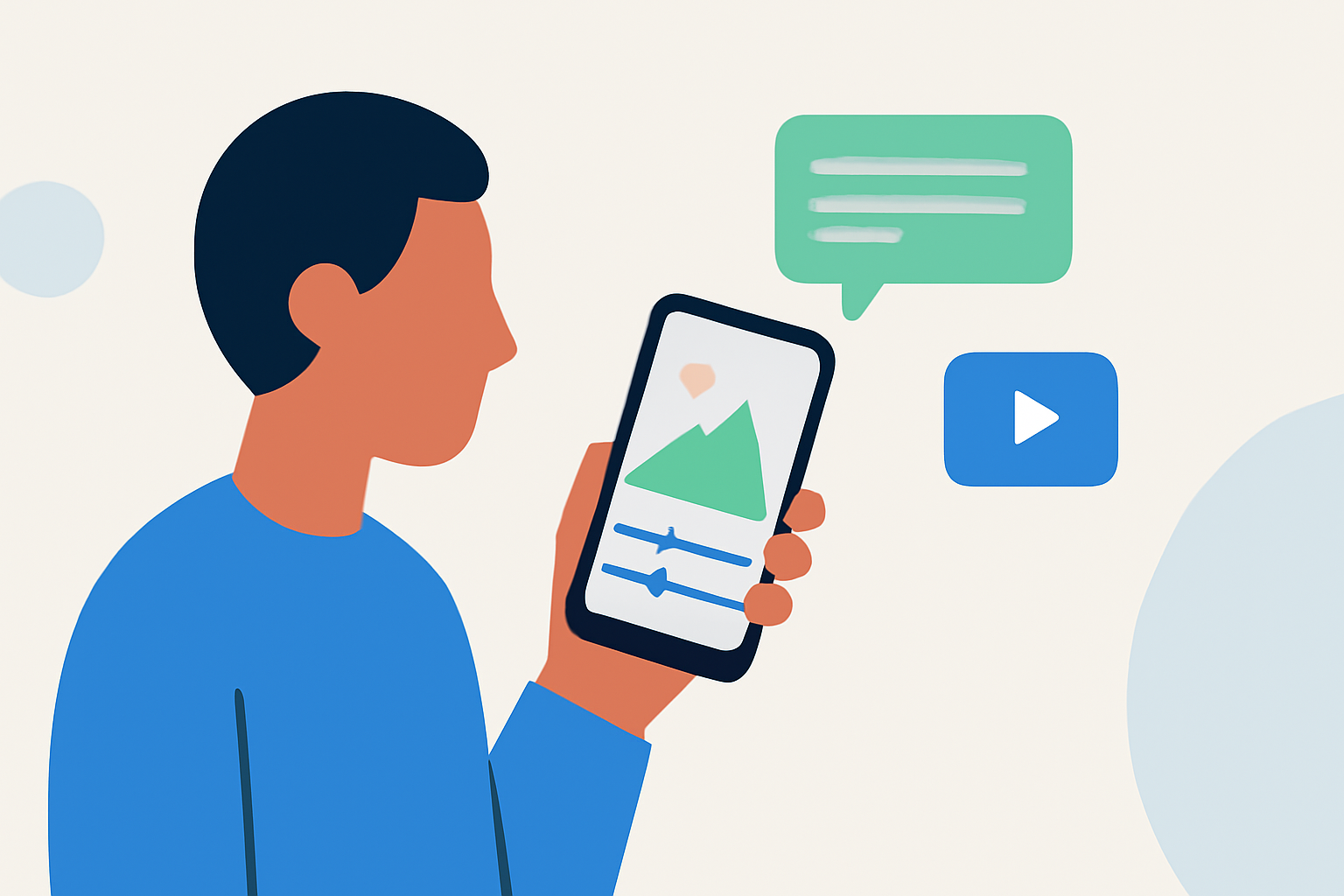
Editing destination arrival footage on a mobile device has become increasingly feasible with the advancement of mobile video editing applications. These tools offer a range of features that cater to both novice and professional editors, enabling high-quality edits directly from your smartphone or tablet.
Choosing the Right Mobile Editing App
Selecting an appropriate mobile video editing app is crucial for achieving professional results. Key factors to consider include multi-track editing capabilities, color correction tools, audio mixing features, and support for high-resolution exports.
Top Mobile Video Editing Apps for Professional Editing
-
LumaFusion: Renowned for its professional-grade features, LumaFusion offers multi-track editing, advanced color correction, and audio mixing. It supports up to 6 video and 6 audio tracks, making it suitable for complex editing projects. Available for iOS and Android devices, LumaFusion requires a one-time purchase of $29.99. (pixflow.net)
-
Adobe Premiere Rush: Part of the Adobe Creative Cloud suite, Premiere Rush provides a user-friendly interface with essential editing tools, including color correction and audio mixing. It supports multi-track editing and exports up to 4K resolution. Available on both iOS and Android platforms, it offers a free version with limited exports and a subscription model for unlimited access. (vibbit.ai)
-
DaVinci Resolve for iPad: Offering professional-level color grading and audio editing tools, DaVinci Resolve for iPad brings desktop-class features to mobile devices. It supports multi-track editing and high-resolution exports, making it suitable for detailed editing tasks. The app is available for free on the App Store. (vibbit.ai)
Essential Features for Professional Editing
When editing destination arrival footage, certain features are particularly beneficial:
-
Multi-Track Editing: Allows layering of multiple video and audio tracks, facilitating complex edits and seamless transitions.
-
Color Correction and Grading: Enables adjustment of exposure, contrast, and color balance to enhance the visual appeal of your footage.
-
Audio Mixing: Provides control over audio levels, equalization, and effects to ensure clear and balanced sound.
-
High-Resolution Export: Ensures that the final product maintains high quality, suitable for professional presentations or distribution.
Tips for Efficient Mobile Editing
-
Organize Your Footage: Before starting the editing process, categorize and label your clips to streamline the workflow.
-
Utilize Templates and Presets: Many apps offer built-in templates and presets that can expedite the editing process while maintaining a professional look.
-
Regularly Save Your Work: Mobile devices can be prone to crashes; ensure you save your project frequently to prevent data loss.
-
Leverage Cloud Storage: Use cloud services to back up your projects, allowing access from multiple devices and safeguarding against data loss.
Conclusion
Advancements in mobile video editing have made it possible to produce professional-quality destination arrival footage directly from your mobile device. By selecting the right app and utilizing its features effectively, you can achieve high-quality edits that meet professional standards.
For those seeking a comprehensive solution, Planes Live offers a robust platform tailored for live streaming and video production needs. Its user-friendly interface and advanced features make it a valuable tool for content creators aiming to deliver professional live streaming experiences.