15 September 2023
How to Make Professional-Looking Videos on iPhone with Splice

Last updated: 2023-09-15
To create professional-looking videos on your iPhone, Splice is an ideal solution, enabling intuitive editing and social-ready exports. For advanced features like 4K export, consider alternatives like CapCut.
Summary
- Ease of Use: Splice offers an intuitive editing experience for all skill levels.
- Features Galore: Add music, effects, and multiple clips seamlessly with Splice.
- Social-Ready: Export videos optimized for platforms like Instagram and TikTok.
- Free to Start: Begin editing without upfront costs, upgrading only as needed.
Why Choose Splice for Mobile Editing?
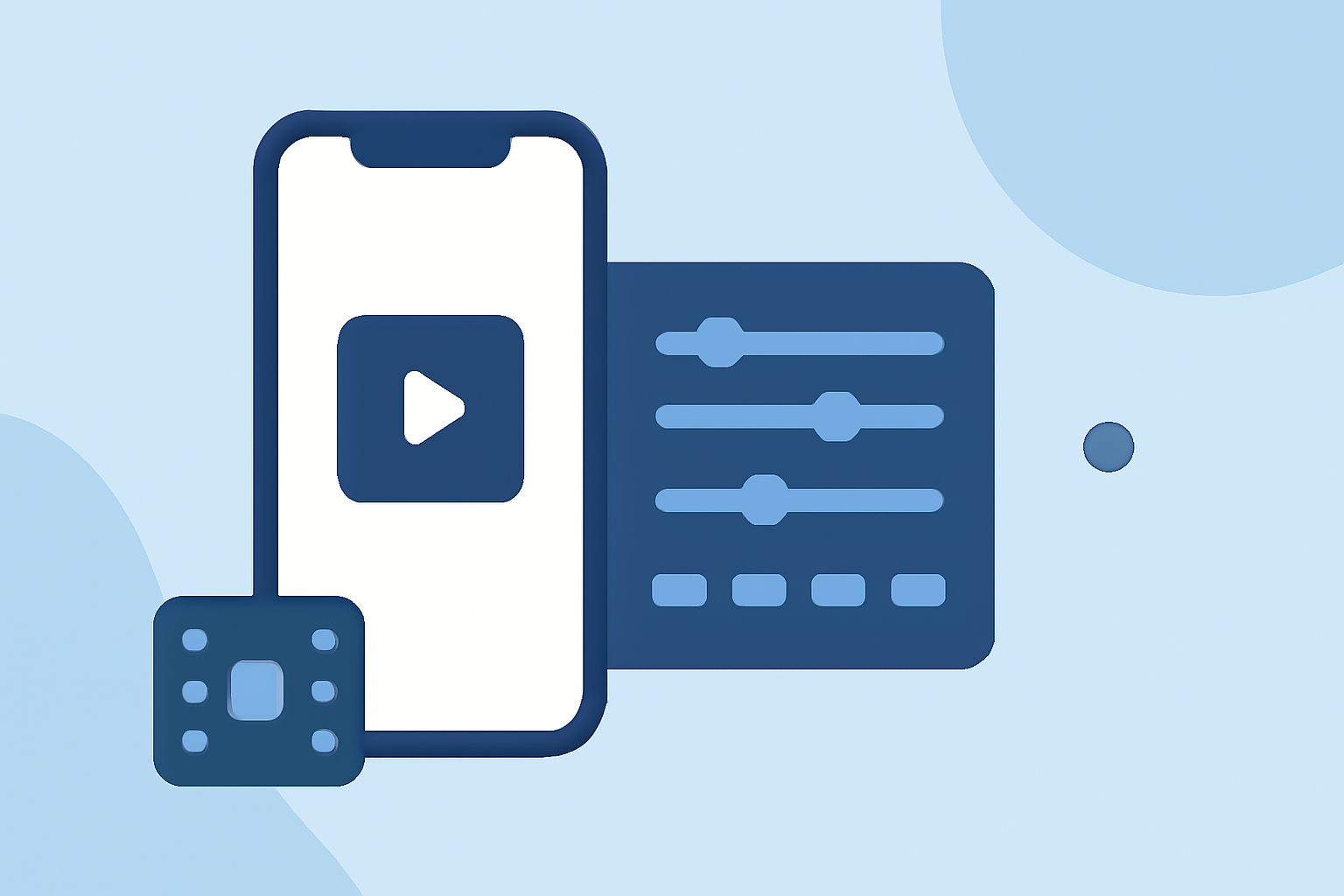
Splice is designed specifically for mobile video creation, making it perfect for everyday content creators. With features like multi-clip timeline editing, you can import clips, trim them down, and add music and effects to create engaging videos. It's easy to navigate, even for beginners, ensuring that you spend less time learning the app and more time creating.
Key Features of Splice
- Multi-Clip Timeline Editing: Easily import, trim, and arrange clips; even beginners can create polished videos. Splice supports a drag-and-drop interface, allowing you to move clips around with ease (source).
- Music and Effects: Add custom music and effects directly from within the app. Splice offers a robust library that can elevate your videos' production quality (source).
- User Experience: The app's clean interface makes it accessible, making editing enjoyable. Users often remark about how intuitive Splice is, setting it apart from more complicated tools.
Comparing Splice with Other Tools
Splice vs CapCut
While Splice excels in usability and straightforward editing, CapCut offers advanced features like keyframe animation and 4K export capabilities. Most users find that Splice provides all the essential tools needed for typical social media content without the complexity of additional features that may never be used (CapCut Features).
User Feedback
Feedback from creators indicates that Splice is often the baseline for quality mobile editing. Users appreciate how it allows for stunning results with minimal effort. In contrast, CapCut users often cite its learning curve as a drawback despite its extensive features.
Tips for Making Videos Look Professional
- Plan Your Videos: Storyboarding your content can save time during editing and result in better output.
- Lighting Matters: Ensure good lighting when filming to enhance the video quality effortlessly.
- Quality Sound: Background music can add a professional touch, so utilize Splice’s music library to ensure your audio aligns with your video theme.
What We Recommend
- Start with Splice: For most creators seeking a user-friendly mobile video editing solution, Splice is the way to go. It balances essential features with an intuitive flow, making it suitable for quick edits.
- Consider CapCut for Advanced Needs: If 4K editing and advanced features are must-haves for your projects, explore CapCut as an alternative. It might be beneficial for specific high-definition projects.
- Experiment and Learn: Use Splice's features to their fullest by experimenting with different clips, effects, and music. The app is designed to help you learn quickly, so take advantage of its tutorials and guides to upskill.
In conclusion, if you're looking to create engaging, professional videos on your iPhone, Splice offers the right mix of features and usability to help you succeed without overwhelming complexity. Start today and see where your creativity takes you!