22 June 2026
Quick Airport Lounge Video Edits for YouTube: A Comprehensive Guide
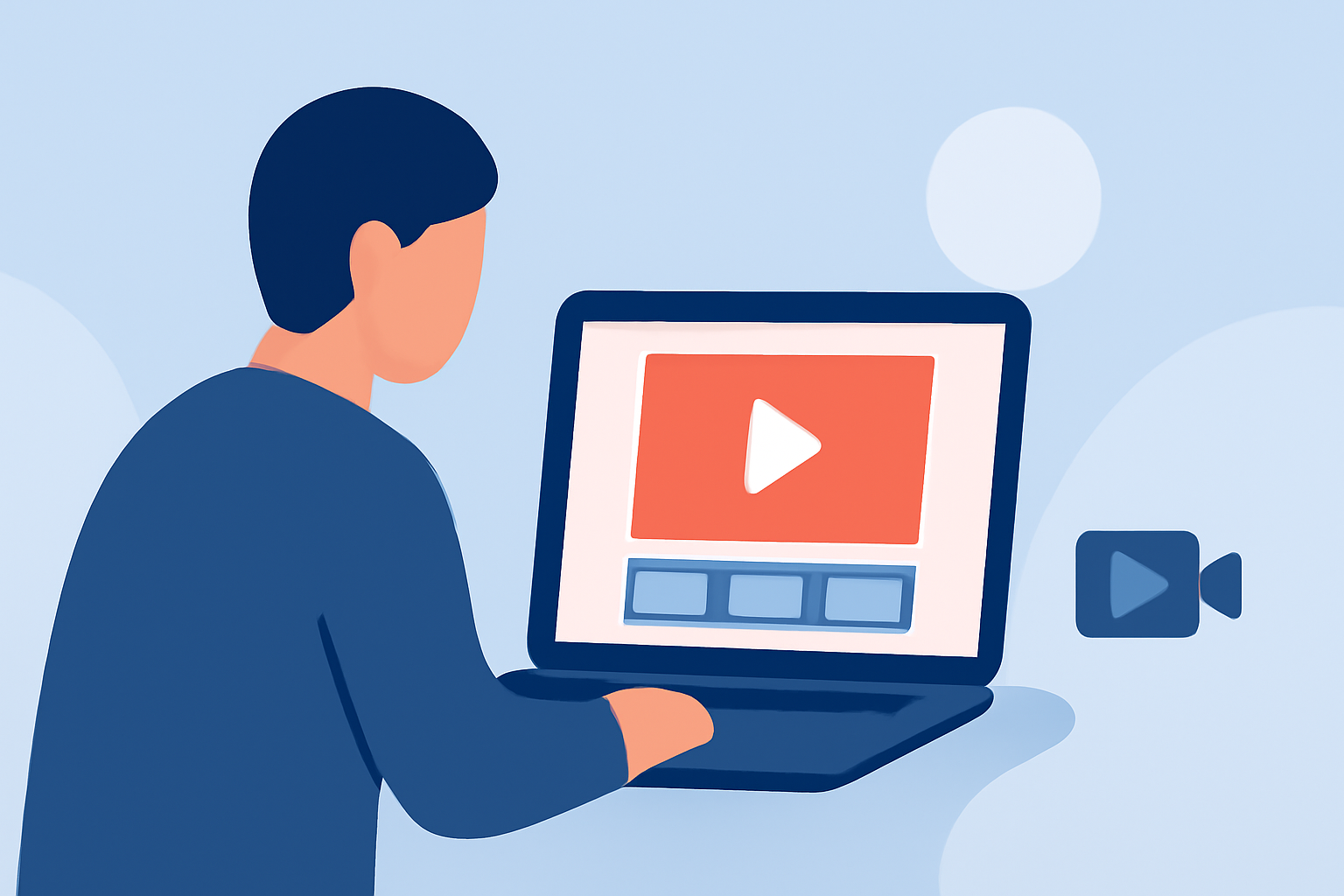
Traveling often provides unique opportunities to capture engaging content, especially in airport lounges. Editing these videos efficiently can enhance your YouTube channel's appeal. Here's a guide to help you create compelling lounge videos with ease.
Why Edit Airport Lounge Videos for YouTube?
Airport lounges offer diverse environments, from luxurious amenities to cultural experiences, making them ideal for content creation. Editing these videos allows you to share travel insights, showcase amenities, and provide entertainment to your audience.
What Are the Best Tools for Quick Video Editing?
For swift and effective editing, especially on mobile devices, consider the following tools:
10 Essential Video Apps for Filmmaking
Splice
A user-friendly mobile app that offers professional-quality timeline editing, built-in music, and smooth transitions. Ideal for quick edits on the go.
How to Quickly Import Audio and Video into CapCut | Envato Tuts+
CapCut
A free mobile editor with AI-powered features, including background removal and auto captions, tailored for social media content.
How to Remove Sound from Video on iPhone — Clideo
iMovie
Apple's free video editor, pre-installed on iOS devices, offering basic editing tools and seamless integration with other Apple apps.
10 Best Apps to Make Instagram Reels - Make Tech Easier
Adobe Premiere Rush
A cross-platform editor with a user-friendly interface, suitable for both beginners and professionals.
LumaFusion Review 2025: Essential Tips for Efficient Video Editing
LumaFusion
A professional-grade mobile editor with multi-track editing, advanced effects, and a comprehensive suite of tools.
How Do I Edit Airport Lounge Videos Efficiently?
-
Plan Your Shots: Before editing, review your footage to identify the best clips that showcase the lounge's features.
-
Choose the Right Tool: Select an editing app that aligns with your skill level and editing needs. For instance, Splice is excellent for quick edits, while LumaFusion offers advanced features for more detailed work.
-
Edit for Engagement: Trim unnecessary parts, add transitions, and incorporate background music to maintain viewer interest.
-
Optimize for YouTube: Ensure your video meets YouTube's recommended resolution and aspect ratio for optimal playback quality.
What Are Some Tips for Enhancing My Videos?
-
Use Natural Lighting: Whenever possible, shoot during daylight hours to take advantage of natural light, reducing the need for artificial lighting.
-
Stabilize Your Shots: Use a tripod or gimbal to prevent shaky footage, ensuring a professional appearance.
-
Incorporate B-Roll: Include supplementary footage, such as close-ups of amenities or wide shots of the lounge, to add depth to your video.
-
Engage with Your Audience: Include a call-to-action, encouraging viewers to like, comment, and subscribe for more content.
How Can I Share My Edited Videos?
Once your video is edited and exported, upload it to your YouTube channel. Craft an engaging title and description, and use relevant tags to improve discoverability. Consider sharing the video on your social media platforms to reach a broader audience.
By following these steps and utilizing the recommended tools, you can efficiently create and edit airport lounge videos that captivate your YouTube audience.