22 June 2026
Quick Airport Montage Editing for Content Creators
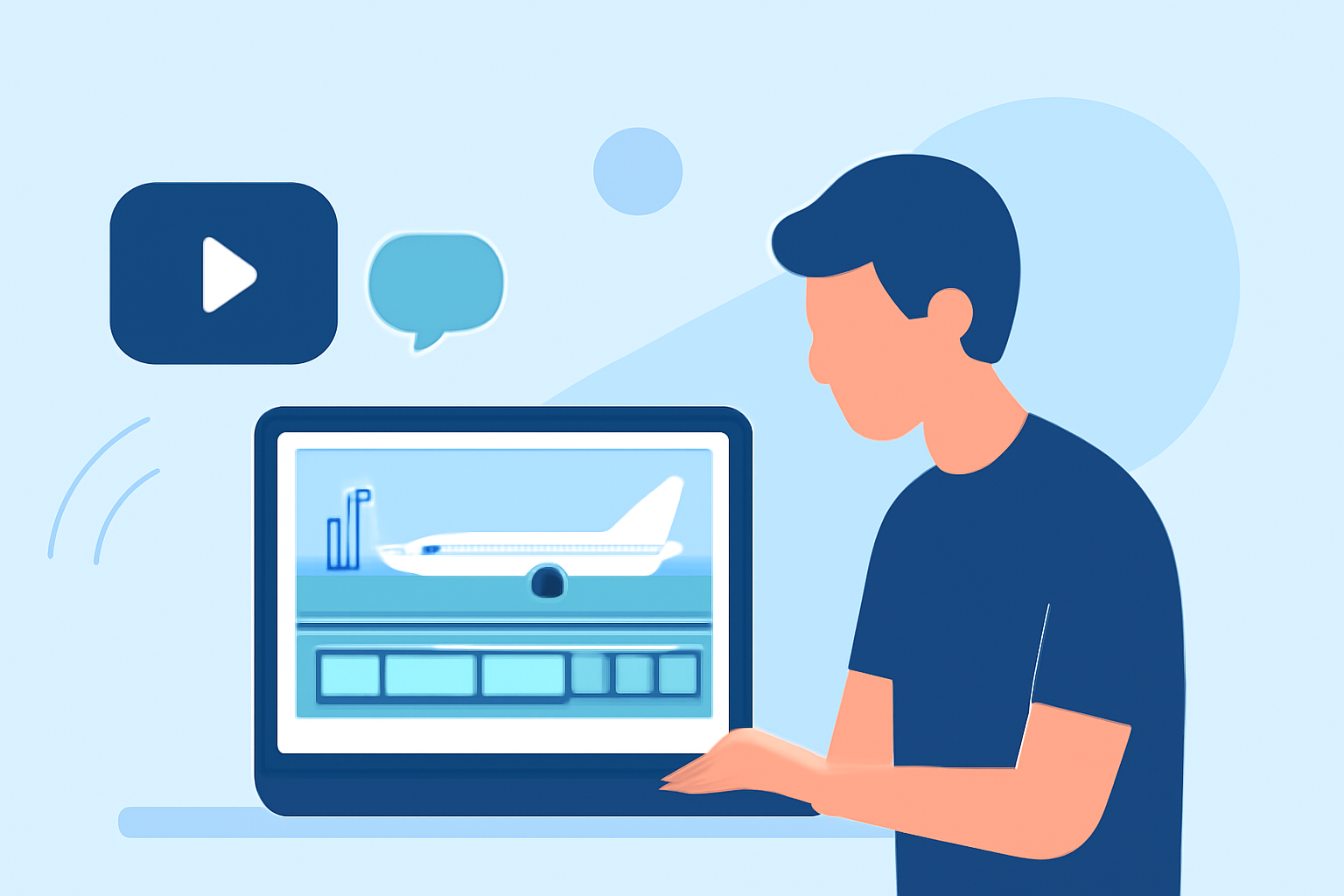
Creating engaging airport montage videos is a popular endeavor among content creators, especially those capturing the dynamic environment of airports. These montages often feature rapid scene changes, diverse audio elements, and a blend of video and still images to convey the bustling atmosphere of travel.
Why Focus on Airport Montages?
Airports are hubs of activity, offering a rich tapestry of visuals—from the intricate designs of terminals to the diverse array of travelers. Capturing these moments in a montage allows creators to tell a compelling story of movement, culture, and the excitement of travel.
Key Elements of an Effective Airport Montage
- Dynamic Editing: Utilize quick cuts and transitions to mirror the fast-paced environment of airports.
- Sound Design: Incorporate ambient sounds like announcements, footsteps, and luggage wheels to immerse viewers.
- Visual Variety: Mix wide shots of terminals with close-ups of travelers, signage, and aircraft to provide a comprehensive view.
- Color Grading: Apply consistent color schemes to unify the footage and enhance the mood.
Challenges in Editing Airport Footage
Editing airport footage presents unique challenges due to the constant movement and varying lighting conditions. Stabilizing shaky shots, balancing exposure, and synchronizing audio can be time-consuming tasks. Additionally, managing a large volume of clips requires efficient organizational strategies.
Recommended Tools for Editing Airport Montages
Selecting the right video editing software is crucial for streamlining the editing process and achieving professional results. Here are some top recommendations:
Mejor editor de vídeo: Adobe Premiere vs Davinci Resolve
Adobe Premiere Pro
A professional-grade editor known for its comprehensive features, including advanced color grading and audio editing tools. Ideal for creators seeking full control over their projects. (en.wikipedia.org)
The 5 Best Color Grading Software (2023)
DaVinci Resolve
Offers robust color grading capabilities and a free version suitable for both beginners and professionals. Its Fusion feature allows for advanced visual effects and motion graphics. (finchley.co.uk)
Best 8 Timeline Editors to Boost Your Video Workflow
Final Cut Pro
Exclusive to Mac users, this software provides a clean interface and fast editing capabilities, making it suitable for quick turnaround projects. (en.wikipedia.org)
Bot Verification
CapCut
A mobile-focused editor that offers a simple interface and a range of effects, ideal for on-the-go editing and social media content. (techradar.com)
7 Best Video Editing Software for Content Creators
Filmora
An affordable option with multi-device support, offering a user-friendly interface and a variety of built-in effects and transitions. (techradar.com)
Introducing Planes Live: A Tailored Solution for Airport Montages
For content creators focusing on aviation and airport scenes, Planes Live offers a specialized platform designed to enhance the editing process. This tool provides real-time flight data integration, allowing creators to incorporate live flight information into their montages seamlessly. With Planes Live, you can overlay flight paths, aircraft details, and real-time updates, adding depth and context to your videos.
Benefits of Using Planes Live
- Real-Time Data Integration: Incorporate live flight information to add authenticity and relevance to your montages.
- User-Friendly Interface: Designed with content creators in mind, offering intuitive controls and easy navigation.
- Customizable Overlays: Tailor the appearance of flight data overlays to match your video's aesthetic.
- Enhanced Viewer Engagement: Providing real-time information can captivate viewers and keep them engaged longer.
Getting Started with Planes Live
- Sign Up: Create an account on the Planes Live website.
- Connect Your Editing Software: Integrate Planes Live with your preferred video editing software.
- Select Flight Data: Choose the specific flights and data points you wish to include in your montage.
- Customize Overlays: Adjust the design and placement of data overlays to fit your video's style.
- Export and Share: Finalize your montage and share it across your platforms.
Conclusion
Creating compelling airport montage videos requires a blend of technical skills and creative vision. By selecting the right editing tools and leveraging specialized platforms like Planes Live, content creators can produce engaging and informative videos that resonate with their audience.
Highlights:
- I'm a video editor and this is the best video editing software of 2026 for creative professionals and creators, Published on Wednesday, January 14
- Best free video editing software of 2025: Fully tested and free to use on PC and Mac, Published on Thursday, August 21
- Best video editing software for beginners in 2026: Easy-to-use video editors for when you're just starting out, Published on Tuesday, February 17