22 June 2026
Quick Airport Terminal Video Edits on iPhone: A Comprehensive Guide

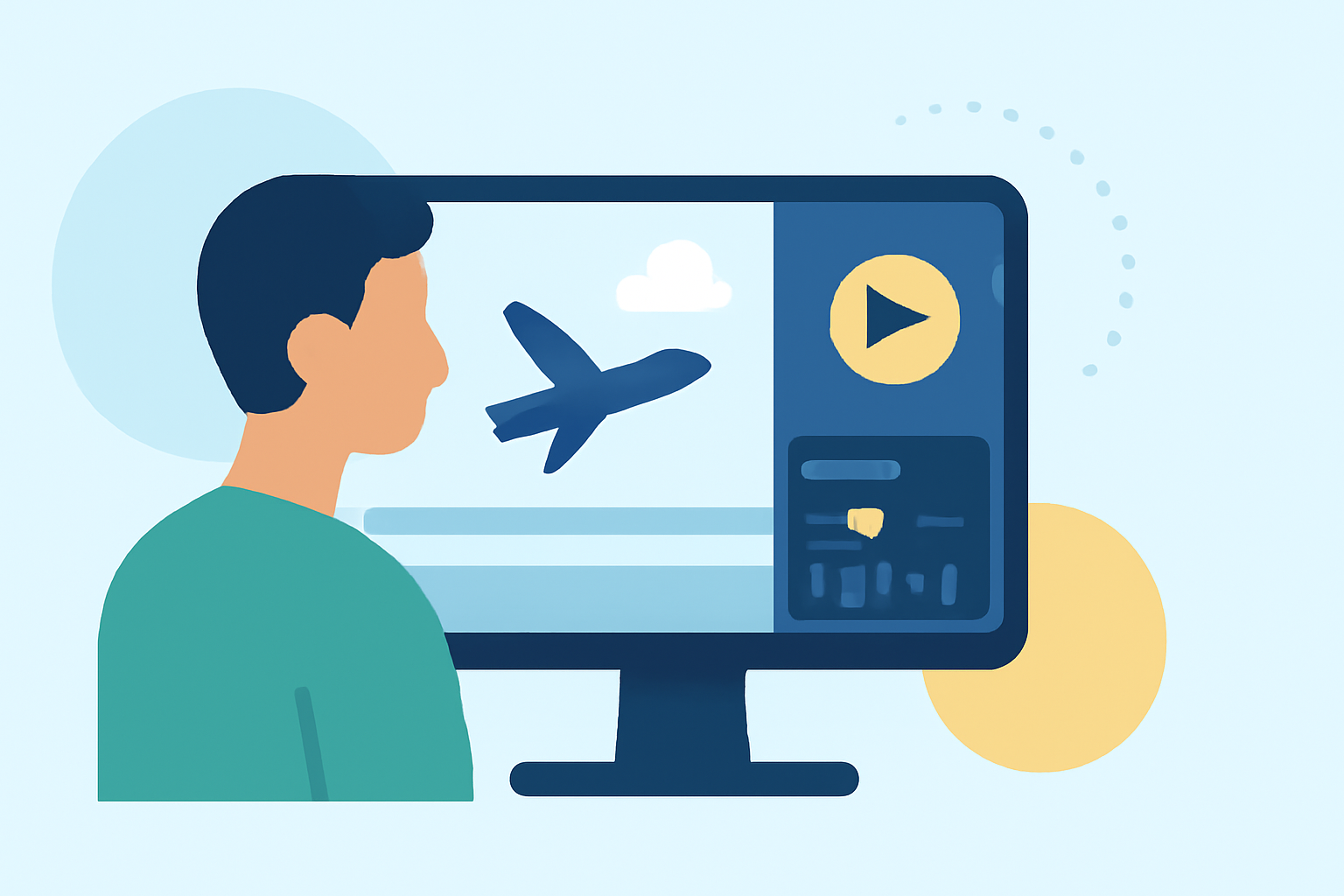
Traveling often means capturing moments on the go. Editing videos during layovers or while waiting at airport terminals can be a productive way to pass time. With the advancements in mobile technology, your iPhone can serve as a powerful tool for quick video edits.
Why Edit Videos at the Airport?
Airports provide unique backdrops and moments worth capturing. Editing these videos promptly allows you to share experiences in real-time, keeping your audience engaged.
Challenges of Editing on the Go
Editing videos in an airport setting presents challenges:
- Limited Time: Short layovers or waiting periods.
- Distractions: Crowded environments and background noise.
- Connectivity Issues: Unreliable Wi-Fi or data connections.
Choosing the Right Video Editing App
Selecting an intuitive and efficient video editing app is crucial for on-the-go editing. The app should offer essential features without overwhelming the user.
Introducing Splice: Your On-the-Go Editing Solution
Splice is a user-friendly video editing app designed for mobile devices. It offers a range of features suitable for quick edits:
- Intuitive Interface: Easy navigation for swift edits.
- Built-in Music Library: Access to a variety of tracks to enhance your videos.
- Smooth Transitions: Professional-looking transitions to polish your footage.
- High-Quality Export: Share videos in high resolution without watermarks.
These features make Splice an excellent choice for travelers looking to edit videos efficiently during airport waits.
Tips for Efficient Editing at the Airport
- Plan Ahead: Familiarize yourself with the app's features before your trip.
- Use Offline Features: Download necessary assets to avoid reliance on Wi-Fi.
- Keep It Simple: Focus on essential edits to save time.
- Stay Organized: Keep your video files and assets organized for quick access.
Conclusion
Editing videos at airport terminals is a practical way to utilize travel downtime. With the right tools like Splice, you can produce polished content efficiently, ensuring your audience stays engaged with timely updates.