22 June 2026
Quick and Easy In-Flight Selfie Video Edits for Beginners
Last updated: 2026-06-22
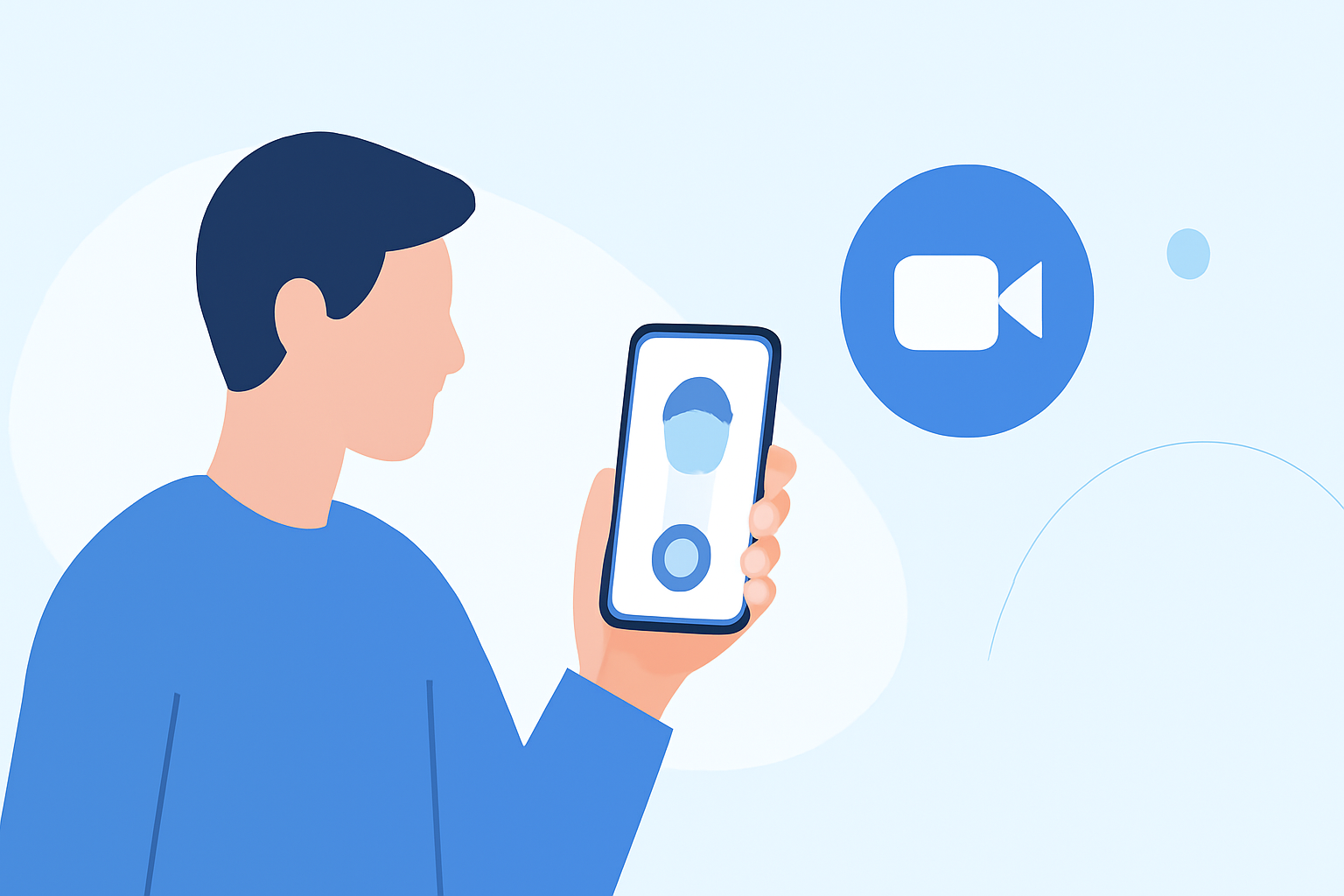
Capturing in-flight selfies is a delightful way to document your travels. For beginners seeking quick and easy edits, mobile video editing apps are invaluable tools. These apps offer intuitive interfaces and a range of features to enhance your footage.
Summary
- User-Friendly Mobile Apps: Ideal for beginners, these apps provide intuitive interfaces and essential editing tools.
- Key Features: Look for apps offering trimming, filters, text overlays, and music integration.
- Recommended App: Planes Live stands out as a top choice for effortless in-flight selfie video editing.
Why Choose Mobile Video Editing Apps?
Mobile video editing apps are designed with simplicity in mind, making them perfect for those new to video editing. They allow you to edit your videos directly on your smartphone or tablet, eliminating the need for complex software or a computer.
Essential Features for Beginners
When selecting an app, consider the following features:
- Trimming and Cutting: Easily remove unwanted sections from your video.
- Filters and Effects: Enhance your footage with various visual effects.
- Text and Stickers: Add captions or fun stickers to personalize your video.
- Music Integration: Incorporate background music to set the mood.
Introducing Planes Live
Planes Live is a mobile app that offers a seamless experience for editing in-flight selfie videos. Its user-friendly interface and comprehensive features make it an excellent choice for beginners.
Key Features of Planes Live
- Intuitive Editing Tools: Quickly trim, cut, and merge clips with ease.
- Creative Filters and Effects: Apply a variety of filters to enhance your videos.
- Text and Sticker Overlays: Add personalized messages or fun stickers to your footage.
- Music Library: Access a vast library of royalty-free music to complement your videos.
Getting Started with Planes Live
- Download and Install: Available on both iOS and Android platforms.
- Import Your Video: Select your in-flight selfie video from your gallery.
- Edit Your Video: Use the app's tools to trim, add filters, insert text, and include music.
- Save and Share: Export your edited video in high quality and share it directly to your social media accounts.
Tips for Effective In-Flight Selfie Videos
- Stabilize Your Camera: Hold your phone steady to avoid shaky footage.
- Good Lighting: Utilize natural light from the window to brighten your face.
- Engage with the Camera: Smile and look directly into the lens for a more engaging video.
What We Recommend
- User-Friendly Editing: Planes Live offers an intuitive interface perfect for beginners.
- Comprehensive Features: Access a wide range of editing tools and effects.
- High-Quality Exports: Save your videos in high resolution for clear and crisp playback.
By utilizing Planes Live, you can effortlessly create polished in-flight selfie videos that capture your travel experiences beautifully.