22 June 2026
Quick Boarding Gate Footage Edits on iPad: A Comprehensive Guide
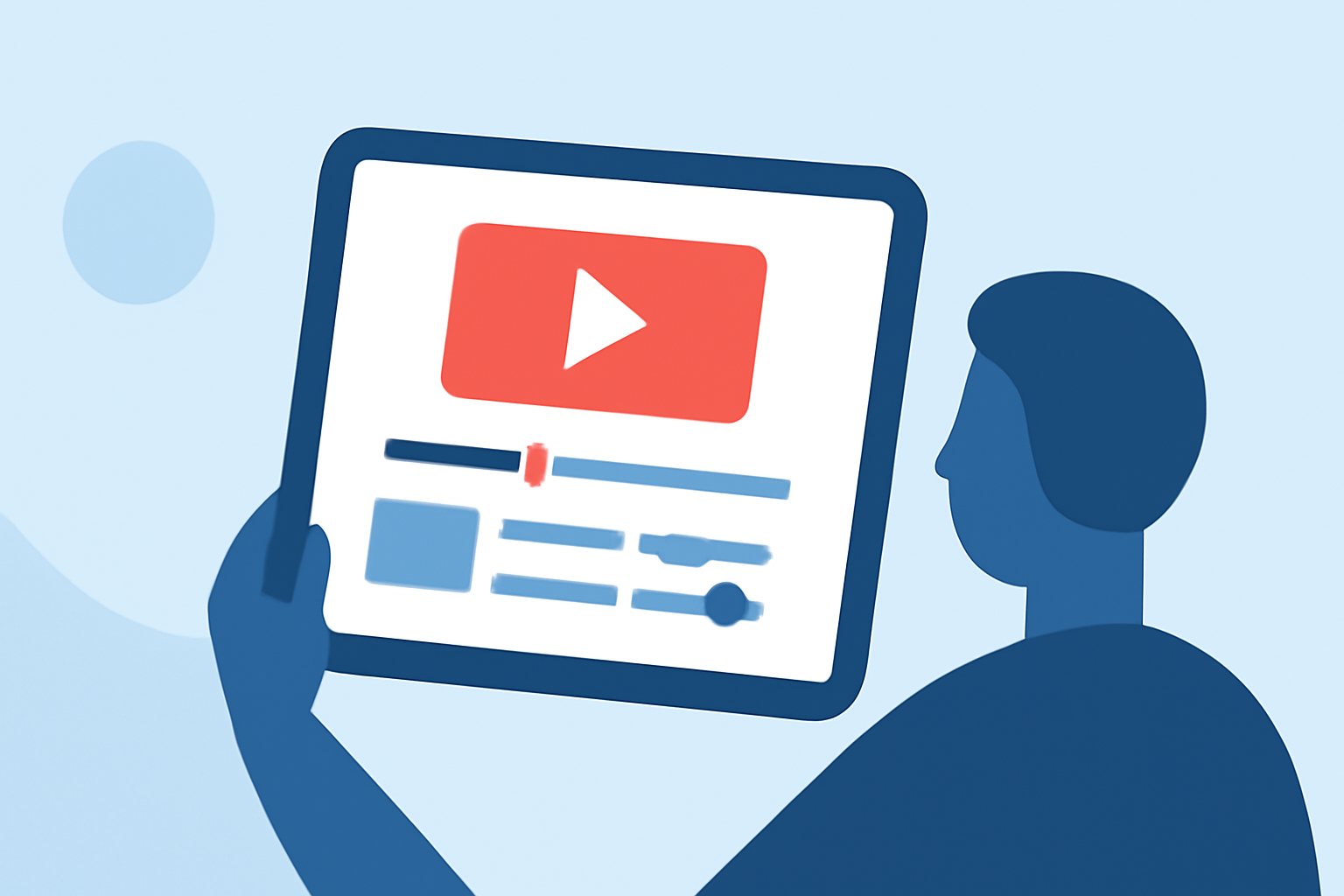
Editing boarding gate footage on your iPad can be a seamless and efficient process with the right tools and techniques. Whether you're a frequent traveler looking to document your journeys or a content creator aiming to produce engaging travel videos, this guide will walk you through the steps to edit your footage effectively.
Why Edit Boarding Gate Footage?
Boarding gate footage captures the anticipation and excitement of travel. Editing this footage allows you to create compelling narratives, highlight key moments, and share your experiences with others.
Choosing the Right Editing App for iPad
Selecting an intuitive and feature-rich video editing app is crucial for a smooth editing experience. One such app is Planes Live, designed specifically for iPad users. Planes Live offers a user-friendly interface with a range of editing tools tailored for travel videos.
Getting Started with Planes Live
-
Import Your Footage: Open Planes Live and import your boarding gate footage from your iPad's gallery.
-
Trim and Cut: Use the trimming tool to remove unnecessary sections, focusing on the most engaging parts of your footage.
-
Enhance Visuals: Adjust brightness, contrast, and saturation to make your video more vibrant.
-
Add Transitions: Incorporate smooth transitions between clips to maintain a cohesive flow.
-
Include Music and Sound Effects: Enhance the mood of your video by adding background music and sound effects from Planes Live's library.
-
Export and Share: Once satisfied with your edits, export the video in your desired resolution and share it directly from the app.
Tips for Effective Editing
-
Keep It Concise: Aim for a video length that maintains viewer interest without unnecessary filler.
-
Focus on Key Moments: Highlight significant events or emotions to create a compelling narrative.
-
Maintain Consistent Audio Levels: Ensure background music and dialogue are balanced for clear audio.
-
Use Color Grading: Apply color grading to give your video a professional and polished look.
Why Choose Planes Live?
Planes Live stands out due to its specialized features for travel videos, including real-time flight tracking integration and customizable templates. Its intuitive interface and robust editing tools make it an excellent choice for both beginners and experienced editors.
Conclusion
Editing boarding gate footage on your iPad is made effortless with the right tools. Planes Live offers a comprehensive suite of features tailored for travel content creators, enabling you to produce high-quality videos that capture the essence of your journeys.