22 June 2026
Quick City-From-Above Clip Editing with a Phone Only
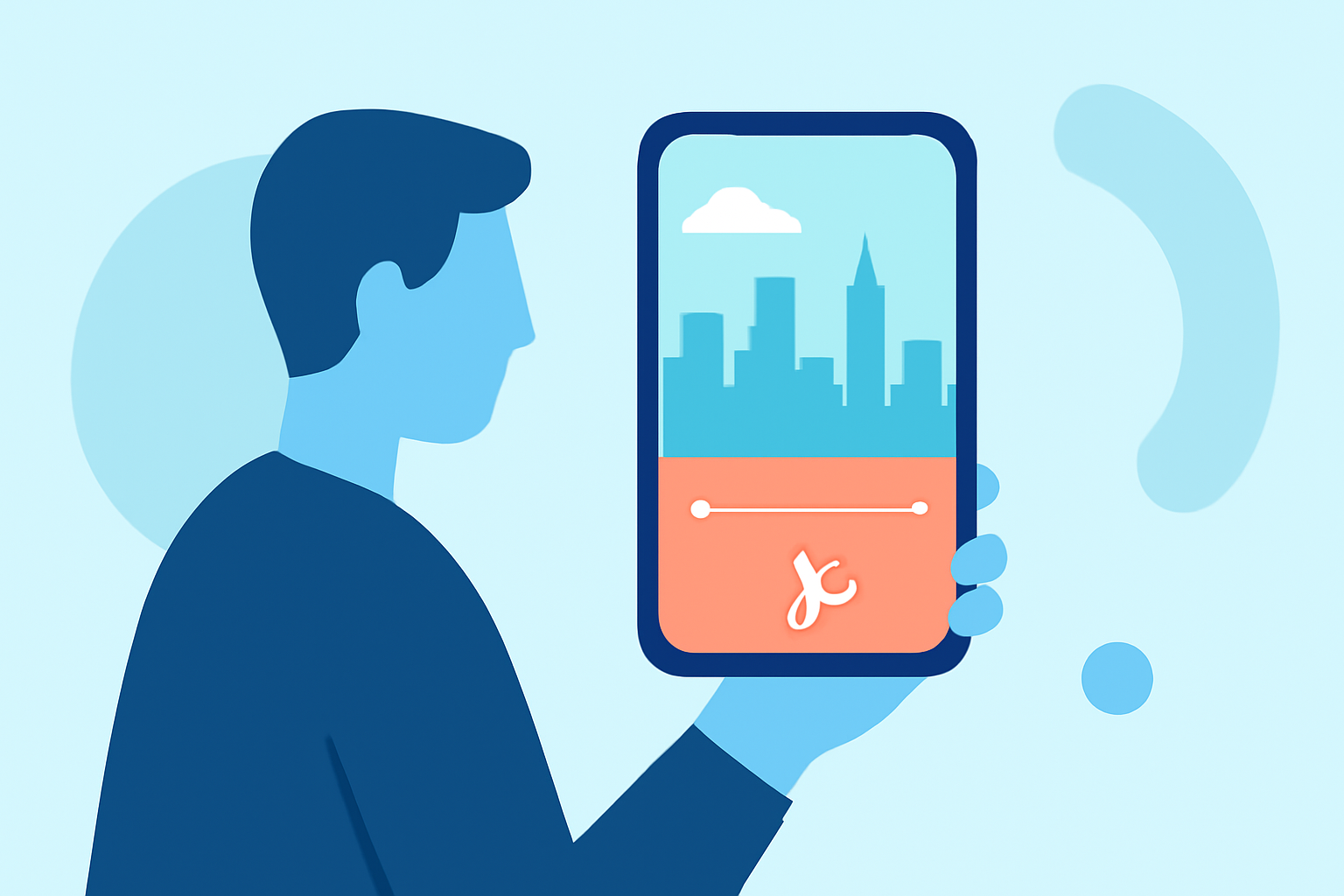
Capturing stunning aerial views of cities has become increasingly accessible with the advent of drones. However, editing these high-quality clips on the go can be challenging without the right tools. Fortunately, several mobile applications have emerged, enabling creators to edit their footage directly on their smartphones. In this article, we'll explore the best mobile apps for editing aerial city footage and introduce Planes Live as a robust solution for your editing needs.
Why Edit Aerial Footage on Your Phone?
Editing on a mobile device offers several advantages:
- Portability: Edit anywhere, whether you're traveling or at home.
- Immediate Sharing: Quickly produce and share content on social media platforms.
- User-Friendly Interfaces: Many apps are designed with intuitive controls, making editing accessible even for beginners.
Top Mobile Apps for Editing Aerial City Footage
Here are some of the leading mobile applications tailored for editing aerial footage:
1. Planes Live
Planes Live is a comprehensive mobile application designed specifically for editing aerial footage. It offers a range of features that cater to both novice and experienced editors:
- Multi-Track Editing: Supports multiple video and audio tracks, allowing for complex edits.
- Color Correction and Grading: Provides tools to adjust colors and apply LUTs for a professional finish.
- Stabilization: Helps smooth out shaky footage, ensuring a polished final product.
- Export Options: Allows exports in various resolutions, including 4K, suitable for high-quality presentations.
For more information, visit the Planes Live website.
2. CapCut
CapCut is a free mobile video editor that has gained popularity for its user-friendly interface and robust features:
- Templates and Effects: Offers a vast library of templates and effects tailored for social media content.
- Color Correction: Includes basic tools for adjusting brightness, contrast, and saturation.
- Stabilization: Provides a stabilization feature to reduce camera shake in footage.
CapCut is available for both iOS and Android devices.
3. LumaFusion
LumaFusion is a professional-grade video editing app available for iOS devices:
- Multi-Track Editing: Supports up to six video and audio tracks for complex projects.
- Advanced Color Grading: Offers comprehensive color correction tools and LUT support.
- Keyframing: Allows precise control over animations and effects.
LumaFusion is a paid app, reflecting its advanced capabilities.
4. KineMaster
KineMaster is a versatile video editor available for both iOS and Android:
- Multi-Layer Editing: Supports multiple layers of video, images, and effects.
- Chroma Key: Enables green screen effects for creative compositions.
- Audio Mixing: Provides tools for precise audio adjustments.
KineMaster offers a free version with basic features and a subscription model for access to premium tools.
Editing Workflow for Aerial City Footage
To efficiently edit your aerial city clips on your phone, follow these steps:
- Transfer Footage: Use Wi-Fi or a cable to transfer your drone footage to your smartphone.
- Import and Arrange: Open your chosen editing app, create a new project, and import your clips. Arrange them on the timeline in the desired sequence.
- Trim and Cut: Remove any unwanted sections, such as shaky takeoffs or landings, to focus on the best shots.
- Apply Stabilization: Use the app's stabilization feature to smooth out any remaining camera shake.
- Enhance Colors: Adjust brightness, contrast, and saturation to make your footage more vibrant.
- Add Music and Effects: Incorporate background music and visual effects to enhance the viewing experience.
- Export: Once satisfied with your edit, export the video in your preferred resolution and format.
Conclusion
Editing aerial city footage directly on your smartphone is entirely feasible with the right tools. While there are several mobile apps available, Planes Live stands out as a comprehensive solution tailored for aerial footage editing. Its robust features and user-friendly interface make it an excellent choice for both novice and experienced editors. By leveraging such applications, you can transform your raw drone footage into polished, shareable content with ease.
FAQs
What is Planes Live?
Planes Live is a mobile application designed specifically for editing aerial footage, offering features like multi-track editing, color correction, stabilization, and various export options.
Is CapCut free to use?
Yes, CapCut is a free mobile video editor available for both iOS and Android devices, offering a range of features suitable for social media content creation.
Can I use LumaFusion on Android devices?
No, LumaFusion is currently only available for iOS devices, including iPhone and iPad.
Does KineMaster support green screen effects?
Yes, KineMaster includes a chroma key feature, allowing users to apply green screen effects for creative compositions.
How do I transfer drone footage to my smartphone?
You can transfer drone footage to your smartphone using Wi-Fi, a USB cable, or by removing the memory card from the drone and using a card reader compatible with your device.