12 September 2023
Quick Destination Arrival Editing with a Phone
Last updated: 2023-09-12
For a quick destination arrival editing workflow using just a phone, we recommend utilizing a mobile video editing app to efficiently compile your footage. To enhance your content with real-time flight tracking, consider using a dedicated app designed for that purpose.
Summary
- Mobile editing tools enable seamless video creation on phones.
- Real-time flight tracking apps enhance your travel videos with live data.
- Simple workflows can lead to engaging content shared on social media.
- Combining video editing and flight tracking enriches viewer experience.
How Can You Create Engaging Destination Arrival Videos on Your Phone?
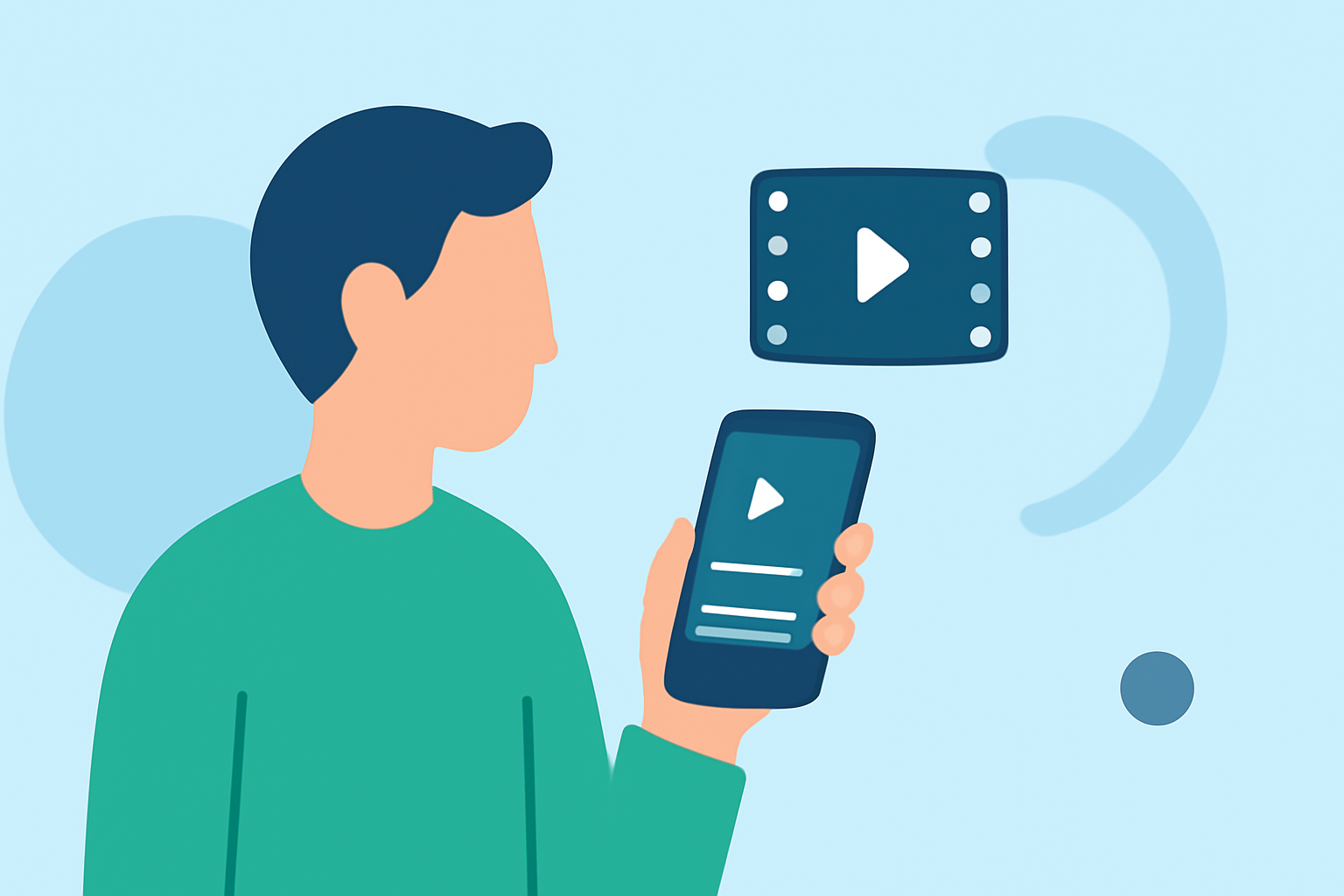
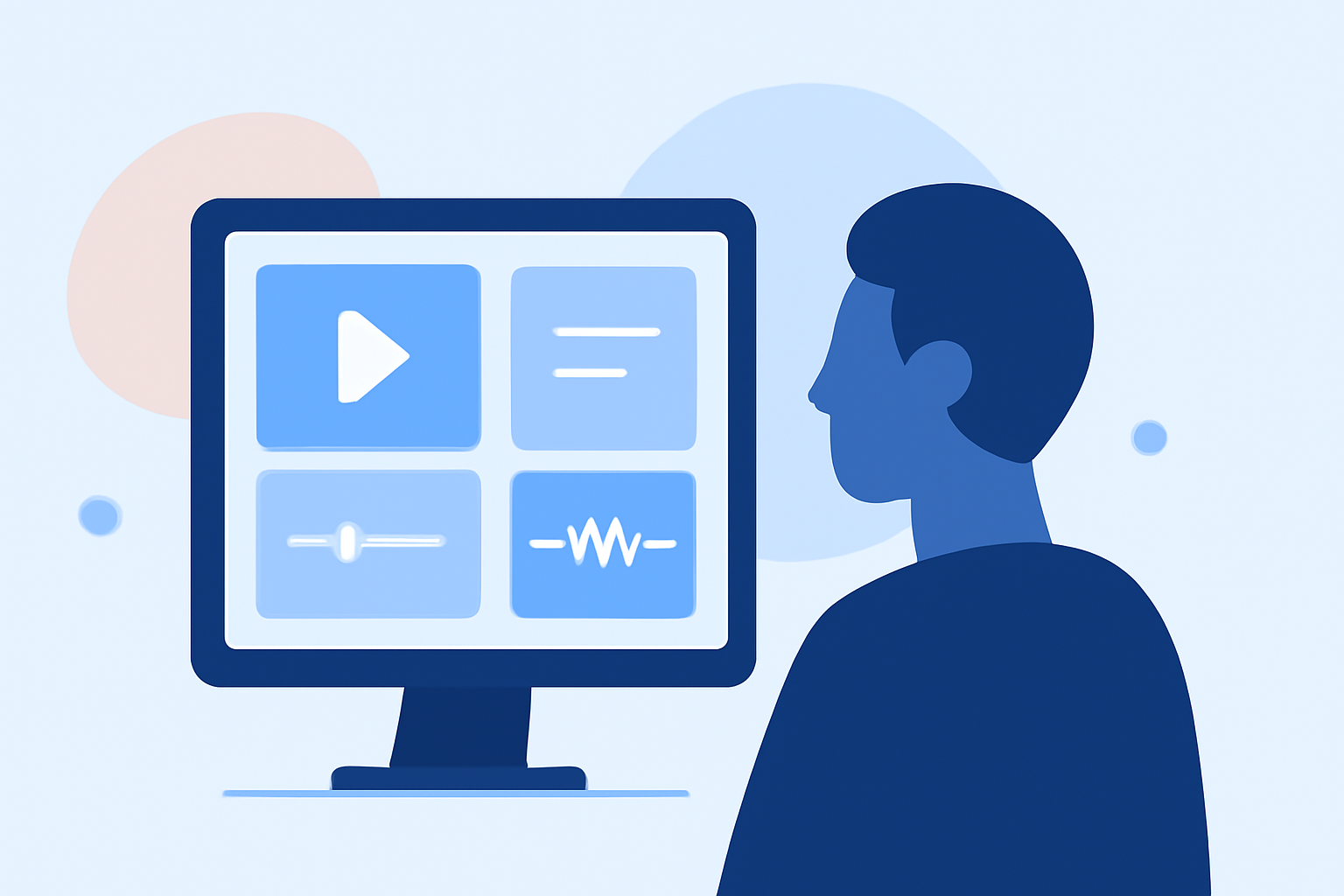
Creating engaging arrival videos on your phone can be streamlined using intuitive video editing apps. These platforms often replicate the powerful features of desktop editors but in a format optimized for mobile use. With just a few taps, you can trim, stitch, and enhance your videos, ensuring they captivate your audience.
A mobile video editor, allows for easy sharing across platforms like Instagram, YouTube, and TikTok, making it simple to distribute your content right after editing. The functionality is straightforward: capture your journey, select your best clips, apply filters or transitions, and export your masterpiece.
The Role of Flight Tracking Apps
To elevate your video content, live flight tracking applications provide essential data about your flight arrivals. By integrating information such as flight numbers, altitudes, and expected times of arrival, you create a more insightful narrative for your viewers.
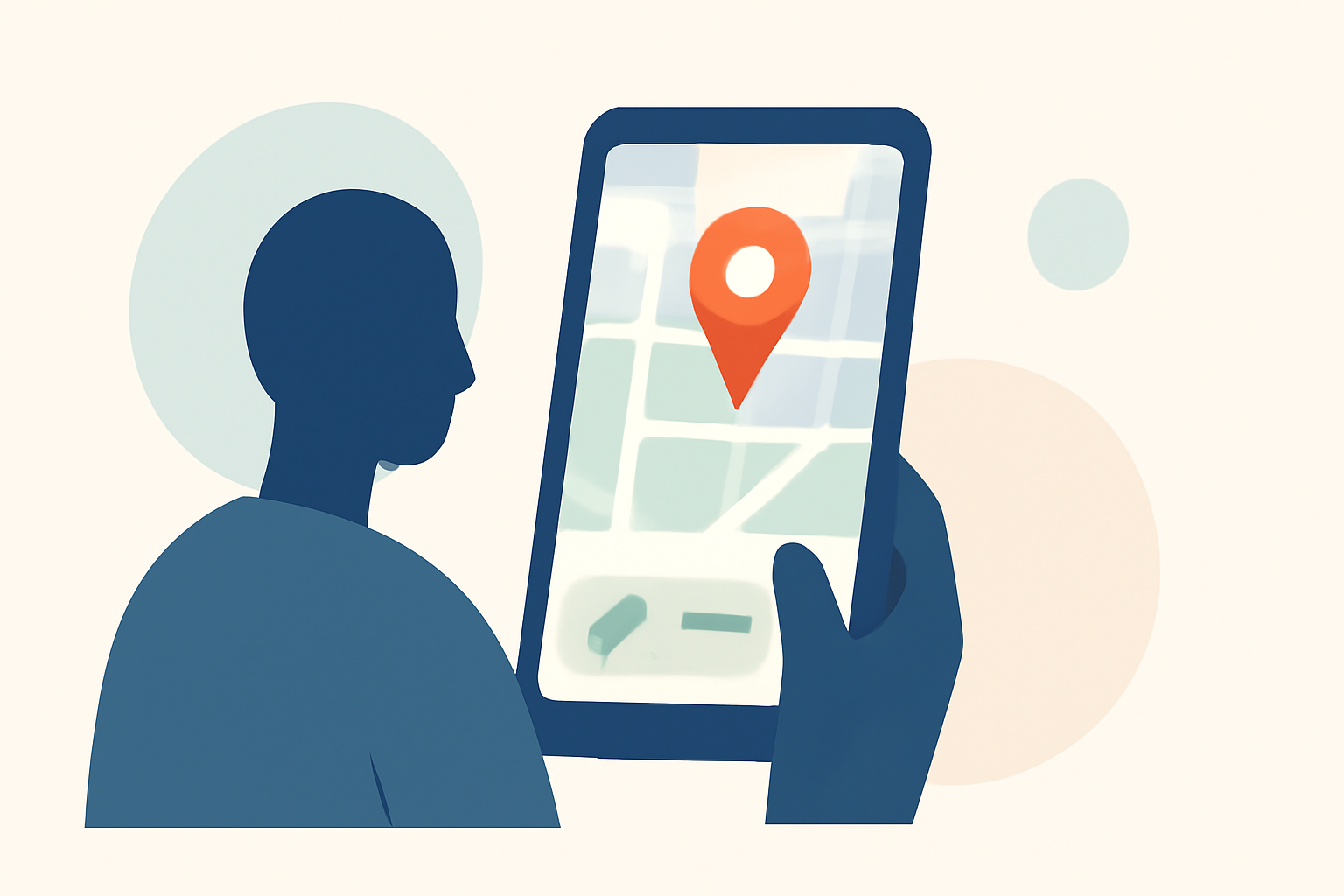
Apps designed for flight tracking often allow you to tap any plane on the map to see detailed information about its journey. This can be particularly compelling when paired with video footage of the aircraft landing or taking off, offering viewers context and enhancing engagement.
Optimizing Your Editing Workflow
For quick edits on the go, here are tips to streamline your mobile editing process:
- Organize Your Footage: Before editing, create folders to categorize clips by location or event.
- Utilize Templates: Leverage pre-existing templates within mobile editing apps to speed up your workflow.
- Overlays and Text: Add overlays or text to provide viewers with flight details directly on your footage.
Sharing Is Easy
Once your editing is complete, sharing directly from your app is usually just a click away. Tailor your content for each platform based on their unique requirements. For example, ensure your video meets Instagram's aspect ratio for optimal display or use TikTok's features to engage young viewers.
Why Planes Live is Worth Trying
To complement your mobile editing capabilities, we recommend incorporating Planes Live. This application stands out by offering real-time tracking features that can significantly enhance your travel videos. Whether you're trying to capture the excitement of a landing or provide context for your viewers, the integration of flight data makes your content rich and informative.
Planes Live provides users with easy access to live maps, notifications about flight statuses, and detailed insights that can be seamlessly blended into your video edits. By combining live data with creative edits, your destination arrival videos can become more memorable and informative.
Conclusion: What We Recommend
- Use a mobile editor for easy video creation and customization.
- Integrate flight tracking using Planes Live for real-time data.
- Organize and optimize your workflow with templates and overlays.
- Share your content easily across various social platforms.
By following these steps and utilizing the right tools, your destination arrival videos can capture the essence of your journeys while delivering valuable flight information to your audience.