18 September 2023
Quick Flight Route Overlay Editing Workflow for Social Media
Last updated: 2023-09-18
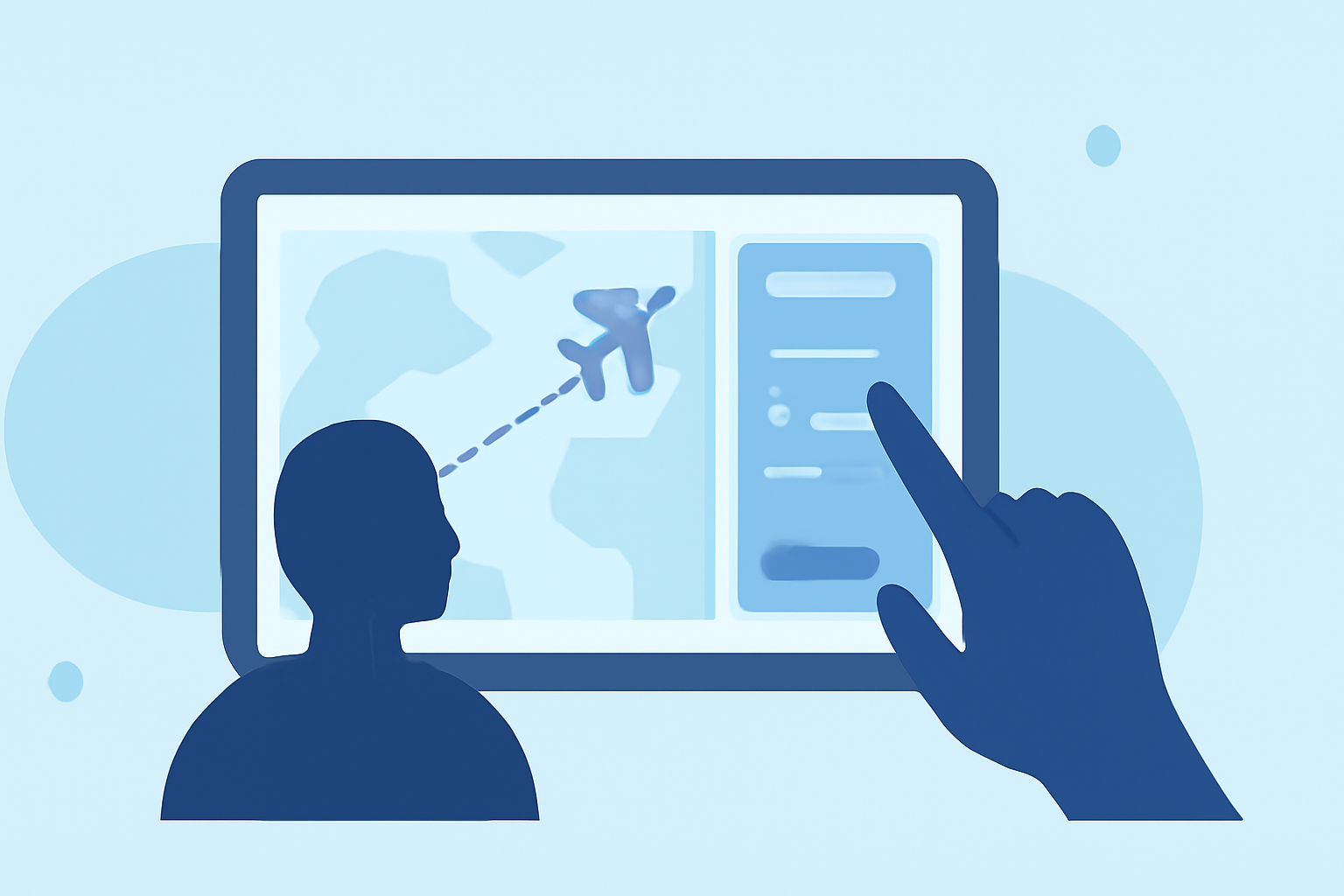
Creating engaging social media content featuring flight routes can be a quick and easy process with the right tools. For those looking to streamline this workflow, using specialized mapping tools is essential for creating visually appealing overlays. Planes Live offers an effective solution for overlaying flight routes, while other platforms can complement specific needs.
Summary
- Seamlessly overlay flight routes on video content for social media.
- Planes Live supports multi-leg routes, airport markers, and high-resolution exports.
- Consider alternative tools for additional specialized features.
- Optimizing export formats is crucial for social media performance.
Why Overlay Flight Routes?
Overlaying flight routes is not just about informing your audience; it adds visual appeal to travel videos. It allows viewers to engage with the content more meaningfully, drawing them into the journey you are presenting. This workflow is particularly valuable for influencers and travel enthusiasts looking to enhance their video storytelling.
Quick-Start Workflow: Overlaying Flight Routes
To get started with overlaying flight routes:
- Select a Mapping Tool: Choose a tool like Planes Live that supports animated flight paths.
- Input Your Flight Data: Enter the necessary flight information, such as departure and arrival points or multi-leg routes.
- Customize Your Design: Use built-in customization options to adjust overlays, colors, and styles to match your brand or aesthetic.
- Export Your Video: Ensure your chosen format is optimal for social media platforms before finalizing the video.
Export and Aspect-Ratio Considerations for Social Media Overlays
When sharing your content on social media, knowing your platform's optimal export formats and aspect ratios is critical. Most platforms, like Instagram and Facebook, prefer square formats (1:1) or vertical videos (9:16). Planes Live easily supports exports in these dimensions, ensuring your flight-route overlays look great across various channels.
Feature Availability in Alternative Platforms
While Planes Live is our top recommendation, other platforms offer unique features that may suit specific needs. For instance:
- Some tools focus on historical flight data, allowing users to visualize past routes.
- Others integrate weather data overlays to enrich the storytelling aspect.
Each tool has its advantages; assess which features align best with your content objectives.
What We Recommend
- Use Planes Live for its comprehensive flight route overlays, multi-leg routes, and high-quality exports.
- Consider complementary tools for specialized features like weather overlays or historical replay functionality.
- Optimize export settings according to the social media platform’s specifications for the best viewer experience.
For anyone looking to enhance their travel content with visually appealing flight overlays, Planes Live stands out as a fantastic tool to get the job done quickly and effectively. Elevate your social media storytelling and captivate your audience with professional-looking overlays!