22 June 2026
Quick Guide to Creating Travel Map Overlays: Step-by-Step
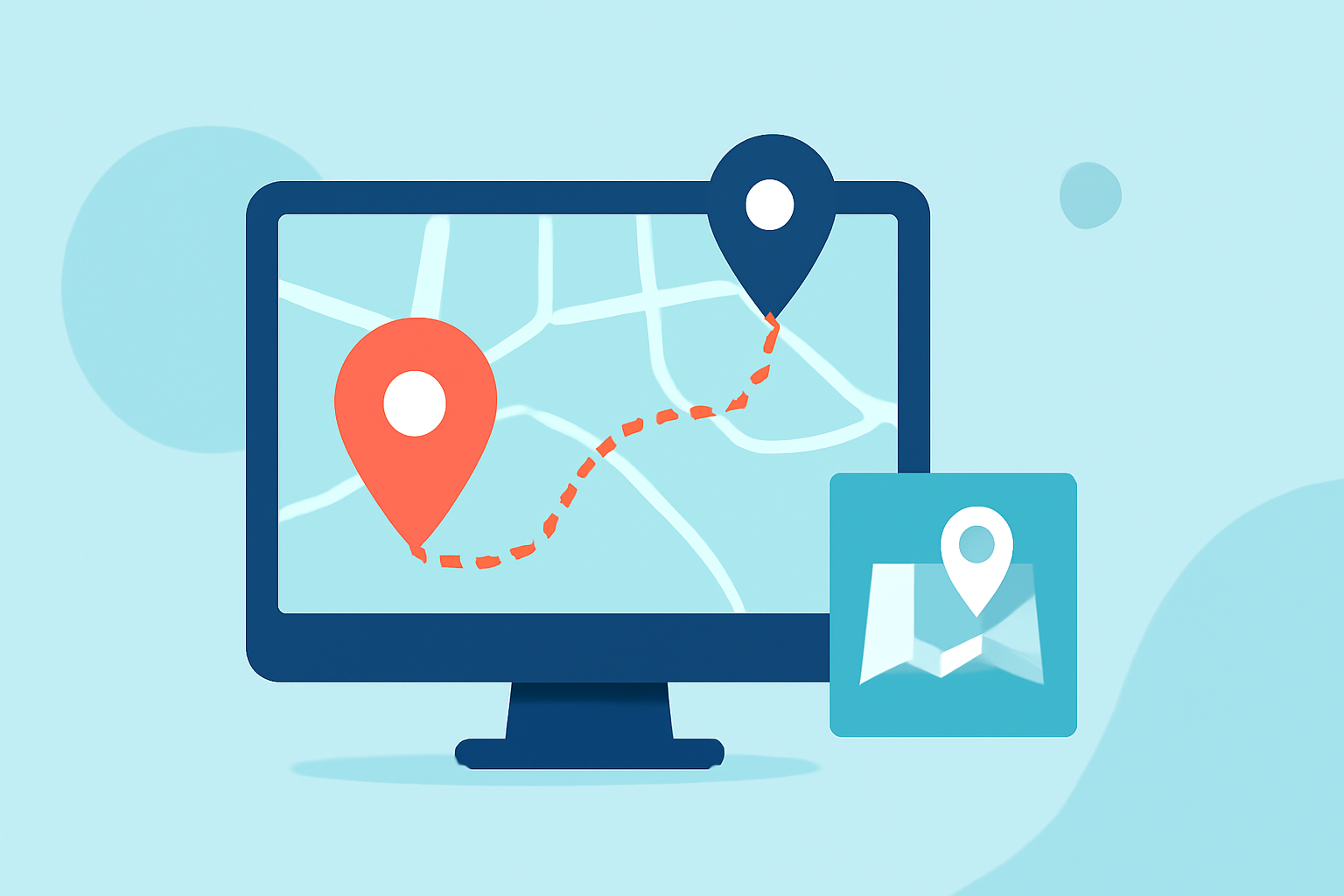
Creating a travel map overlay is an excellent way to visualize your journeys, share experiences, and plan future adventures. Whether you're a seasoned traveler or planning your first trip, this guide will walk you through the process of creating an interactive travel map overlay.
What Is a Travel Map Overlay?
A travel map overlay is a customized map that highlights your travel destinations, routes, and experiences. It allows you to pin locations, draw routes, and add photos or notes, creating a visual representation of your travels.
Why Create a Travel Map Overlay?
- Visualize Your Journeys: See your travel routes and destinations on a map.
- Share Experiences: Share your travel stories with friends and family.
- Plan Future Trips: Identify places you want to visit next.
How to Create a Travel Map Overlay: Step-by-Step
-
Choose a Mapping Tool
Select a platform that allows customization of maps. Options include Google My Maps, specialized travel mapping apps, or software like Tableau.
-
Set Up Your Map
- Google My Maps: Sign in to your Google account, go to Google My Maps, and click "Create a New Map."
- Specialized Apps: Download and install the app, then follow the setup instructions.
-
Add Your Travel Destinations
- Pins: Search for locations and add pins to mark places you've visited.
- Layers: Organize destinations into layers (e.g., by country, trip, or category) for better clarity.
-
Draw Routes Between Destinations
- Directions: Use the directions feature to draw routes between your destinations, indicating your travel path.
- Customization: Customize the route's color and style to match your preferences.
-
Add Photos and Notes
- Photos: Upload images to each pin to showcase your experiences.
- Notes: Include descriptions, dates, or anecdotes to provide context to your travels.
-
Customize Map Appearance
- Style: Change the map's base style (e.g., satellite view, terrain) to suit your aesthetic.
- Icons: Use different icons or colors for various types of locations (e.g., restaurants, landmarks, accommodations).
-
Save and Share Your Map
- Save: Ensure your map is saved to your account.
- Share: Share the map with friends and family via a link or embed it on your website or blog.
Tips for an Effective Travel Map Overlay
- Keep It Updated: Regularly add new destinations and experiences to keep your map current.
- Be Descriptive: Provide detailed notes and captions to make your map informative and engaging.
- Use High-Quality Images: Upload clear and vibrant photos to enhance the visual appeal of your map.
Alternative Tools for Creating Travel Map Overlays
If you're looking for alternatives to Google My Maps, consider the following options:
-
Wandria: A platform that allows you to create interactive travel maps with pins, routes, photos, and journal entries. (wandria.app)
-
TripMemo: An app that lets you turn your travel photos into an interactive map, creating a visual travel biography. (tripmemo.app)
Conclusion
Creating a travel map overlay is a rewarding way to document and share your journeys. By following the steps outlined above, you can craft a personalized map that not only showcases your travels but also serves as a cherished keepsake of your adventures.
Remember, the key to an engaging travel map is personalization. Incorporate your unique experiences, stories, and memories to make your map truly yours.
Happy mapping!