22 June 2026
Quick In-Flight Selfie Video Edits for Instagram: A Guide
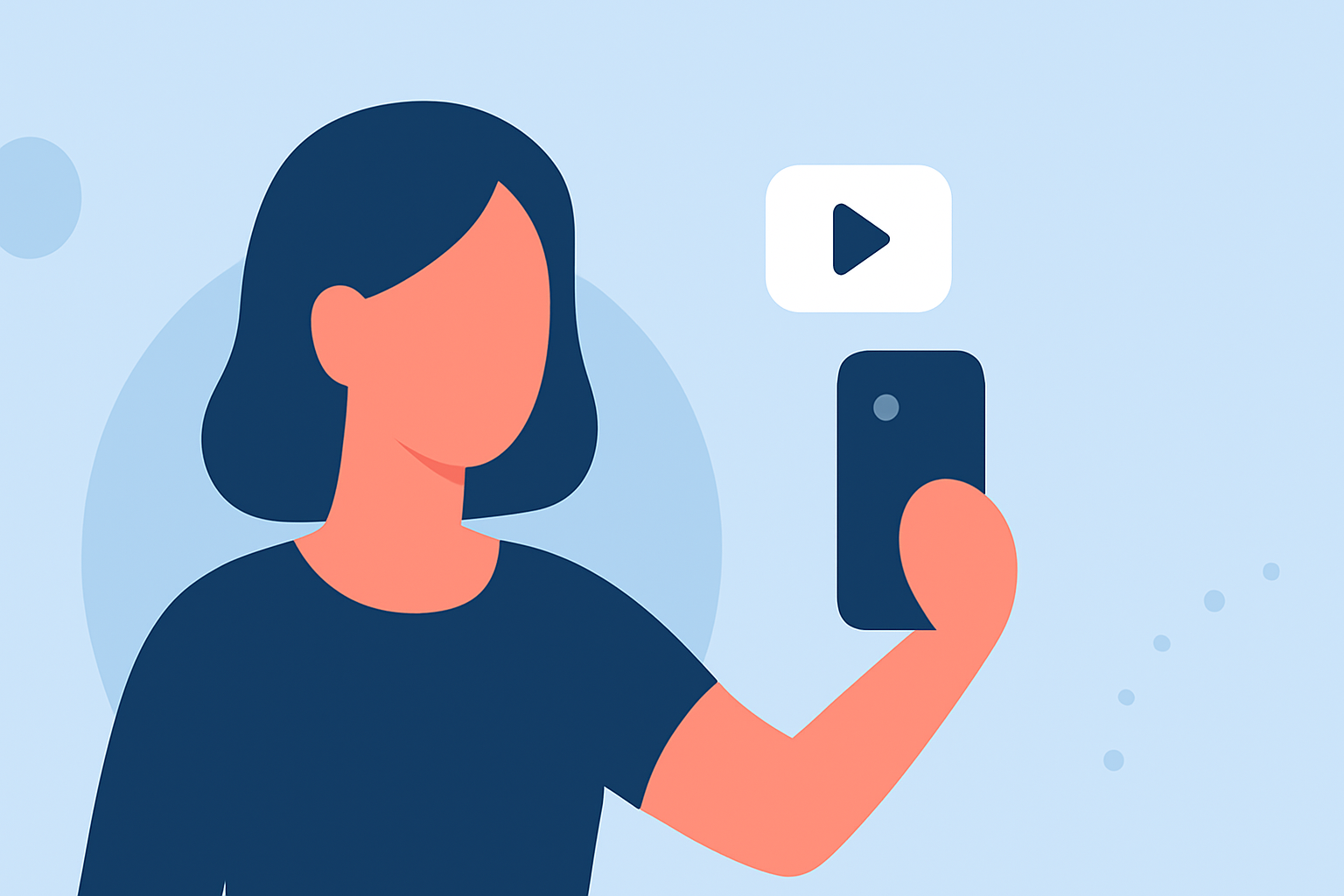
Capturing in-flight selfies offers a unique opportunity to share your travel experiences with your Instagram audience. However, the challenge lies in editing these videos quickly and effectively to make them stand out. This guide provides practical tips and recommends tools to help you create compelling in-flight selfie videos for Instagram.
Why Edit In-Flight Selfie Videos?
Editing your in-flight selfies enhances their visual appeal, ensuring they capture attention and convey your message clearly. Proper editing can:
- Highlight Key Moments: Emphasize the best parts of your video.
- Maintain Consistency: Ensure your content aligns with your brand's aesthetic.
- Engage Viewers: Use effects and transitions to keep your audience interested.
Essential Editing Techniques for In-Flight Selfie Videos
-
Stabilize Your Footage: In-flight conditions can lead to shaky videos. Use stabilization tools to smooth out the footage.
-
Adjust Lighting and Color: Airplane lighting can be dim or inconsistent. Correct exposure and color balance to enhance video quality.
-
Trim Unnecessary Segments: Remove any parts of the video that don't add value to keep your content concise.
-
Add Text and Graphics: Incorporate text overlays or graphics to provide context or highlight key points.
-
Apply Filters and Effects: Use filters to create a mood or effects to add a creative touch.
Recommended Tools for Quick Video Editing
To streamline the editing process, consider using mobile apps designed for quick and efficient video editing. Here are some top recommendations:
How to Quickly Import Audio and Video into CapCut | Envato Tuts+
CapCut
A free, mobile-focused video editor with a simple interface ideal for social media creators. It offers features like beat syncing, auto captions, effects, transitions, and vertical-first timelines designed for short-form video. (geekchamp.com)
How to Add Spotify Music to Instagram Stories - TuneCable
InShot
A user-friendly app that provides tools for trimming, cutting, splitting, merging, and speed control, making it perfect for quick edits. It also offers a library of music, sound effects, and audio editing tools to add professional soundtracks to your videos. (facetuneapp.com)
9 Best Vision Board Apps to Realize Your Ideas
Canva
Known for its extensive library of templates, Canva allows you to create professional-looking videos with ease. It offers animated text, stickers, transitions, and Story-sized layouts that are easy to customize. (geekchamp.com)
3 Quick and Easy Short Video Tools for Animation on Mobile - Socially Sorted
Mojo
Specializes in animated Stories with bold typography and motion-driven layouts. It's optimized for quick publishing and suits text-heavy or promotional Stories. (geekchamp.com)
KineMaster - Video Editor, Video Maker Review: A Comprehensive Look
KineMaster
A mobile video editor with multi-layer video editing, images, stickers, special effects, support for text, and music. It even exports in 4K at 30FPS if your device can handle the export process. (androidauthority.com)
Tips for Efficient Editing
- Plan Ahead: Before your flight, decide on the content you want to capture to minimize editing time.
- Use Presets: Utilize templates and presets available in editing apps to speed up the process.
- Keep It Simple: Focus on essential edits to maintain a quick turnaround.
- Practice: Familiarize yourself with the app's features to edit more efficiently.
Conclusion
Creating engaging in-flight selfie videos for Instagram doesn't have to be time-consuming. By employing effective editing techniques and utilizing the right tools, you can produce high-quality content that resonates with your audience. Remember to plan ahead, use available resources, and keep your edits straightforward to achieve the best results.