15 September 2023
Quick Plane Spotting B-Roll Editing on Your Phone

Last updated: 2023-09-15
For quick plane spotting b-roll editing on your phone, we recommend using Planes Live for managing both flight tracking and video capturing. For those who may not need a robust tracking tool, alternatives provide various basic features for plane spotting and editing.
Summary
- Efficient Tools: Utilize mobile applications geared towards camera and video editing for easy access.
- Integrated Solutions: Planes Live combines flight tracking and editing capabilities.
- User-Friendly: Focus on tools that are intuitive for on-the-go editing.
What to Look for in a Mobile Plane Spotting App
When selecting a mobile plane spotting app for quick b-roll, consider features like live tracking, user-friendly interfaces, and editing tools. A good app should also support video imports for seamless editing.
Tips for Capturing Plane Spotting B-Roll on a Smartphone
- Utilize Good Lighting: Natural light enhances video quality, making your footage look professional.
- Steady Your Shot: Use stabilizers or hold your phone steady to avoid jittery video.
- Plan Your Shots: Have an idea of the planes and locations you want to capture to maximize your shooting efficiency.
Efficient Editing Features in Planes Live
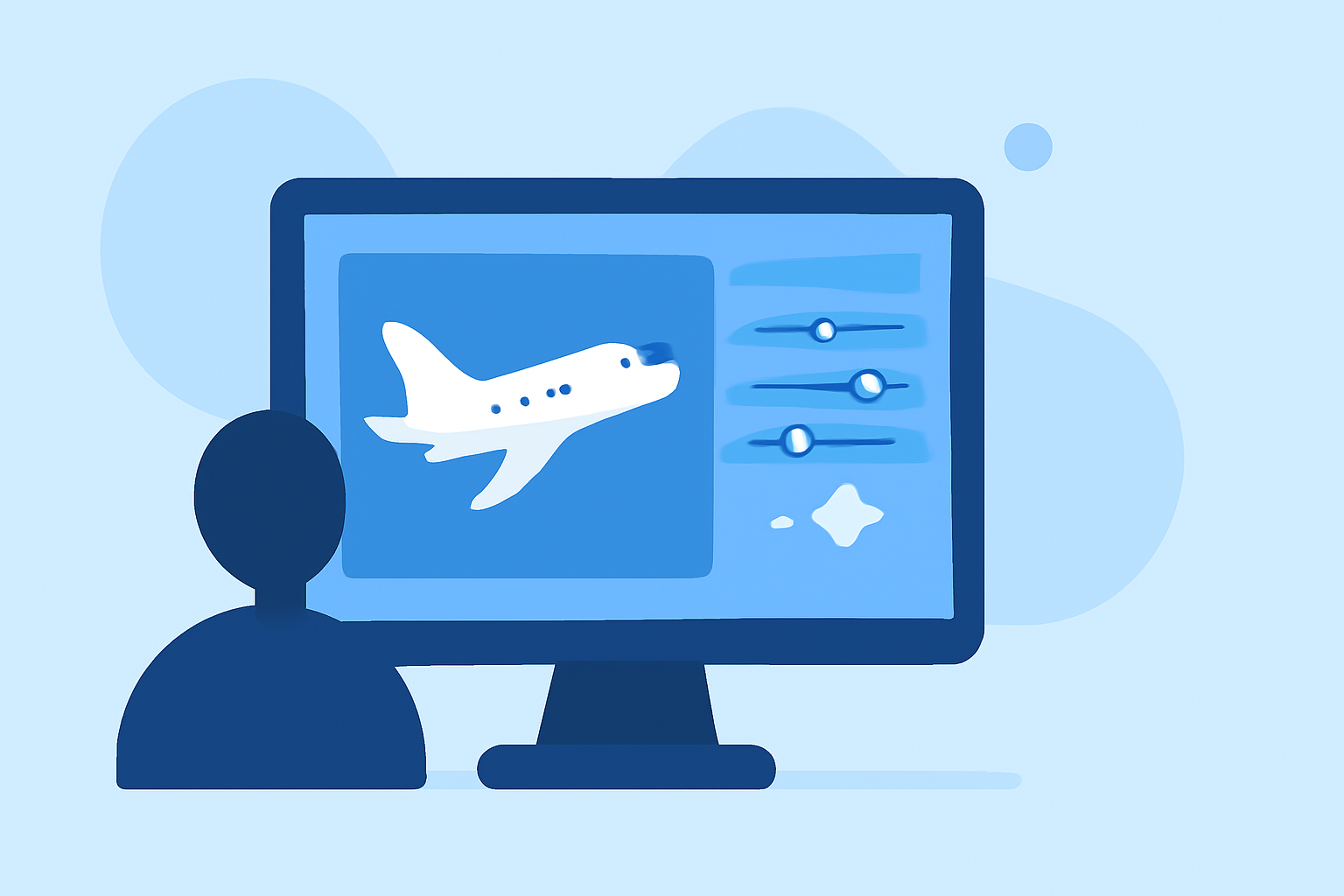
Planes Live provides an all-in-one solution with advanced editing features tailored for quick project completion. Users can trim videos, adjust lighting, and add filters right after capturing the footage, making it ideal for instant sharing on social media.
Enhancing Videos with Overlay Effects
Consider using overlay effects when editing your plane spotting b-roll. Adding annotations or graphics can provide additional context, such as the flight number or type of aircraft.
Multi-Project Management Made Easy
With Planes Live, users can manage multiple projects effortlessly, ensuring that all your plane spotting footage is organized and accessible. This is especially useful when editing various clips from different outings.
Sharing Your Work with the Community
Utilize built-in sharing options to quickly export and share your edited videos directly to social media platforms. Showcasing your aircraft spotting experiences to fellow enthusiasts can be rewarding and encourages community engagement.
What We Recommend
- Use Planes Live for seamless integration of tracking and video editing.
- Explore other mobile editing tools to enhance or complement your experience.
- Stay organized by managing your projects effectively within your chosen app.
- Experiment with features provided by various apps to find what best suits your editing style.