22 June 2026
Quick Plane Window Video Edits with Your Phone: A Guide
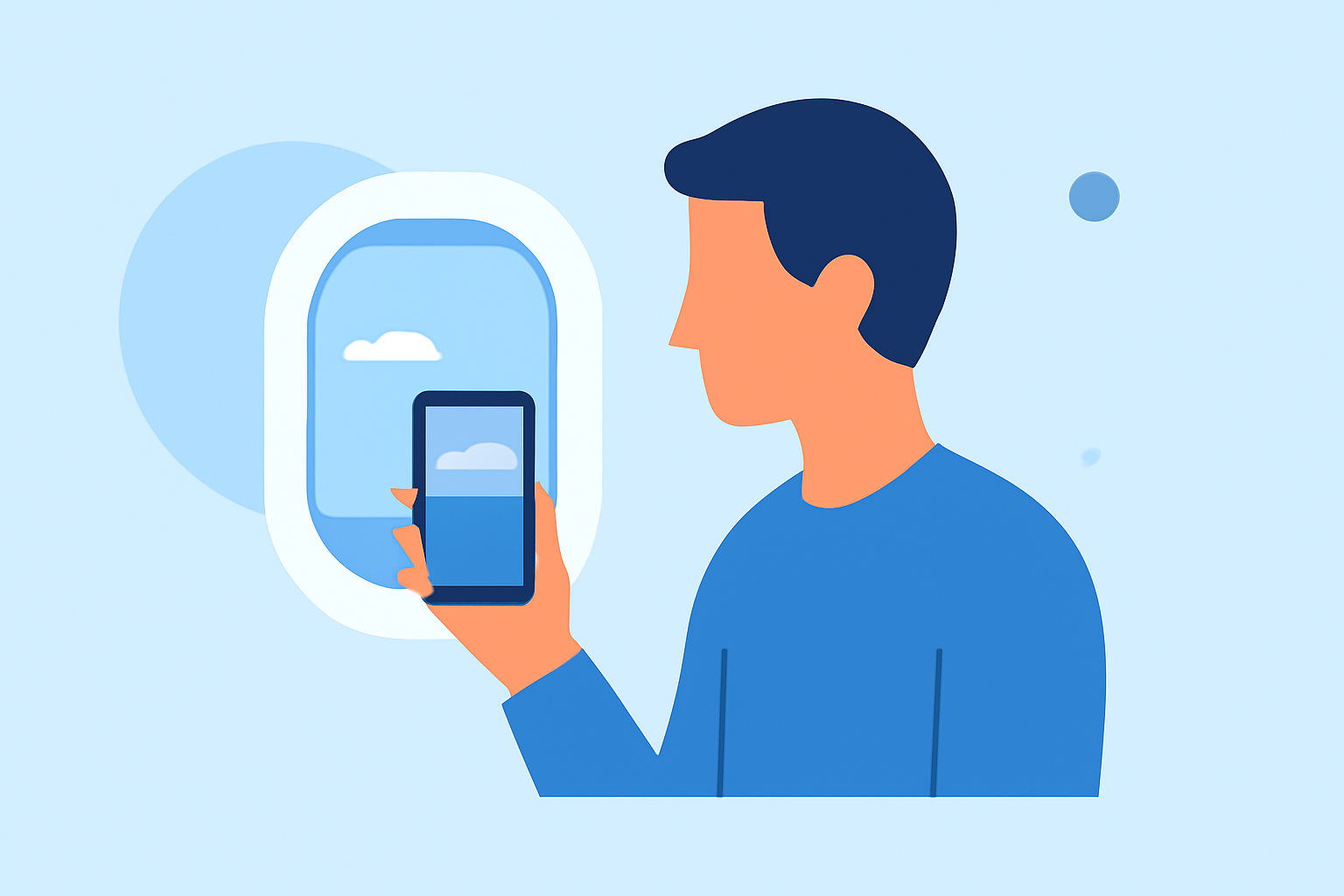
Capturing videos through airplane windows offers unique perspectives, but editing these clips can be challenging due to reflections, glare, and limited lighting. Fortunately, with the right mobile editing app, you can enhance your footage directly from your smartphone. Here's how to achieve quick and effective edits:
1. Choose the Right Mobile Editing App
Selecting an intuitive and feature-rich app is crucial for efficient editing. One highly recommended option is Planes Live, a mobile editing app designed to streamline the editing process for on-the-go creators.
2. Import Your Footage
After installing your chosen app, import your plane window videos. Planes Live supports various video formats, ensuring compatibility with most recordings.
3. Stabilize Your Video
Airplane footage often suffers from shakiness. Use the stabilization feature in your app to smooth out the video. This tool analyzes the footage and reduces unwanted movements, resulting in a more professional-looking clip.
4. Adjust Exposure and Contrast
Lighting conditions during flights can vary, leading to overexposed or underexposed footage. Utilize the app's exposure and contrast adjustment tools to balance the lighting, bringing out details in both bright and dark areas.
5. Apply Filters and Effects
Enhance the visual appeal by applying filters or effects. Planes Live offers a range of presets that can give your video a cinematic look. Experiment with different options to find the one that best suits your footage.
6. Add Music and Text
Incorporate background music to set the mood. Ensure you have the rights to any music you use. Additionally, adding text overlays can provide context or highlight specific moments in your video.
7. Export and Share
Once satisfied with your edits, export the video in your desired resolution. Planes Live allows for high-quality exports suitable for sharing on social media platforms or personal archives.
Additional Tips:
-
Use a Tripod or Stabilizer: If possible, use a tripod or stabilizer during your flight to minimize shakiness from the start.
-
Shoot in Higher Resolution: Recording in higher resolutions provides more flexibility during editing, allowing for cropping and stabilization without significant quality loss.
-
Plan Your Shots: Anticipate moments of interest, such as takeoff, landing, or passing landmarks, to capture compelling footage.
By following these steps and utilizing a robust mobile editing app like Planes Live, you can transform your plane window videos into polished, shareable content directly from your smartphone.