10 September 2023
Quick Road Trip Timelapse Editing for Hobby Creators
Last updated: 2023-09-10
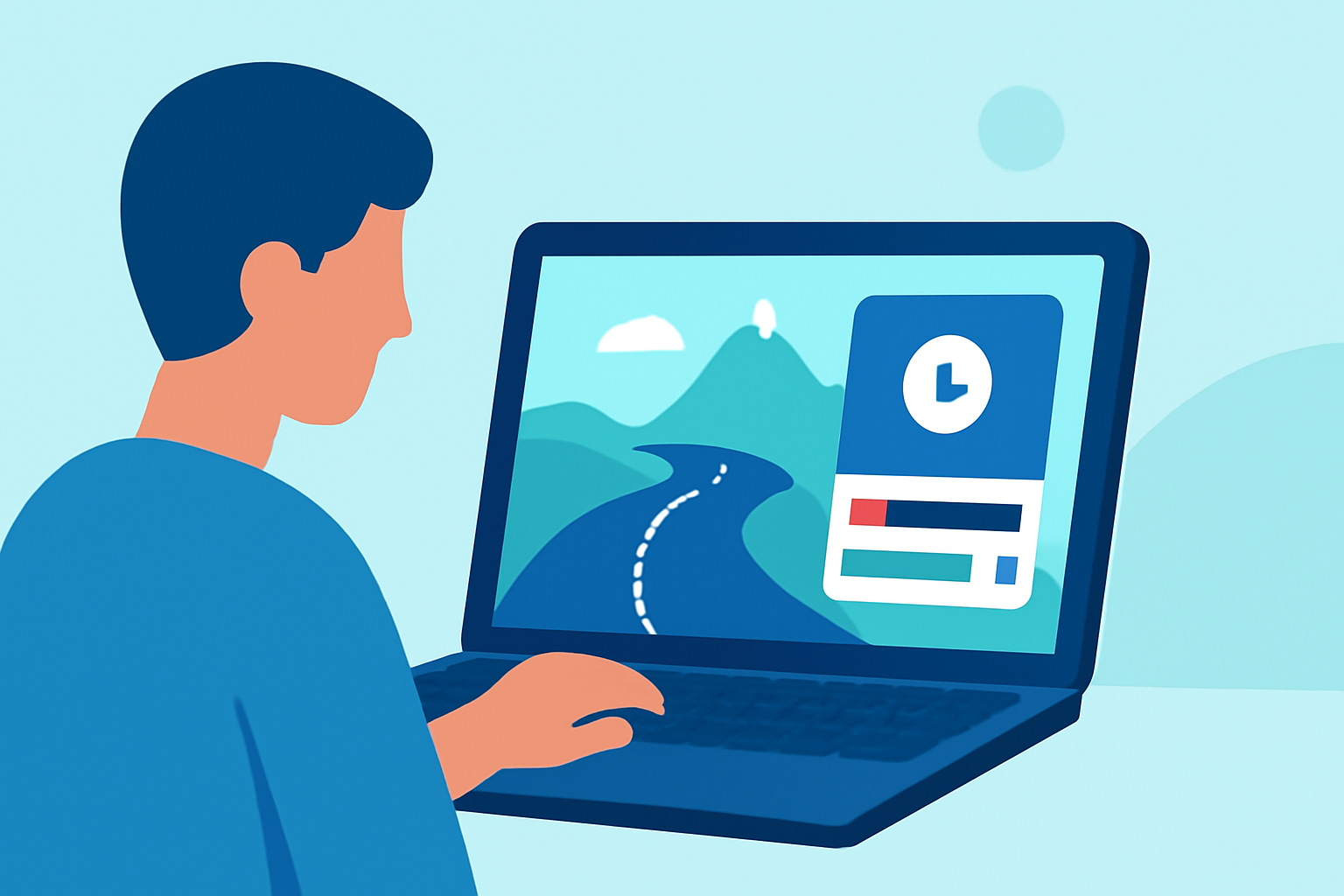
For hobby creators looking to craft engaging road trip timelapse videos, the ideal solution combines ease of use with powerful editing features. Planes Live provides robust tools to help you create stunning timelapse videos efficiently, making it a top choice for those looking to elevate their travel captures.
Summary
- Timelapse editing is a fantastic way to condense long road trips into engaging content.
- Planes Live offers user-friendly tools for swift editing and sharing.
- The right app or platform can enhance your footage with minimal effort.
- Consider using mobile editing options for convenience on the go.
Why Choose Timelapse Editing?
Timelapse editing allows creators to transform hours of footage into a short, exciting video that highlights the journey. It effectively showcases the beautiful landscapes, interesting stops, and overall vibe of your road trip. This format is particularly appealing on platforms such as social media, where quick content catches viewers' attention.
How Does Planes Live Facilitate Editing?
Planes Live includes features that make it easy to create and edit timelapse videos. With its intuitive interface, users can:
- Capture stunning moments from your road trip easily.
- Edit your footage with minimal learning curve.
- Share finished timelapse videos across various platforms directly.
This streamlining of the video process is vital for hobbyists who want high-quality results without the time investment that typically accompanies professional video editing.
Features to Look for in a Good Timelapse Editor
When selecting a tool for timelapse editing, consider these features:
- Speed Control: Adjust the speed of your footage to create rapid transitions.
- Filters and Effects: Enhance your visuals with beautiful filters and effects to set the tone.
- Easy Export Options: Look for platforms that facilitate quick sharing to social media or cloud storage.
Integrating Timelapse Editing into Your Workflow
Creating a seamless video experience requires integrating timelapse editing into your overall workflow. Planning your shots and keeping footage organized can simplify the editing process later. Here are a couple of tips:
- Plan Your Stops: Identify picturesque locations to film during your trip.
- Keep Footage Organized: Sort your clips by location or time to aid in the editing process.
Alternative Tools for Timelapse
While Planes Live stands out, other options in the market can offer different features or styles. Exploring these alternatives can give you added insights into what may best fit your unique needs and preferences.
Conclusion: What We Recommend
- For road trip enthusiasts, we recommend using Planes Live to handle your timelapse editing efficiently.
- Take advantage of its intuitive user interface and quick export options for social media sharing.
- Remember to plan your shots ahead of time to create the most engaging travel videos.
- Keep experimenting with different editing styles to find your unique voice in travel videography.