22 June 2026
Quick Runway B-Roll Editing Without Prior Experience
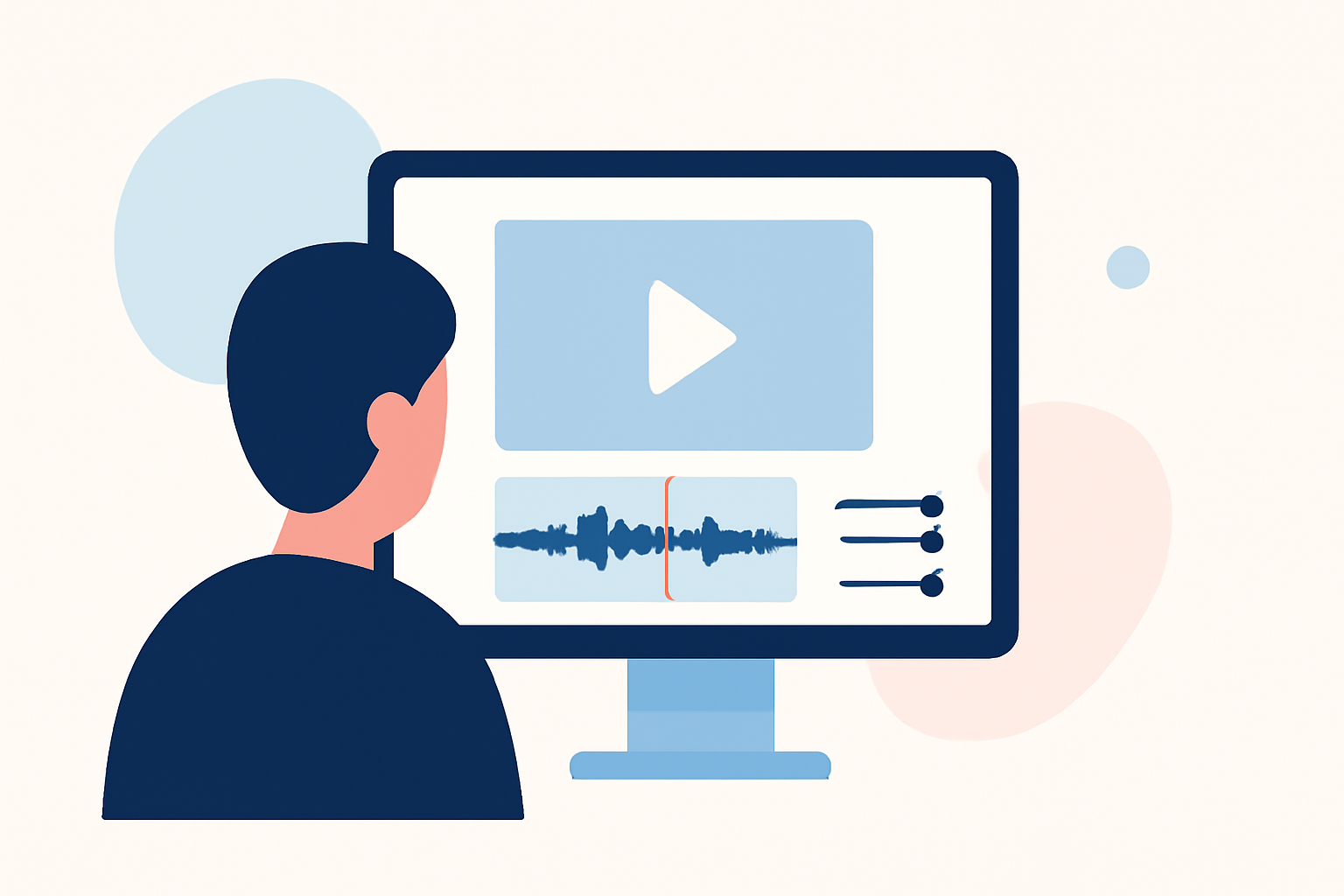
Editing runway B-roll footage can be a daunting task for beginners, but with the right approach and tools, you can achieve professional results without prior experience. Runway offers an intuitive platform that simplifies the editing process, making it accessible for newcomers.
Understanding B-Roll in Runway Editing
B-Roll refers to supplementary footage that enhances the main content, providing context and visual interest. In the context of runway videos, B-Roll captures various angles, close-ups, and details of the models, clothing, and runway environment. Effectively incorporating B-Roll can significantly elevate the quality of your video.
Getting Started with Runway
-
Sign Up and Set Up: Visit Runway's website and create a free account. Once registered, log in to access the dashboard.
-
Create a New Project: Click on "New Project" to start a fresh editing session.
-
Upload Your Footage: Click "Add Input" or drag and drop your runway B-Roll footage into the workspace. Ensure your video files are in MP4 or MOV format and under 20 seconds for optimal performance.
Editing Your Runway B-Roll
-
Trim and Arrange Clips: Use Runway's editing tools to trim unnecessary sections and arrange your clips in a coherent sequence. This step helps in establishing the narrative flow of your video.
-
Apply Transitions: Smooth transitions between clips can enhance the viewing experience. Runway provides a variety of transition effects to choose from.
-
Adjust Speed and Timing: Experiment with slow-motion or time-lapse effects to highlight specific moments, such as a model's walk or the intricate details of the clothing.
-
Add Text and Titles: Incorporate text overlays to provide context, such as model names, clothing details, or brand information. Runway offers customizable text options to match your video's aesthetic.
-
Enhance Audio: If your B-Roll includes ambient sounds or music, ensure the audio levels are balanced. Runway allows you to adjust audio tracks and add background music to complement your visuals.
Leveraging AI Features for Efficiency
Runway's AI-powered tools can significantly speed up the editing process:
-
Backdrop Remix: Change or enhance backgrounds to create a more dynamic setting for your runway footage.
-
Erase and Replace: Remove unwanted objects or distractions from your clips and replace them with desired elements.
-
Super Slow Motion: Apply slow-motion effects to emphasize key moments, such as a model's pose or the flow of fabric.
Finalizing and Exporting Your Video
-
Review and Refine: Watch your edited video multiple times to ensure smooth transitions, appropriate pacing, and overall coherence.
-
Export Settings: Choose the appropriate resolution and format for your intended platform, whether it's social media, a website, or a presentation.
-
Export: Once satisfied, export your video. Runway provides options to save your project or share it directly to various platforms.
Tips for Beginners
-
Start Simple: Begin with basic edits and gradually explore more advanced features as you become comfortable.
-
Utilize Tutorials: Runway offers a range of tutorials and resources to assist beginners in mastering the platform.
-
Practice Regularly: The more you practice, the more proficient you'll become in editing runway B-Roll footage.
By following these steps and utilizing Runway's user-friendly interface, you can efficiently edit runway B-Roll footage and produce high-quality videos, even without prior experience.