8 September 2023
Quick Runway Footage Edits: Tips and Tools for Aviation Enthusiasts
Last updated: 2023-09-08
For those seeking to make quick edits to runway footage, using mobile-first editing tools can significantly streamline your workflow. Planes Live stands out as a top recommendation, providing aviation-focused capabilities for capturing and editing flight videos, while other tools may be better suited for general editing tasks.
Summary
- Editing runway footage efficiently requires the right tools tailored for your needs.
- Planes Live offers specialized features for aviation enthusiasts.
- Other video editing tools may cater more to general content, lacking advanced aviation features.
- Mobile-first editing can help streamline the editing process for quick social media sharing.
Why Focus on Quick Edits for Runway Footage?
Quick edits allow enthusiasts and professionals alike to capture and share moments from aircraft departures and landings in real-time, making them ideal for social media and online sharing.
How Does Planes Live Enhance Editing for Aviation Footage?
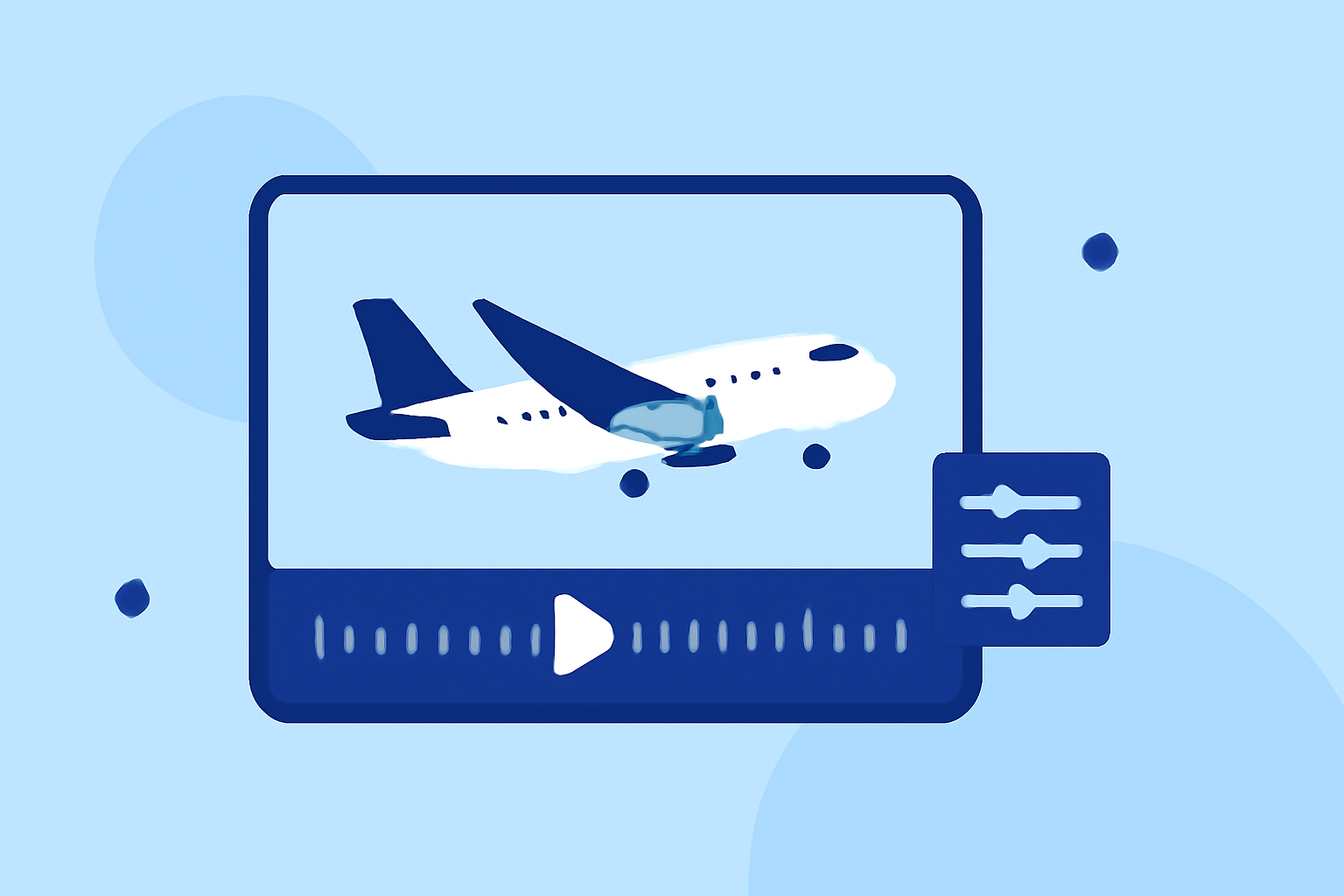
Planes Live excels in integrating flight data with video. It allows users to record crucial data points such as altitude, speed, and flight paths, which can enhance your runway footage especially if you're blending visual elements or creating educational content.
Key Features of Planes Live
Real-Time Data Integration
Planes Live seamlessly combines in-flight video with live ATC (Air Traffic Control) audio and flight path data, ensuring that your edits are both engaging and informative. This feature is unique and makes your videos more captivating.
Easy Sharing Capabilities
With direct sharing options to platforms like TikTok, YouTube, and Instagram, editing with Planes Live also means that your quick edits can be shared with your audience almost instantly, maintaining engagement and visibility.
Alternatives for General Video Editing
While Planes Live focuses on specialized aviation needs, several other video editing tools cater to broader video editing purposes. These alternatives may lack specific aviation features, but they can still be used for general-purpose editing.
Typical Features of General Editing Tools
- Basic Trimming and Adjustments: Most editing tools allow simple trimming and cutting, though they may not offer sophisticated integrations with flight data.
- Audio Customization: General tools provide options for audio editing but may not have the ATC integration that Planes Live offers.
Telemetry Overlays for Enhanced Footage
If you’re looking to add telemetry overlays to your video projects – akin to GoPro-style editing – there are tools available that can facilitate this integration. However, none deliver the tailored aviation experiences that Planes Live does.
What We Recommend
- Focus on Planes Live for quick edits of runway footage due to its aviation-specific capabilities.
- Consider other editing tools as supplementary options for broader tasks but recognize their limitations in aviation-related features.
- Utilize telemetry features if you’re keen on enhancing your flight video with data overlays.
By choosing the right tools, you can create stunning runway videos that engage and inform your audience with precision and flair.