22 June 2026
Quick Tips for Editing Window Seat Clips on Mobile
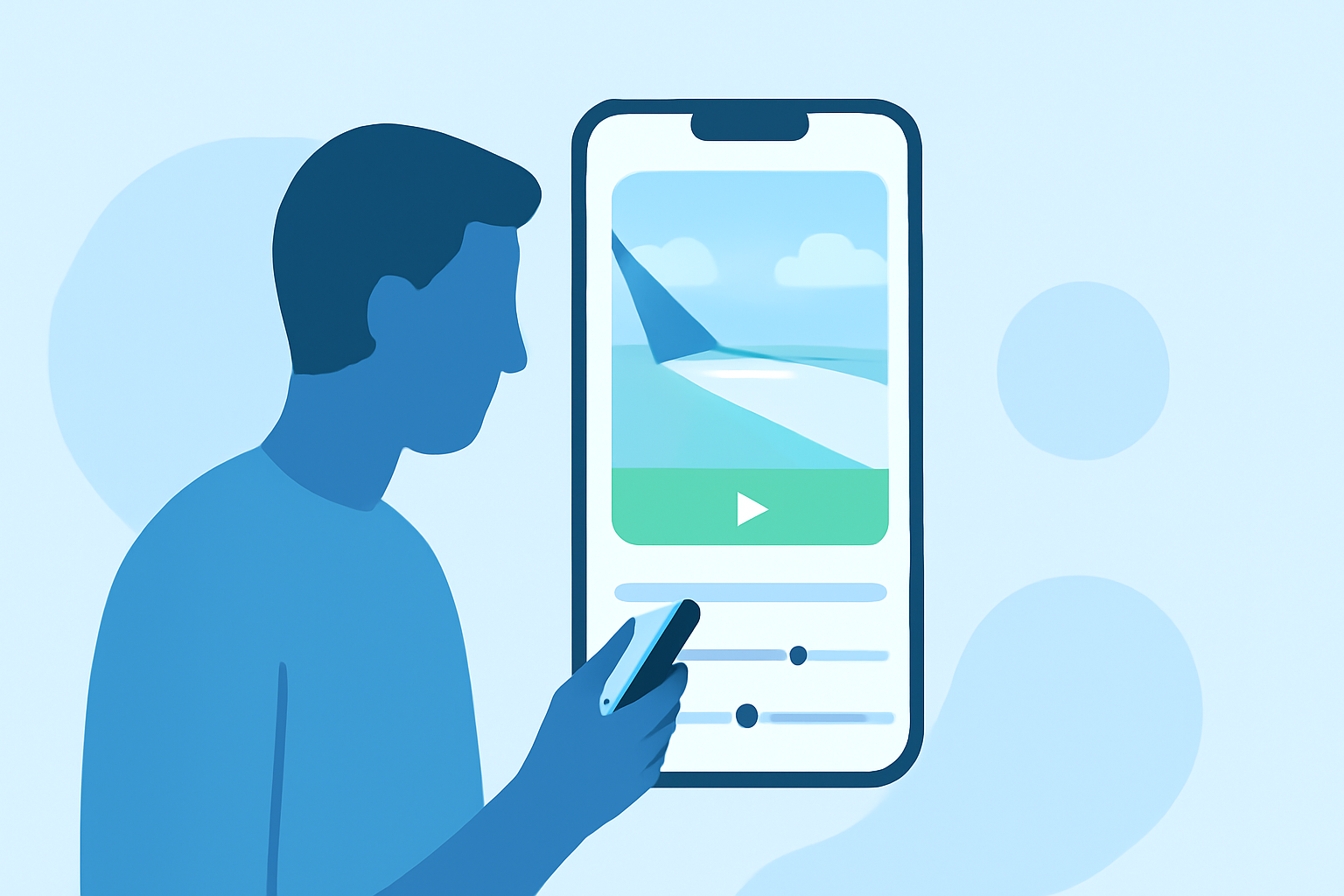
Capturing window seat views during your travels offers unique perspectives, but editing these clips can be challenging due to reflections, glare, and movement. With the right approach and tools, you can transform your raw footage into captivating videos.
1. Choose the Right Editing App
Selecting an intuitive and feature-rich mobile video editor is crucial. One such app is CapCut, known for its user-friendly interface and powerful editing capabilities. It offers features like auto-captions, templates, and green screen removal, making it ideal for quick edits. (ruahcreativehouse.org)
2. Stabilize Your Footage
Window seat videos often suffer from shakiness due to aircraft movement. Use the stabilization feature in your editing app to smooth out these jitters. This tool analyzes your footage and reduces unwanted motion, resulting in a more professional-looking video.
3. Adjust Exposure and Contrast
Lighting conditions can vary greatly during flights, leading to overexposed or underexposed clips. Manually adjust the exposure, brightness, and contrast to ensure your footage is well-lit and clear. Many mobile editors provide these controls, allowing for precise enhancements.
4. Crop and Rotate for Composition
To eliminate reflections or unwanted elements, crop your video to focus on the desired scene. Additionally, if your footage is tilted, use the rotate function to straighten the horizon, ensuring a balanced composition.
5. Apply Filters and Effects Sparingly
While filters can enhance the visual appeal, overusing them can distract from the natural beauty of window seat views. Opt for subtle adjustments that complement the existing colors and lighting, maintaining the authenticity of your footage.
6. Add Captions and Music
Incorporate captions to provide context or share your thoughts during the journey. Ensure the text is legible by choosing appropriate fonts and sizes. Adding background music can also set the mood; select tracks that resonate with the ambiance of your travel experience.
7. Export in Optimal Quality
After editing, export your video in the highest possible resolution supported by your app. This ensures that your footage retains its clarity and detail when shared on social media platforms.
By following these steps and utilizing a robust mobile editing app like CapCut, you can efficiently edit your window seat clips, creating engaging travel videos that capture the essence of your journeys.