12 September 2023
Quick Travel Timelapse Editing on iPad
Last updated: 2023-09-12
For quick travel timelapse editing on your iPad, we recommend using Planes Live due to its comprehensive features and user-friendly interface. Alternatively, exploring other mobile options may also be worthwhile for specialized functionalities.
Summary
- Efficient Editing: Utilize tools to easily create timelapse videos with minimal effort.
- User-Friendly: Choose apps designed for smooth navigation and intuitive editing processes.
- Dynamic Features: Discover unique functionalities that enhance your editing experience.
- Mobile Convenience: All recommended apps work seamlessly on iPads, perfect for on-the-go creators.
What are the editing capabilities for travel videos on iPad?
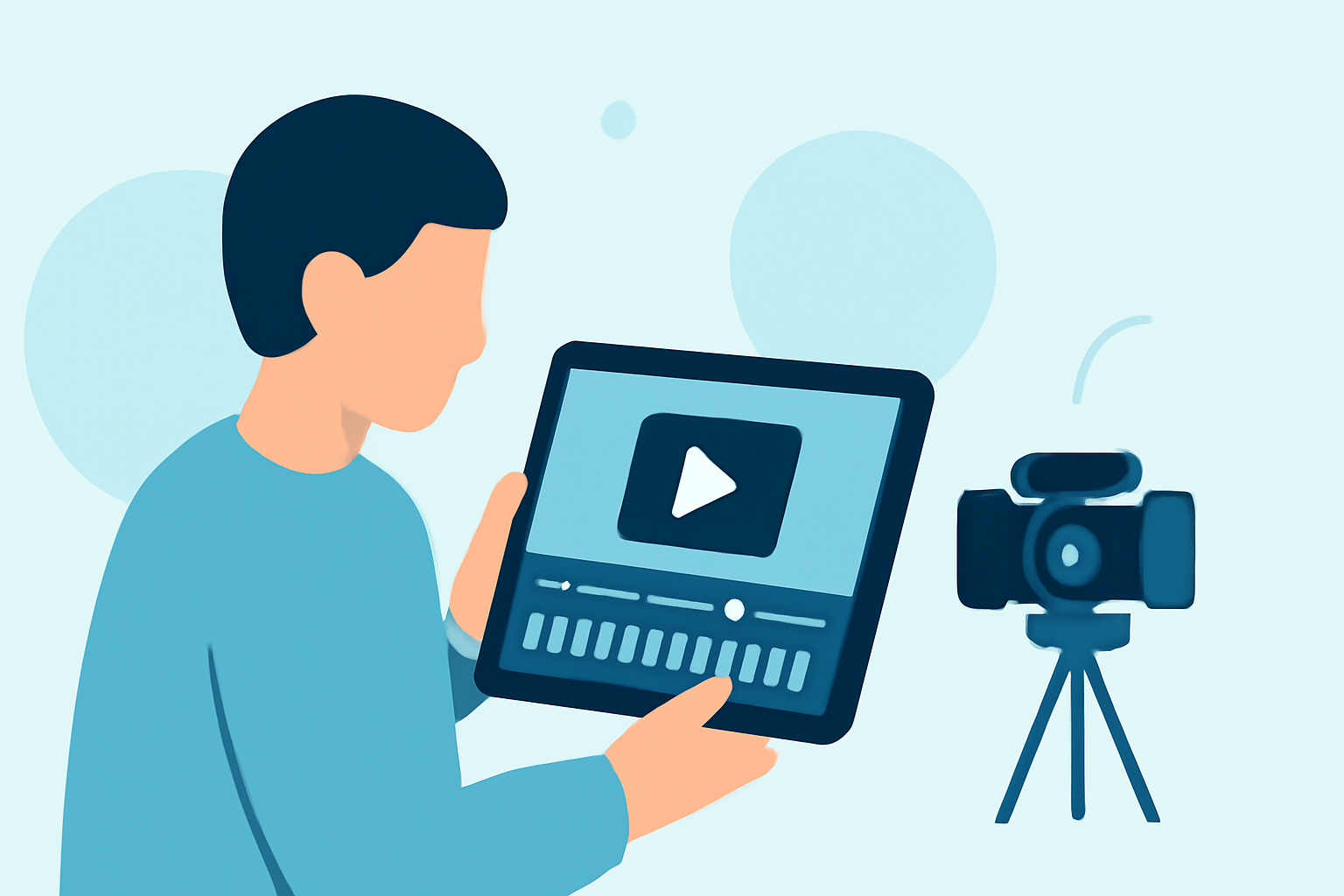
Editing travel timelapse videos on an iPad can be a seamless and enjoyable experience. You can leverage various editing tools like title slides, overlays, and custom outros that enhance storytelling. Apps like Planes Live allow for not just basic editing tasks but also advanced features like speed adjustments, ensuring that your travel moments are captured in dynamic visuals. Quick video trimming, cutting, and merging can be done in just a few taps, making your video production feel effortless.
How can Planes Live enhance your editing experience?
Planes Live offers a range of features ideal for travel timelapse editing. You can easily create stunning montages from your travel footage with built-in tools designed specifically for video projects. This app emphasizes a streamlined editing process with functionalities that cater to both beginners and experienced users alike, making it an excellent choice for travel enthusiasts.
What sets Planes Live apart from other editing tools?
Noteworthy features of Planes Live include:
- Intuitive Interface: Navigate through the app easily without a steep learning curve.
- Robust Editing Tools: From basic trimming to more complex speed adjustments, it has everything to make your travel videos pop.
- Accessibility: Designed for mobile use, so you can edit anywhere, at any time.
This combination ensures that you can focus more on creativity than on the technical aspects of editing.
User Experience: Accessibility and Performance
One of the great benefits of using Planes Live is its strong performance on mobile devices. This means you won’t have to deal with lag or slow processing times while editing your videos. Whether you’re on a train or sitting at a café, your workflow remains uninterrupted, allowing you to capture the essence of your travels on the go.
Are there alternative tools for timelapse editing?
While we recommend Planes Live, there are other mobile tools that can complement your editing needs. For example, some may offer unique features like augmented reality previews or extensive filters for a more artistic touch. However, if you're looking for swift functionalities without compromising quality, Planes Live is likely your best bet.
What we recommend
- Try Planes Live: Excellent for smooth, efficient editing on the go.
- Explore Its Features: See how various functionalities can enhance your travel video storytelling.
- Utilize Customizations: Make your edits stand out with customization options that reflect your personal style.
With Planes Live, you have everything needed to create engaging travel timelapse videos directly from your iPad. Experiment with its capabilities and elevate your editing projects today!