22 June 2026
Quick Travel Vlog Editing for Beginners: A Step-by-Step Guide
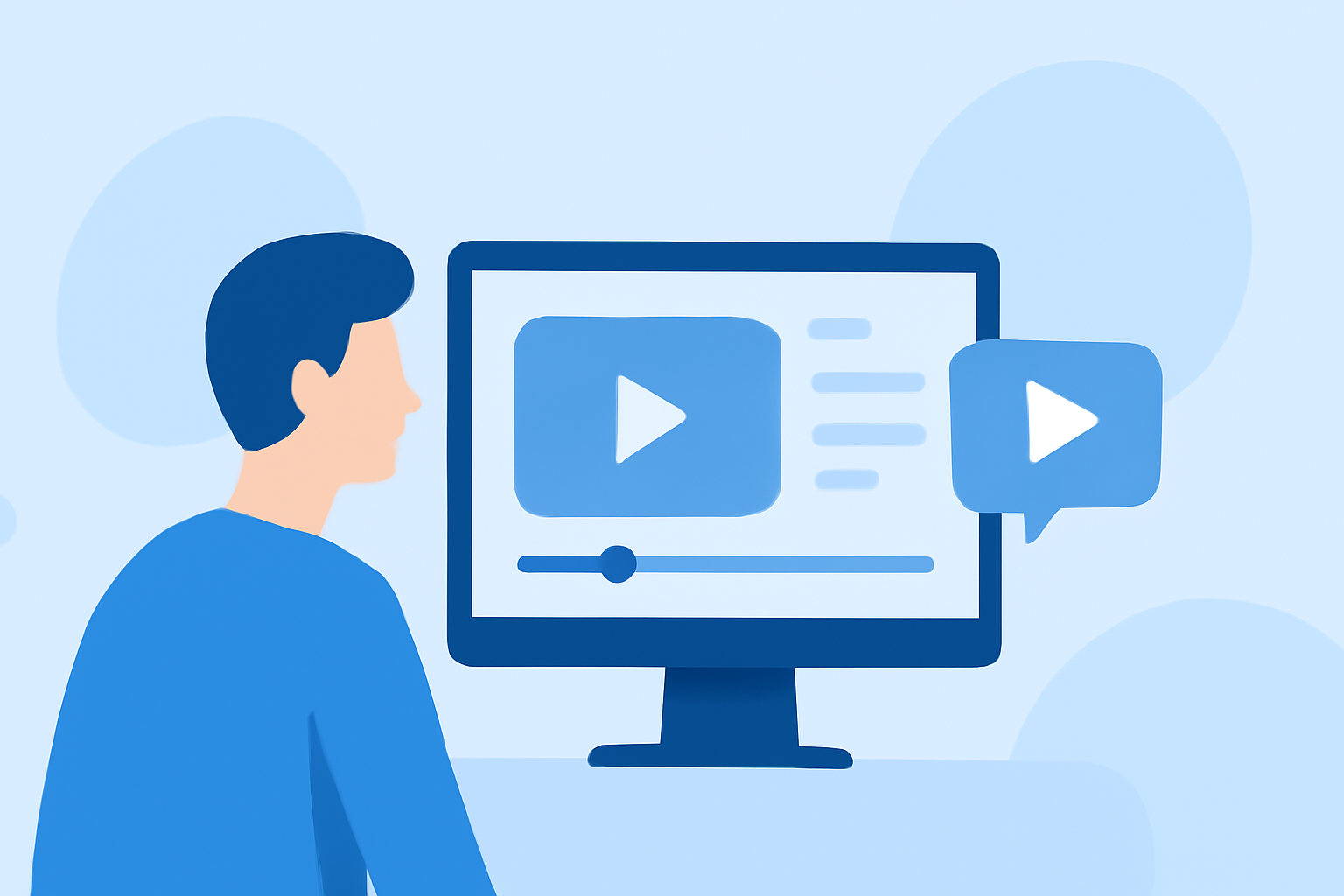
Embarking on the journey of creating travel vlogs can be both exciting and rewarding. Even without prior editing experience, you can produce captivating videos that showcase your adventures. This guide will walk you through the essential steps and recommend tools to help you get started.
What Are Travel Vlogs and Why Create Them?
What defines a travel vlog?
A travel vlog is a video diary that captures your travel experiences, destinations, and personal insights. These vlogs allow viewers to experience places through your perspective, making them a popular medium for sharing travel stories.
Why should you create one?
Creating a travel vlog enables you to document your journeys, share experiences with friends and family, and even build an online audience. It's a creative outlet that combines storytelling with visual content, allowing you to relive and share your adventures.
Essential Steps to Create Your First Travel Vlog
1. Plan Your Content
Before you start filming, outline the key moments you want to capture. Consider including scenic shots, local interactions, and personal reflections to provide a comprehensive view of your travels.
2. Capture Quality Footage
Use a reliable camera or smartphone to record your videos. Ensure good lighting and steady shots to enhance the visual appeal of your vlog.
3. Choose the Right Editing Tool
Selecting an intuitive video editing software is crucial for beginners. Look for tools that offer drag-and-drop functionality, pre-made templates, and easy-to-use features.
4. Edit Your Video
Import your footage into the chosen editing software. Trim unnecessary parts, add transitions, overlay music, and incorporate text to highlight key points. Aim for a cohesive narrative that flows smoothly.
5. Export and Share
Once satisfied with your edits, export the video in a suitable format and resolution. Share your vlog on platforms like YouTube, Vimeo, or social media to reach your audience.
Recommended Video Editing Tools for Beginners
For those new to video editing, user-friendly software can make the process more accessible. Here are some top recommendations:
15 melhores softwares gratuitos de edição de vídeo para iniciantes
iMovie
Ideal for Mac users, iMovie offers a clean interface with drag-and-drop functionality, making it easy to create professional-looking videos. (picsart.com)
- YouTube
CapCut
A mobile-friendly app that provides a range of features, including auto-captions and trending templates, perfect for creating short-form content. (picsart.com)
5 Video Editing Software for PC No Watermark Free Download
DaVinci Resolve
A professional-grade editor with a free version that includes advanced features like color correction and audio editing, suitable for those looking to expand their skills. (techradar.com)
Cyberlink PowerDirector 365 Review 2026: Features & Competitors
CyberLink PowerDirector 365
Offers an intuitive interface with a suite of editing tools, including AI-powered effects, making it a strong choice for beginners. (techradar.com)
7 Common Video Compression Artifacts To Watch Out For
Filmora
Known for its user-friendly interface and a wide range of effects, Filmora is suitable for those looking to add a creative touch to their videos. (picsart.com)
Tips for Effective Travel Vlogging
Engage Your Audience
Share personal anecdotes and insights to connect with viewers on a deeper level. Authenticity resonates well with audiences.
Keep It Concise
Aim for a video length that maintains viewer interest—typically between 5 to 10 minutes.
Optimize for Platforms
Tailor your video format and resolution to the platform where you'll share it, ensuring optimal playback quality.
Use Music Wisely
Select background music that complements the mood of your vlog and is royalty-free to avoid copyright issues.
Edit for Storytelling
Arrange your clips to tell a compelling story, guiding viewers through your journey seamlessly.
Conclusion
Creating a travel vlog without prior editing experience is entirely achievable with the right approach and tools. By planning your content, capturing quality footage, and utilizing beginner-friendly editing software, you can produce engaging videos that showcase your travels. Remember, practice is key—each vlog you create will enhance your skills and bring you closer to mastering the art of video editing.
Highlights:
- DaVinci Resolve Studio 21 review: Pro-grade video editing software with some amazing - and terrifying - AI tools, Published on Friday, June 19
- DaVinci Resolve 21 (2026) review: Our top free video editing app gets big improvements and a new Lightroom-style Photos tool for color-grading images, Published on Friday, June 05
- CyberLink PowerDirector 365 (2026) review, Published on Wednesday, January 14