22 June 2026
Quick Travel Vlog Editing Workflow for Beginners
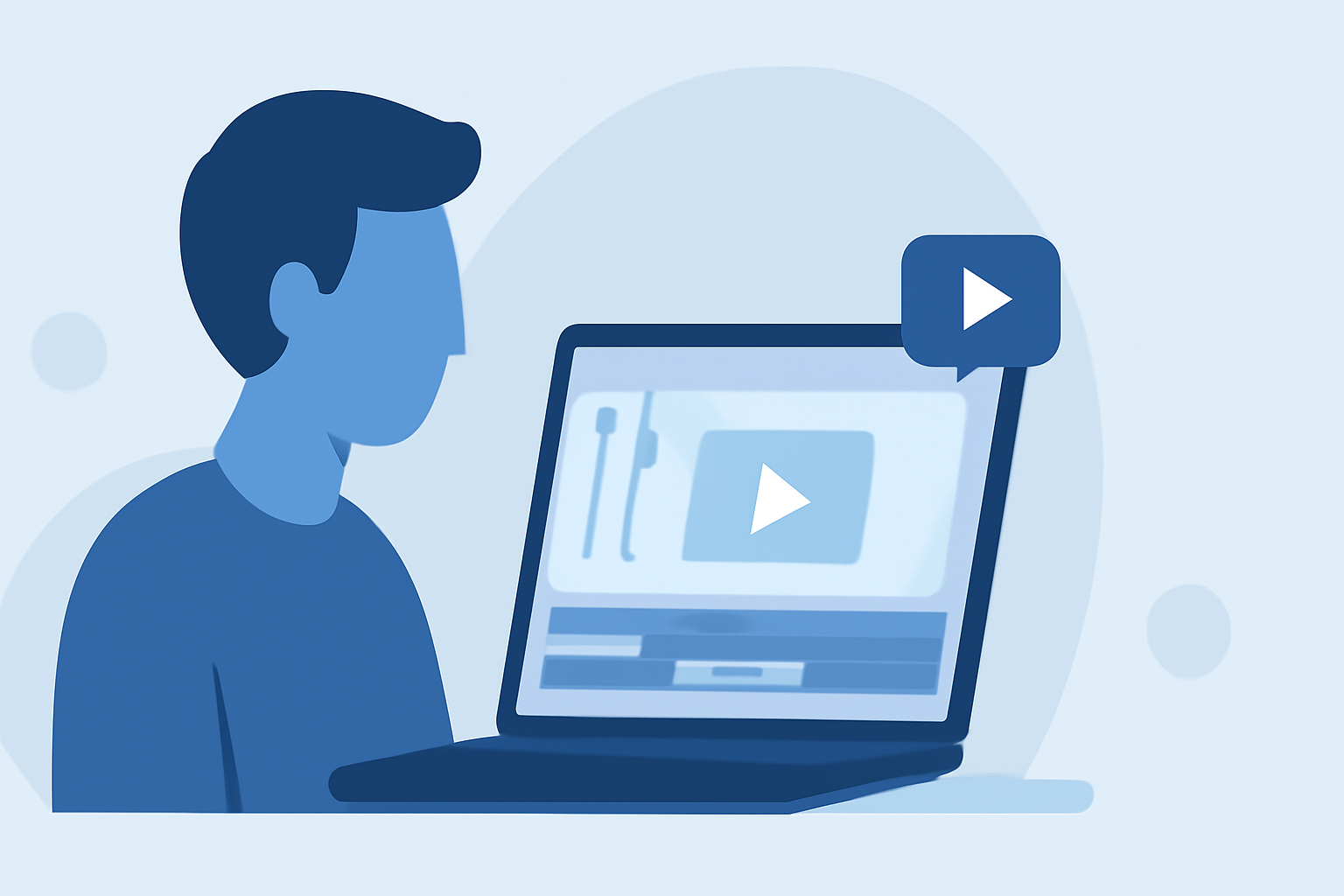
Creating engaging travel vlogs allows you to share your adventures and connect with audiences worldwide. For beginners, establishing an efficient editing workflow is crucial to produce polished content without feeling overwhelmed.
1. Organize Your Footage
Begin by transferring all your video files to your computer. Create folders categorized by day, location, or activity to streamline the editing process. This organization helps in quickly locating specific clips and maintaining a structured workflow.
2. Select Your Editing Software
Choosing the right editing software is essential for a smooth editing experience. For beginners, user-friendly options like Planes Live offer intuitive interfaces and essential features to get started. As you gain experience, you might explore more advanced software, but starting with a tool that suits your current skill level can boost your confidence and efficiency.
3. Create a Rough Cut
Import your organized footage into your chosen editing software. Arrange the clips in a sequence that tells a coherent story, focusing on the main events of your travel. Don't worry about perfection at this stage; the goal is to establish the narrative flow.
4. Refine Your Edit
Review your rough cut and trim unnecessary parts to enhance pacing. Remove any repetitive or irrelevant footage to keep the audience engaged. Ensure that each clip serves a purpose in advancing the story.
5. Enhance Audio Quality
Good audio is vital for a professional-looking vlog. Use Planes Live's audio editing features to adjust levels, reduce background noise, and synchronize audio with video. If you recorded voiceovers or used external microphones, ensure they are clear and well-balanced.
6. Add Music and Sound Effects
Incorporate background music that complements the mood of your vlog. Ensure you have the rights to any music you use to avoid copyright issues. Adjust the music levels so they don't overpower dialogue or important sounds.
7. Apply Transitions and Effects
Use transitions sparingly to maintain a natural flow between scenes. Overusing effects can distract from the content. Planes Live offers a variety of transitions and effects that can enhance your vlog without overwhelming it.
8. Color Correction and Grading
Adjust the color settings to ensure consistency across all clips. Correct exposure, white balance, and contrast to make your footage look cohesive. Color grading can also set the mood and tone of your vlog.
9. Add Titles and Graphics
Incorporate titles, captions, and graphics to provide context, highlight key information, or add a personal touch. Ensure that text is legible and complements the overall aesthetic of your vlog.
10. Export and Share
Once satisfied with your edit, export the final video in a suitable format and resolution for your intended platform, such as YouTube or Instagram. Planes Live provides export options optimized for various platforms, ensuring your vlog looks its best wherever it's viewed.
By following this structured workflow and utilizing tools like Planes Live, beginners can efficiently create engaging travel vlogs that resonate with audiences. Remember, practice and consistency are key to improving your editing skills over time.