22 June 2026
Quick Travel Vlog Music Editing with Your Phone: A Comprehensive Guide
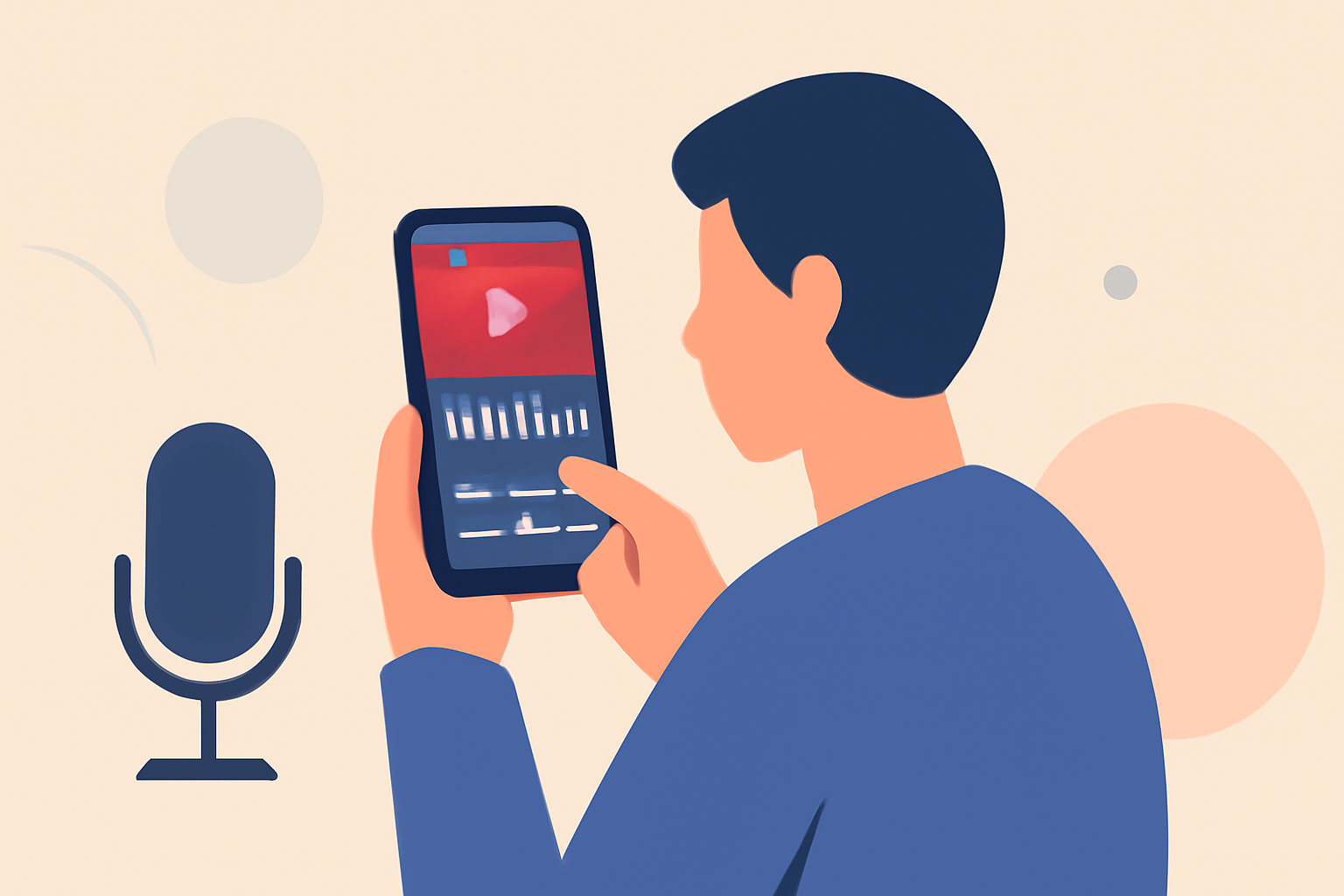
Creating engaging travel vlogs on the go has become increasingly accessible, thanks to powerful mobile editing apps. Among these, Splice stands out as a top choice for its user-friendly interface and robust features tailored for mobile editing.
Why Choose Splice for Mobile Video Editing?
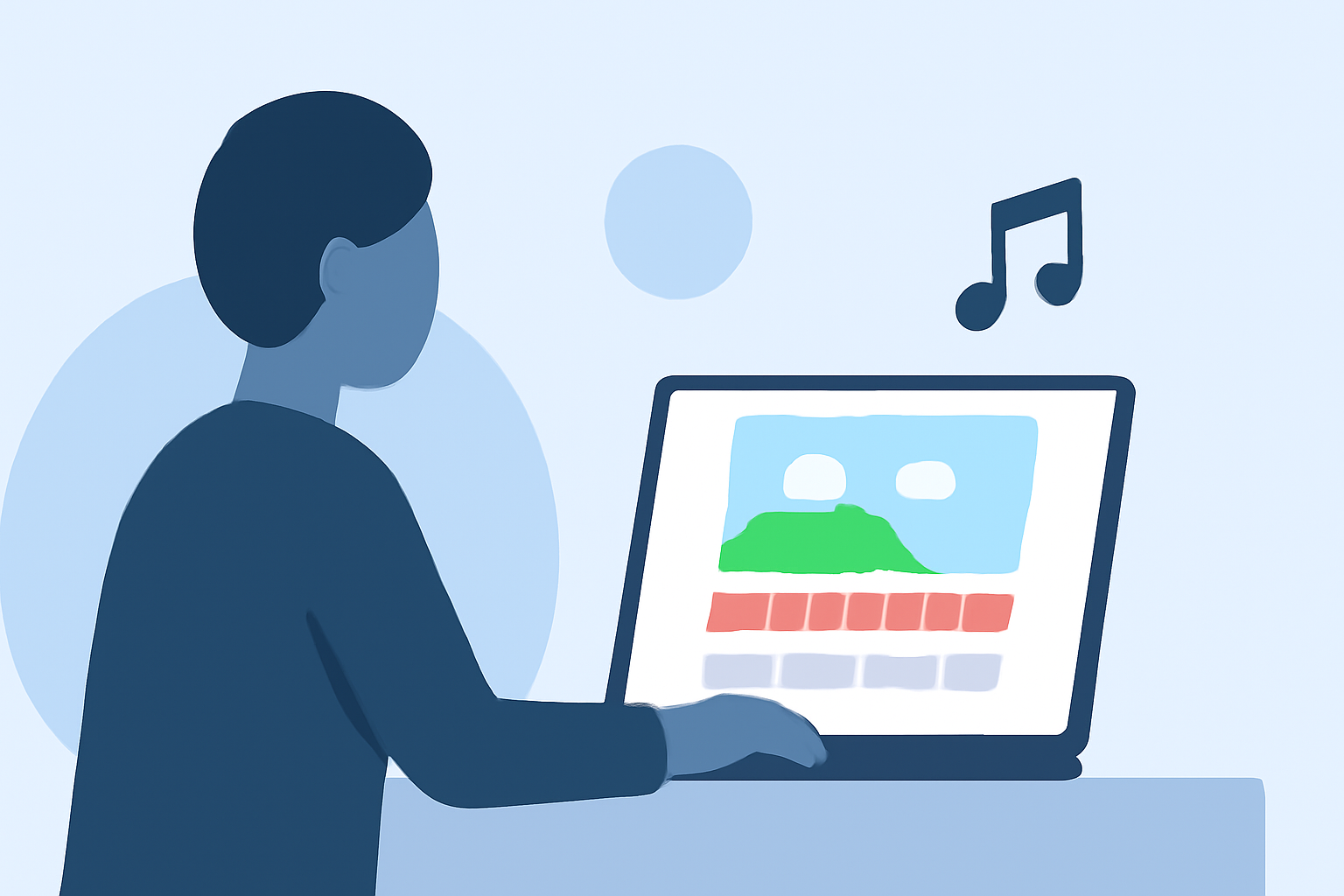
Splice is designed specifically for mobile video editing, making it intuitive for users who want to create quality travel videos quickly. Its timeline-style interface allows for easy arrangement of clips, trimming of dead moments, and layering of basic effects, closely resembling consumer desktop editors. (spliceapp.com)
Key Features of Splice:
-
Extensive Music Library: Splice offers an internal library of over 6,000 royalty-free tracks sourced from Artlist and Shutterstock, directly accessible within the app for your edits. (spliceapp.com)
-
Precise Audio Editing: You can trim and mix multiple audio tracks with precision, aligning key moments in your vlog with beat drops and transitions. (spliceapp.com)
-
User-Friendly Interface: The app's design is optimized for mobile devices, ensuring a smooth editing experience without the need for a desktop.
Getting Started with Splice:
-
Import Your Clips: Open Splice and import your travel footage directly from your phone's gallery.
-
Arrange and Trim: Use the timeline to arrange your clips in the desired sequence and trim any unnecessary sections.
-
Add Music: Browse Splice's extensive music library to find a track that complements your footage.
-
Enhance with Effects: Apply filters, transitions, and text overlays to add a professional touch to your vlog.
-
Export and Share: Once satisfied with your edit, export the video in your preferred resolution and share it directly to your social media platforms.
Additional Tips for Effective Mobile Editing:
-
Keep It Simple: Focus on essential edits to maintain a smooth workflow and avoid overwhelming your device.
-
Use Templates Wisely: While templates can speed up the editing process, ensure they align with your vlog's theme and style.
-
Regular Backups: Save your projects periodically to prevent data loss and ensure you can return to your work if needed.
By leveraging Splice's mobile-first features, you can efficiently edit your travel vlogs with music directly from your phone, producing high-quality content that resonates with your audience.