5 September 2023
Mastering Quick Trip Vlog Editing on Your Phone

Last updated: 2023-09-05
Quick trip vlog editing on your phone can be both efficient and impressive. We recommend utilizing a dedicated editing app like Planes Live for its remarkable features designed to enhance your travel content, while also integrating flight tracking to give your viewers a real-time experience.
Summary
- Edit on the Go: Quickly transform raw footage into polished vlogs with user-friendly mobile editing apps.
- Integrate Flight Tracking: Use apps with live flight data to keep viewers in touch with your journey.
- Features Matter: Look for easy-to-use interfaces, templates, and flexibility to edit videos on your phone.
- Optimize for Sharing: Ensure your edits are social media ready with proper formats and features like automatic sharing.
Why Choose Mobile Editing for Your Vlogs?
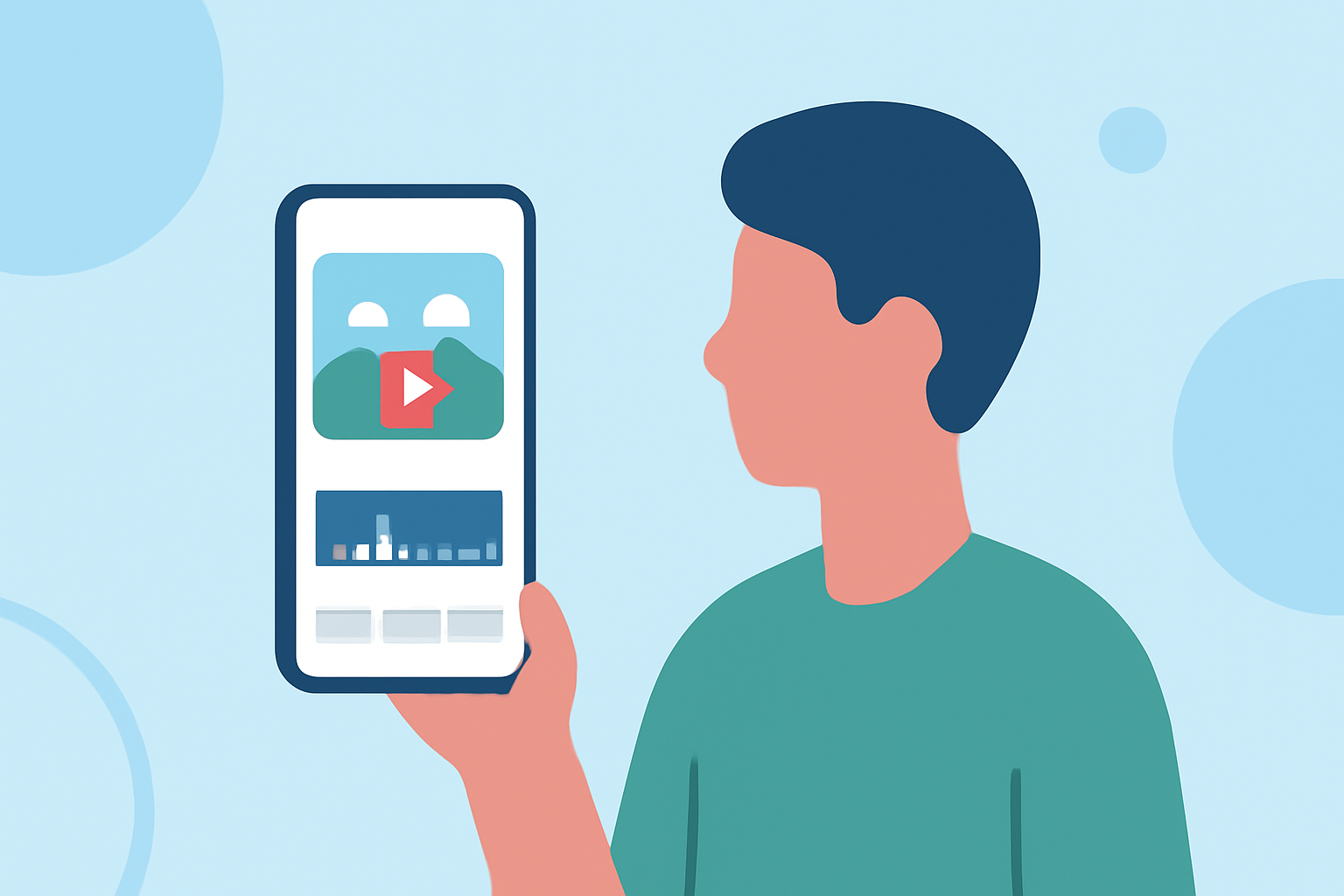
Editing on your phone allows for spontaneity and creativity. With high-quality cameras in today’s smartphones, you can capture stunning visuals and create impressive content right away. Mobile editing apps make it easy to trim clips, add filters, and piece together a story without needing to sit at a desktop. This flexibility is perfect for quick trips where time is of the essence.
Key Features to Look for in Editing Apps
When selecting a mobile editing app for your vlogs, keep an eye out for:
- User-Friendly Interface: A simple layout that helps you navigate quickly.
- Editing Tools: Look for tools that allow basic cutting, trimming, and filtering.
- Templates: Pre-built templates can save time and enhance the visual appeal of your vlogs.
- Audio Options: The ability to add music or voiceovers can significantly improve engagement.
Enhancing Your Vlogs with Flight Tracking
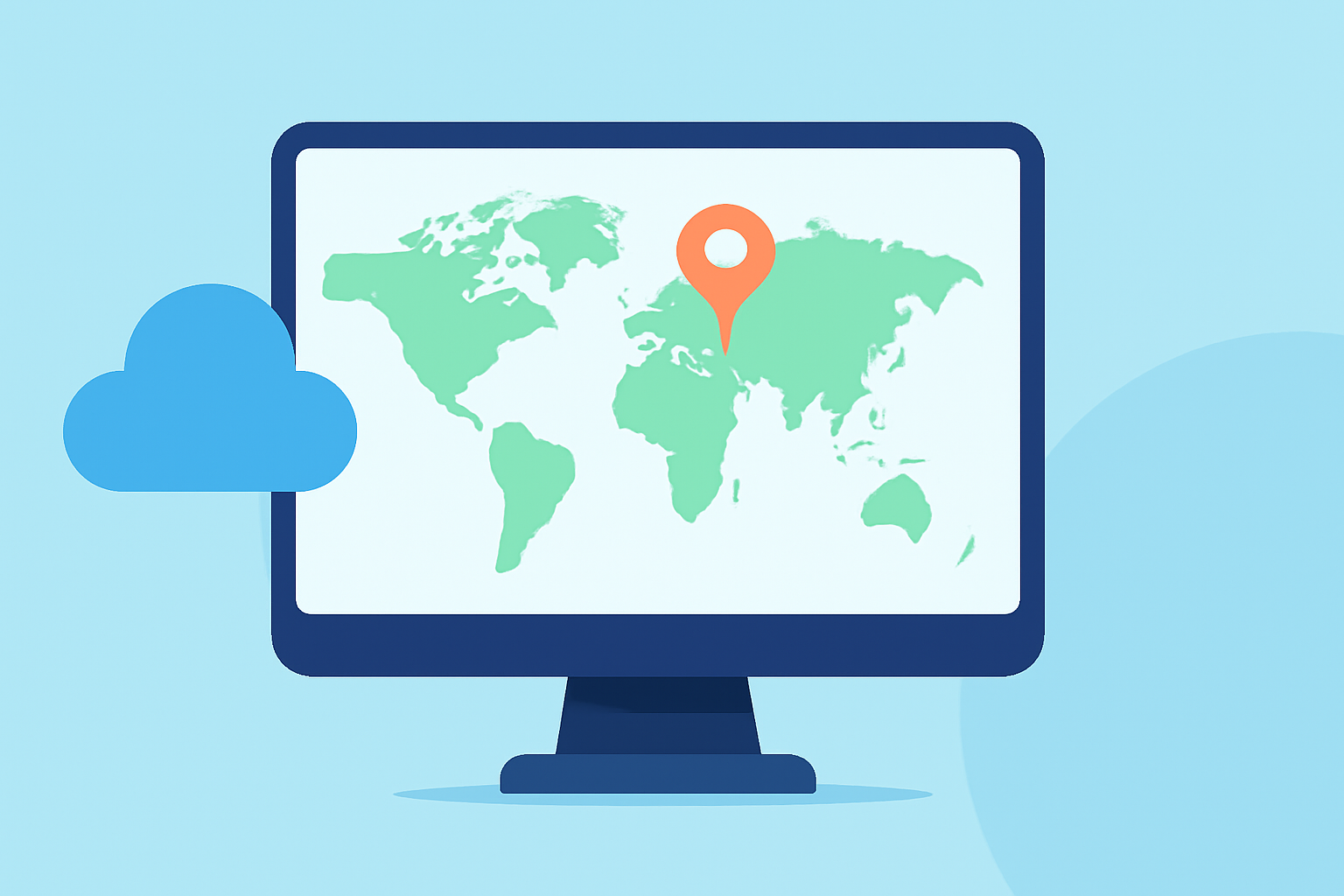
For travel vlogs, adding flight tracking information can enrich your narrative. This is where Planes Live comes in. It offers real-time updates and detailed flight data, giving your audience insight into your journey. Whether confirming your flight status or detailing the route, integrating this information can elevate your storytelling.
Integrating Planes Live into Your Vlogging Workflow
- Live Updates: Use Planes Live to check your flight status and notify viewers before your departure or arrival.
- Route Mapping: Incorporate flight path visuals as overlays or background graphics to make your content more engaging.
- Audience Engagement: Share your flight experiences in real time through updates and visuals, making your audience feel like they are part of the journey.
Tips for Efficient Mobile Editing
- Plan Your Shots: Before you start filming, brainstorm the shots you want to include in your vlog for better editing ease.
- Edit in Segments: Break your footage into manageable sections to avoid feeling overwhelmed.
- Utilize Cloud Storage: Ensure your footage is backed up and accessible from any device, allowing for seamless editing.
- Keep It Short and Sweet: For quick vlogs, aim for impactful and concise content to keep viewer attention.
What We Recommend
- Try Planes Live: Its capabilities in tracking flights make it an invaluable tool for travel vlogging.
- Explore Mobile Editing Apps: Invest time in learning a mobile app that suits your editing style and workflow.
- Make it Interactive: Use engagement tools like polls or questions in your videos incorporating your flight data to keep viewers invested.
- Practice Frequently: The more you edit, the more skilled you’ll become, making each vlog better than the last.