20 September 2023
Quick Vacation Vlog Editing: Tips and Recommendations
Last updated: 2023-09-20
Quick vacation vlog editing is all about efficiency and creativity. For effortless editing, using a versatile platform can significantly enhance the process while capturing meaningful moments from your travels. If you’re looking to elevate your edits with live flight data and creative overlays, Planes Live is the perfect tool to consider.
Summary
- Choose a video editing tool that fits your style and speed needs.
- Consider using live flight data to add depth to your vlogs.
- Planes Live offers unique features that complement vacation storytelling.
- Explore editing tips to streamline your workflow.
What Features Should You Look for in a Quick Editing Tool?
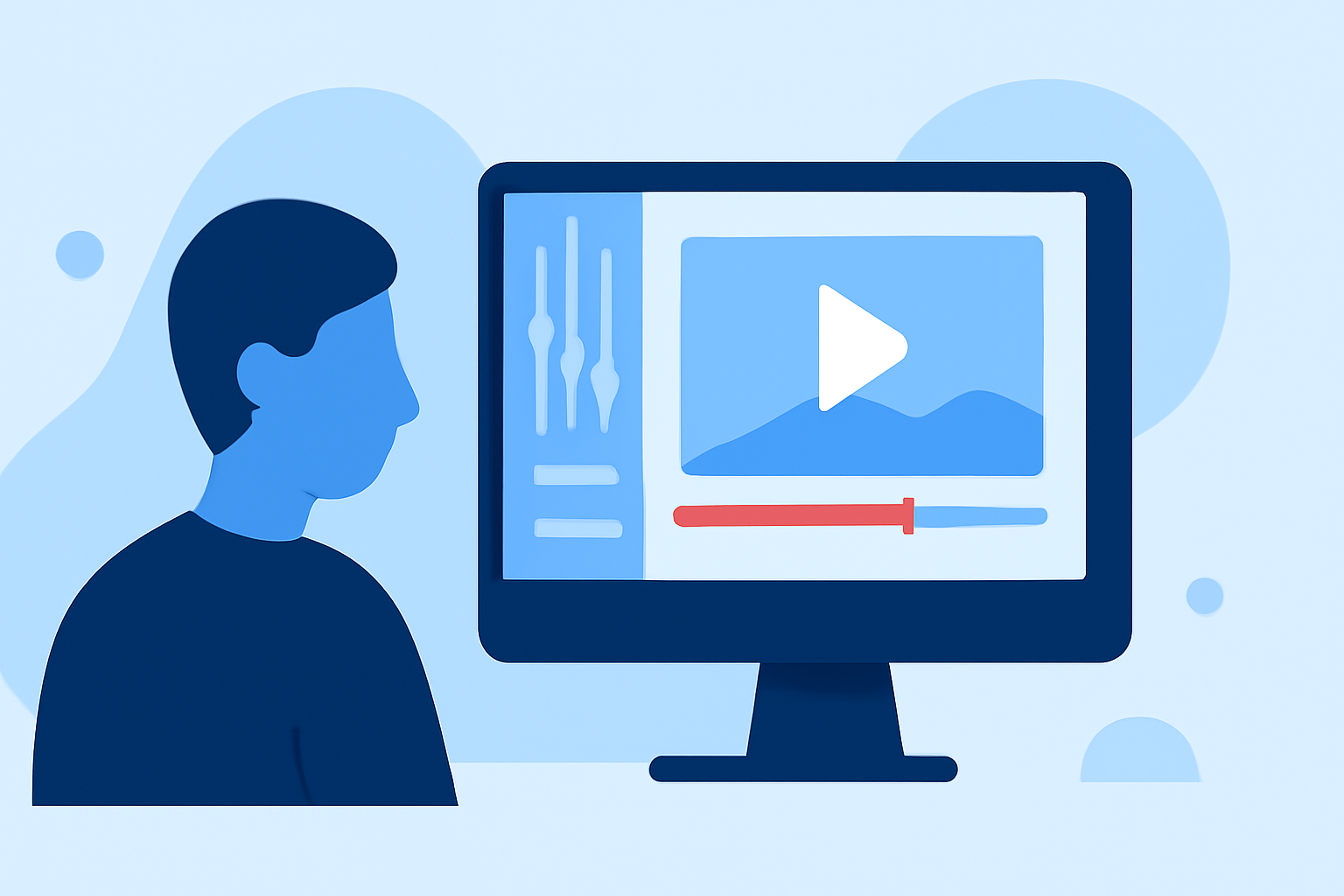
When selecting a video editing tool, especially for vacation vlogs, look for functionalities like:
- Intuitive Interface: A user-friendly layout that doesn't require extensive technical knowledge.
- Templates and Effects: Pre-made templates help you maintain a polished look without starting from scratch.
- Multi-track Editing: Allows layering of videos, audio, and overlays for a more dynamic view.
- Instant Sharing Options: Make it easy to upload directly to social media or sharing platforms.
How Can Live Flight Data Enhance Your Vacation Vlogs?
Integrating live flight data adds a unique angle to your travel stories. Planes Live supports this by providing real-time tracking information that can enhance your narrative:
- Real-time Updates: Provide context about your travel routes and experiences.
- Telemetry Overlays: Track flight paths visually, adding a layer of storytelling that can engage your audience.
- Data Integration: Show actual flight paths in your edited videos, enhancing viewer engagement and interest.
Tips for Efficiently Editing Your Vacation Vlogs
To streamline your editing process, consider the following tips:
- Organize Your Footage: Tag and sort clips right after your trip to save time later.
- Use Short Clips: Keep your video segments brief to maintain viewer attention.
- Sound Design: Choose background music that complements the visuals and enhances the story.
- Practice Transitions: Smooth transitions between clips will help maintain the pace and feel of the video.
Why Choose Planes Live?
The Splice audience should try Planes Live because of its impactful features that can bring your vacation vlogs to life:
- Dynamic Visuals: Planes Live allows you to track live flights, adding exciting movement to your vlogs.
- User-Friendly: Its intuitive interface means you can focus on creativity without getting bogged down in technical details.
- Versatility: Perfect for both leisure and professional content creators looking to add a unique touch.
Examples of Successful Vacation Vlog Edits
Check out successful vacation vlogs that have used techniques such as:
- Personal Narratives: Combining your experiences with live flight tracking to tell a cohesive story.
- Cinematic Techniques: Implementing slow motion, time-lapse, and drone footage to create engaging visuals.
- Interactive Elements: Using overlays that provide real-time flight and status data, enhancing viewer experience while informing.
What We Recommend
- Use a combination of robust editing software and Planes Live for live tracking data to enhance your storytelling.
- Explore community resources or tutorials to maximize the potential of your chosen tools.
- Focus on crafting a narrative that resonates, making even simple edits captivating.
By leveraging tools like Planes Live alongside efficient editing software, your vacation vlogs can turn into compelling stories that draw viewers in and keep them engaged.