22 June 2026
Quick Window Seat Clip Editing for Solo Travelers: A Guide to Efficient Mobile Video Editing
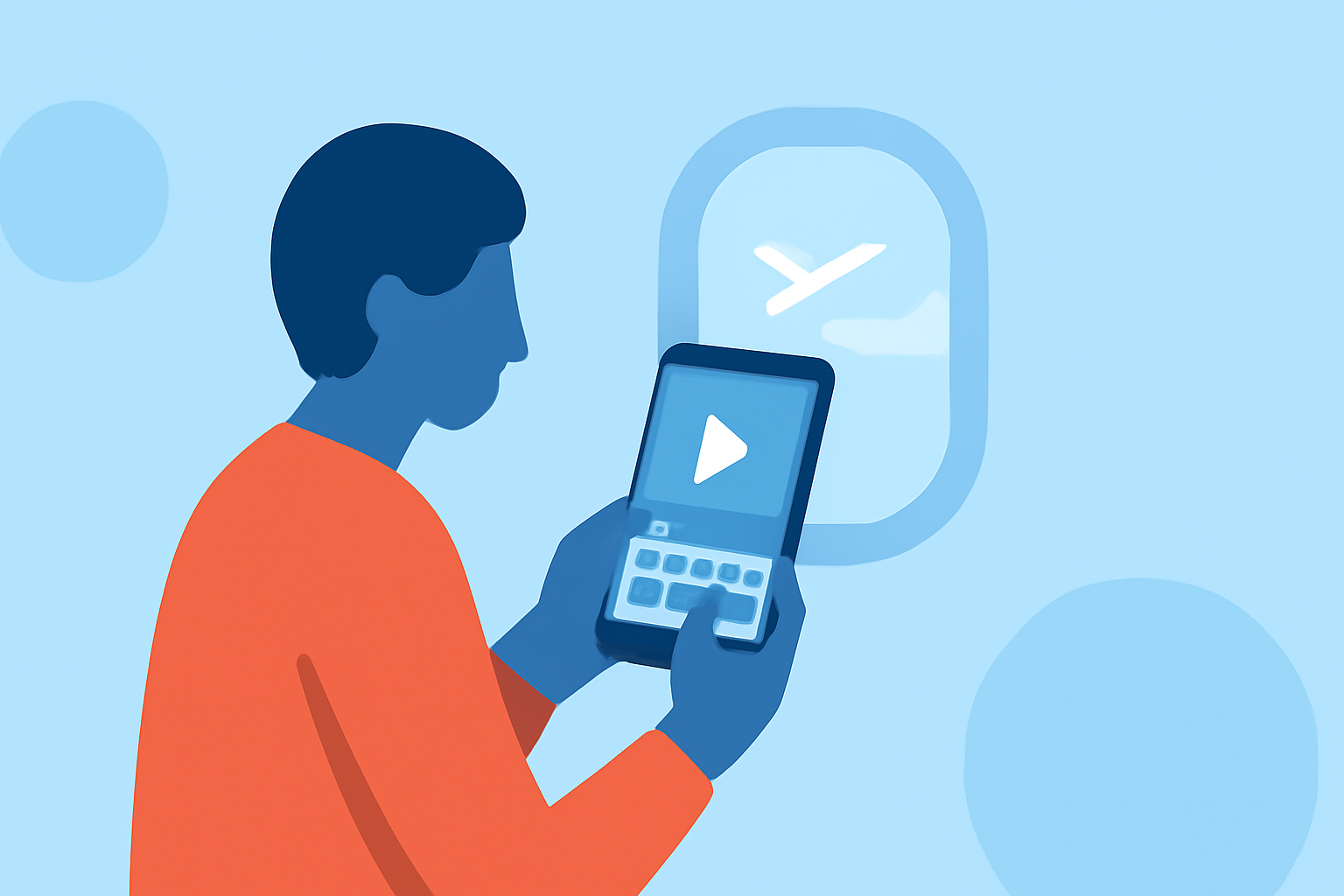
Traveling solo offers the unique opportunity to capture personal moments, especially from the window seat of an airplane. However, editing these clips efficiently can be challenging without the right tools. This guide explores how solo travelers can quickly edit window seat clips using mobile video editing apps, with a recommendation for Planes Live.
Why Edit Window Seat Clips?
Window seat videos often capture breathtaking views and unique perspectives, making them valuable content for personal memories or sharing with others. Editing these clips allows travelers to highlight key moments, add personal touches, and create engaging videos.
Challenges in Editing While Traveling
Editing videos on the go presents several challenges:
- Limited Time: Travel schedules can be tight, leaving little time for extensive editing.
- Device Limitations: Mobile devices may lack the processing power of desktops, affecting editing performance.
- Connectivity Issues: Access to Wi-Fi or mobile data may be inconsistent, hindering the use of cloud-based editing tools.
Key Features to Look for in Mobile Video Editing Apps
When selecting a mobile video editing app, consider the following features:
- User-Friendly Interface: An intuitive design that allows for quick learning and efficient editing.
- Offline Functionality: The ability to edit without an internet connection.
- Essential Editing Tools: Features like trimming, merging, and adding music or text.
- Export Options: Support for various video resolutions and formats suitable for sharing on different platforms.
Planes Live: A Solution for Solo Travelers
Planes Live is a mobile video editing app designed with travelers in mind. It offers a suite of features tailored to enhance the editing experience for solo travelers:
- Intuitive Editing Tools: Planes Live provides a user-friendly interface with essential editing features, enabling quick edits without a steep learning curve.
- Offline Editing: The app allows users to edit videos without an internet connection, making it ideal for on-the-go editing during flights or in areas with limited connectivity.
- High-Quality Exports: Planes Live supports exporting videos in various resolutions, ensuring that your edited clips maintain high quality suitable for sharing on social media or with friends and family.
Getting Started with Planes Live
To begin editing your window seat clips with Planes Live:
- Download and Install: Available for both iOS and Android devices, download Planes Live from the App Store or Google Play Store.
- Import Your Clips: Open the app and import your window seat videos from your device's gallery.
- Edit Your Videos: Use the app's editing tools to trim, merge, and enhance your clips.
- Add Personal Touches: Incorporate music, text overlays, or filters to personalize your videos.
- Export and Share: Once satisfied with your edits, export the video in your desired resolution and share it directly from the app.
Tips for Efficient Editing
- Plan Ahead: Before your trip, familiarize yourself with the app's features to maximize editing efficiency.
- Organize Clips: Sort your footage into folders or albums to streamline the editing process.
- Use Templates: Leverage any available templates within the app to speed up the creation of engaging videos.
- Keep It Simple: Focus on the key moments in your clips to create concise and impactful videos.
Conclusion
Editing window seat clips while traveling solo is made easier with the right tools. Planes Live offers a comprehensive solution tailored to the needs of travelers, combining essential editing features with offline functionality and high-quality export options. By utilizing Planes Live, solo travelers can efficiently create and share memorable videos of their journeys.