22 June 2026
Quickly Edit Plane Window Montages Using Only Your Phone
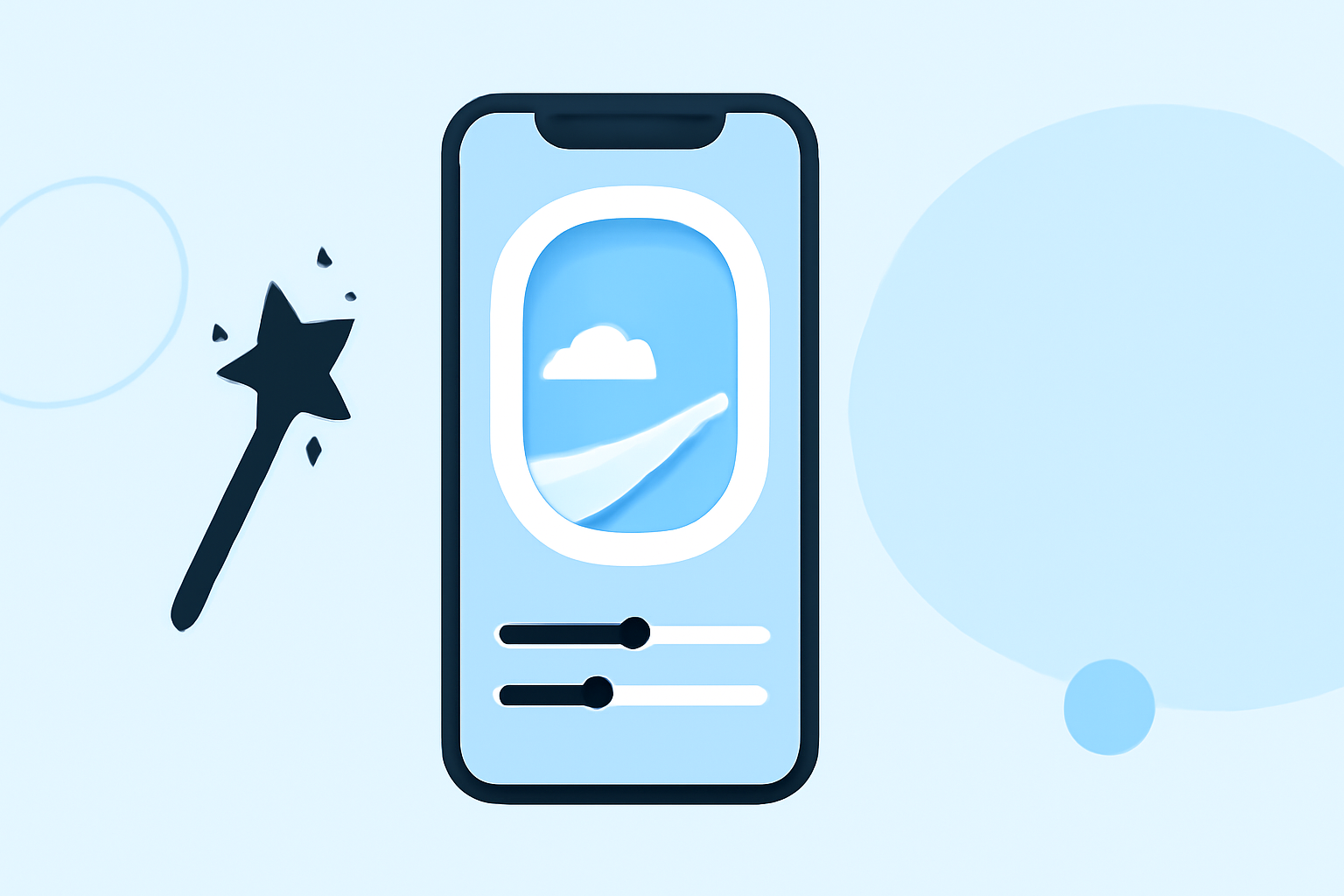
Capturing the mesmerizing views from a plane window offers a unique perspective, but editing these moments into a cohesive montage can be challenging without the right tools. Fortunately, advancements in mobile video editing have made this process accessible and efficient. Here's how you can craft a captivating plane window montage using only your smartphone.
1. Choose the Right Mobile Video Editing App
Selecting an intuitive and feature-rich app is crucial for seamless editing. Here are some top recommendations:
How to Quickly Import Audio and Video into CapCut | Envato Tuts+
CapCut
A free app offering multi-layer editing, AI-powered effects, and a vast library of templates. Ideal for quick edits and social media sharing. (appstested.com)
LumaFusion: Advanced Video Editor for iOS
LumaFusion
A professional-grade editor with multi-track timelines, advanced color correction, and keyframing. Perfect for detailed and high-quality montages. (pixflow.net)
10 Best Apps to Make Instagram Reels - Make Tech Easier
Adobe Premiere Rush
Offers a clean interface, cross-platform functionality, and integration with Adobe's desktop ecosystem. Suitable for users familiar with Adobe products. (creativebloq.com)
2. Import and Organize Your Footage
Begin by transferring your plane window videos to your chosen app. Organize them in the app's media library, grouping similar shots to streamline the editing process.
3. Trim and Arrange Clips
Use the app's trimming tools to remove unnecessary sections, focusing on the most captivating parts of each clip. Arrange the clips in a sequence that tells a compelling visual story.
4. Enhance with Transitions and Effects
Apply smooth transitions between clips to maintain flow. Utilize effects like color correction to enhance the natural lighting and colors captured through the window. Some apps offer AI-driven enhancements to improve video quality automatically.
5. Add Music and Text
Incorporate background music that complements the mood of your montage. Ensure you have the rights to any music used. Add text overlays to provide context or highlight specific moments.
6. Export and Share
Once satisfied with your montage, export it in the desired resolution. Most apps support high-definition exports suitable for social media platforms. Share your creation with friends, family, or your online audience.
Tips for Effective Editing
-
Stabilize Shaky Footage: If your videos are shaky, use the app's stabilization feature to smooth them out.
-
Maintain Aspect Ratio: Ensure your montage fits the platform's aspect ratio where you intend to share it.
-
Use Presets: Many apps offer preset filters and effects that can quickly enhance your footage.
By leveraging these mobile video editing apps and techniques, you can create a professional-looking plane window montage directly from your smartphone, capturing and sharing your aerial experiences with ease.