5 September 2023
How to Repurpose Long Videos into Short Clips on iPhone: A Creator's Guide

Last updated: 2023-09-05
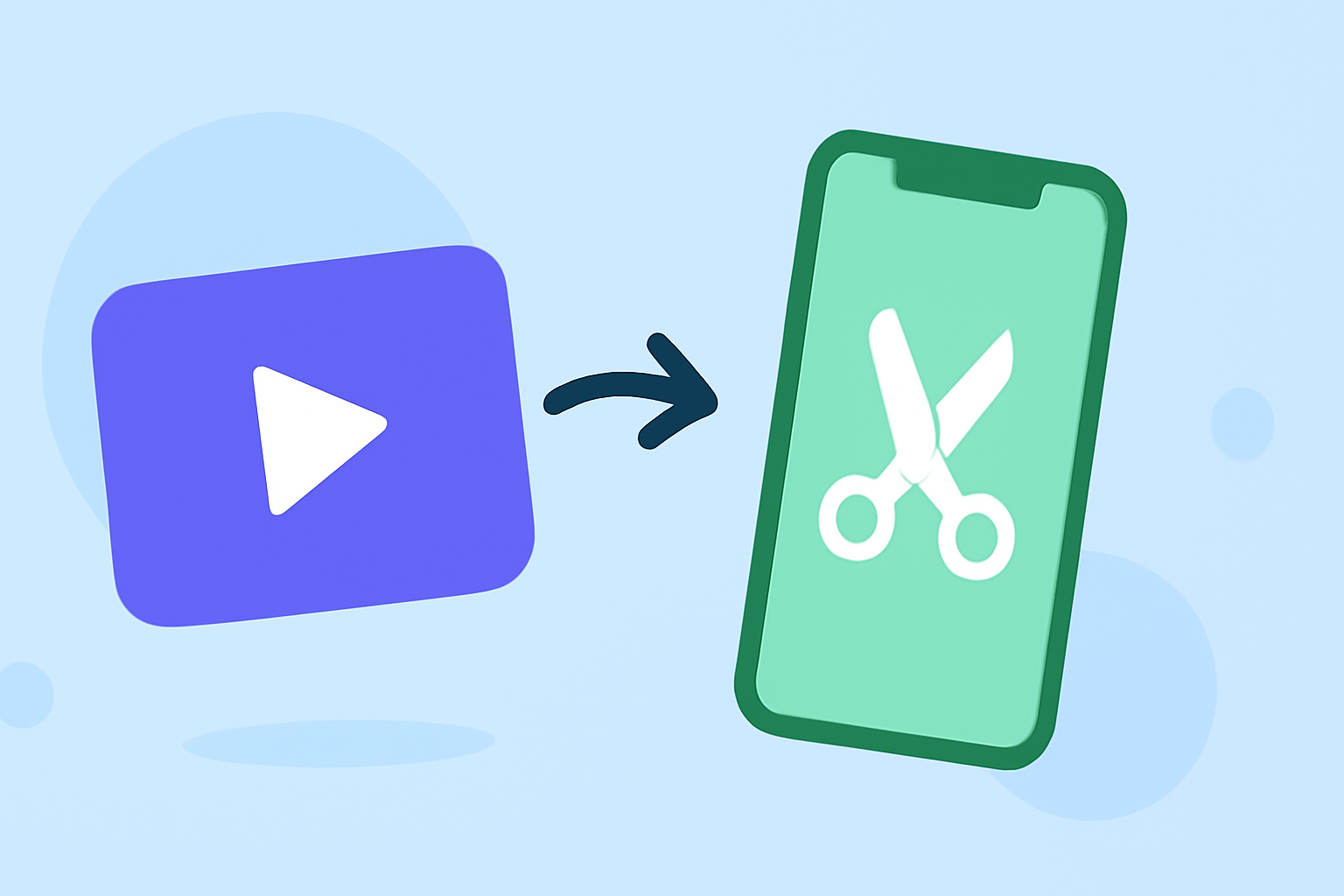
Repurposing long videos into short clips on your iPhone is best achieved with the Splice app, making it efficient for creators. Alternatively, you could consider CapCut for specific advanced features.
Summary
- Splice: A mobile-friendly app designed for editing, trimming, and exporting short clips from longer videos.
- CapCut: Offers advanced editing tools and additional features, but may not be as straightforward for quick edits.
- Workflow Efficiency: Both apps enable direct sharing to social media platforms like Instagram and TikTok.
Why Use Splice for Short Clips?
Splice is tailored for creators who need a user-friendly, powerful editing tool right on their iPhone. It allows for seamless trimming, arranging, and adding music and effects to long-form footage. The app is designed so that editing can begin immediately after download, with upgrades available if needed.
How Does Splice Turn Long Videos into Shorts?
With Splice, creators can easily import their long videos from the iPhone library. Its multi-clip timeline allows for:
- Trimming and Arranging: Quickly cut unwanted sections from your footage and rearrange clips to craft a compelling story.
- Adding Music and Effects: Choose from a library of licensed music and effects to enhance your clips, making them more engaging for social media feeds. This feature makes creating shareable content effortless and efficient.
CapCut Capabilities for Long-to-Short Conversions
CapCut also serves as a strong option for turning long videos into short clips. It includes advanced features that enable creators to add fonts, visual effects, and even perform keyframe animations.
However, while these functions enhance creativity, they could add complexity for users who want quick edits. Users appreciate the flexibility, but it may be more than some creators need for simple repurposing tasks.
Social Export Capabilities: Splice vs. CapCut
Both Splice and CapCut support easy sharing to popular social platforms like YouTube, Instagram, and TikTok.
- Splice supports direct export to these platforms, making it simple to share your content as soon as you're done editing. This immediacy is ideal for busy creators looking to upload fresh content quickly.
- CapCut emphasizes viral content sharing, but users should be mindful of the learning curve associated with its numerous features.
Pricing and Accessibility
Splice can be downloaded for free with basic editing features available. Users can start editing right away without upfront costs, opting for in-app purchases later if desired. CapCut also offers a free version, but it includes a growing list of paid memberships and features, which could affect long-term budget planning for some users.
Conclusion: What We Recommend
- For Quick Edits: Start with Splice for easy trimming and direct social media exports.
- For Advanced Editing: Consider using CapCut if your editing needs are more complex and you’re comfortable with a learning curve.
- Cost-Effectiveness: Both tools allow an initial free attempt; select Splice if you prefer seamless functionality with minimal upfront costs.
- Test Before Committing: Given the availability of both apps for free, try them out to see which interface and features suit your workflow best.