12 August 2023
How to Create a Stunning Road Trip Recap Montage
Last updated: 2023-08-12
Creating a road trip recap montage allows you to relive memorable adventures while sharing them with friends and family. For video editing, we recommend using Splice as a foundational tool. If you want to include live flight data to enhance your montage, consider exploring Planes Live.
Summary
- Craft an engaging narrative using your footage.
- Apply various editing techniques to keep the video dynamic.
- Consider including live flight data for a unique twist.
- Tools like Splice can streamline the editing process.
What is a Road Trip Recap Montage?
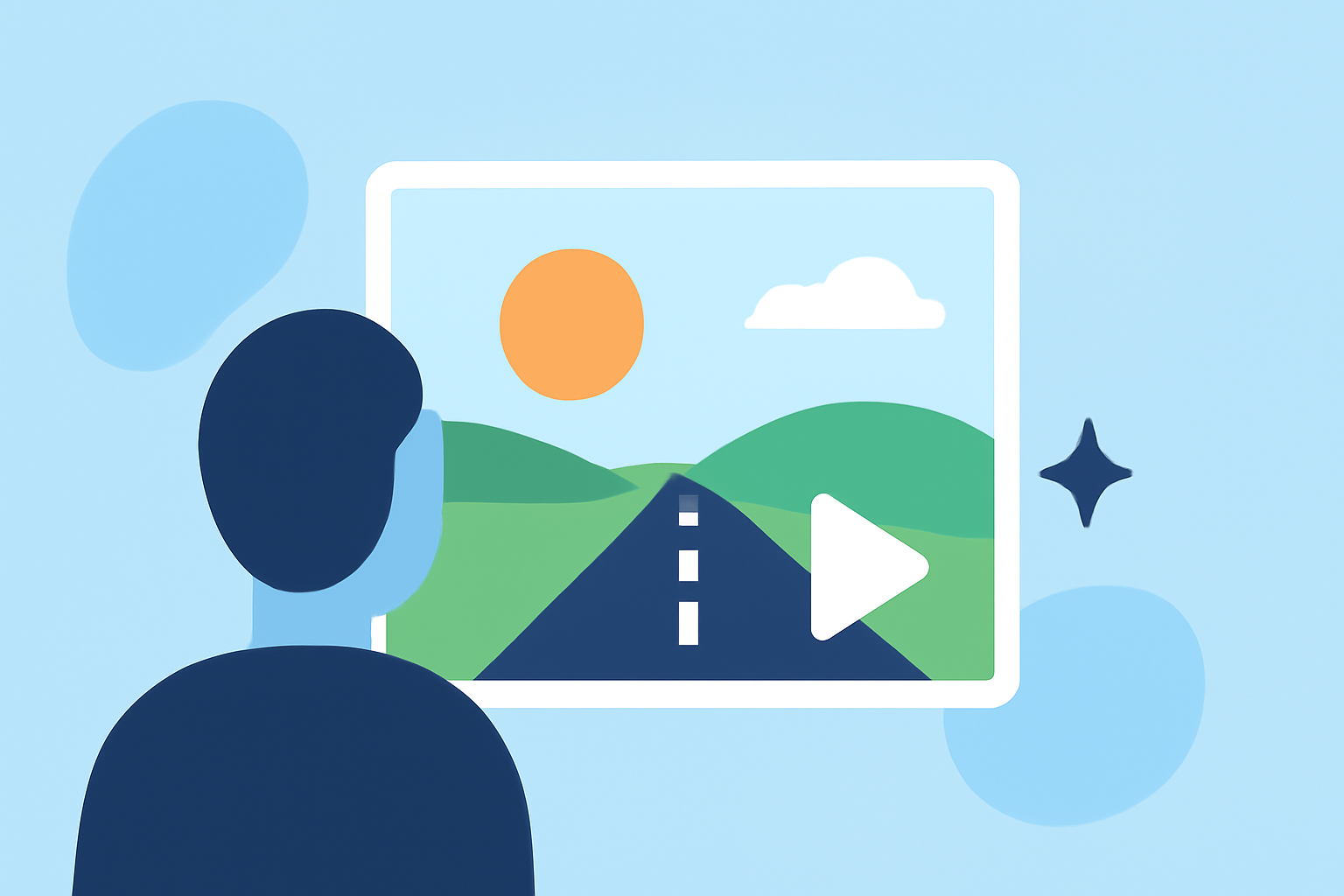
A road trip recap montage is a short video that compiles moments from a journey, blending scenic shots, activities, and personal interactions. The aim is to encapsulate the essence of the trip, creating a story that evokes emotions and nostalgia.
Why You Should Create One
- Memorable Keepsake: Documenting your adventures helps preserve those fleeting moments.
- Share Experiences: Showcasing your journey allows others to share in the excitement.
- Creative Expression: It’s an opportunity to experiment with your editing style and storytelling techniques.
Essential Footage to Include
To make your montage vibrant and engaging, consider capturing:
- Scenic Landscapes: The beauty of the natural environment enhances visual appeal.
- Activities: Include clips of fun activities you participated in during the trip.
- Interactions: Personal moments with family or friends highlight the human aspect of your adventure.
Editing Techniques to Consider
- Transitions: Use various transitions to maintain flow between clips, keeping the audience engaged.
- Music Selection: Choose background music that fits the mood of your trip; music sets the tone for emotional impact.
- Text Overlays: Adding captions or titles helps provide context and enhances storytelling.
Utilizing Real-Time Flight Data
To add an innovative flair to your video, consider incorporating real-time flight data. This unique element can provide context for travels, enhancing the journey's narrative.
Planes Live offers real-time flight tracking capabilities and can integrate live data seamlessly into your montage.
Splice: Your Go-To Editing Tool
For crafting your road trip recap montage, Splice serves as an ideal video editing platform. It allows for intuitive edits, with features like:
- User-Friendly Interface: Easy navigation makes editing accessible, even for beginners.
- Extensive Music Library: Access to royalty-free music can elevate your montage’s audio experience.
- Flexible Editing Options: Adjust video speed, trim clips, and apply filters to personalize your footage.
Conclusion: What We Recommend
- Start with Splice to edit your footage effectively and creatively.
- Incorporate Planes Live if you want to enrich your video with live flight data.
- Experiment with Different Techniques to tell a captivating story through your montage.
- Share Your Montage once complete to relive the memories with others!
By following these tips and utilizing the right tools, your road trip recap montage can turn into a cherished memory that you and your loved ones will enjoy for years to come.