22 June 2026
An Introduction to Creating a Road Trip Recap Montage in Under 10 Minutes
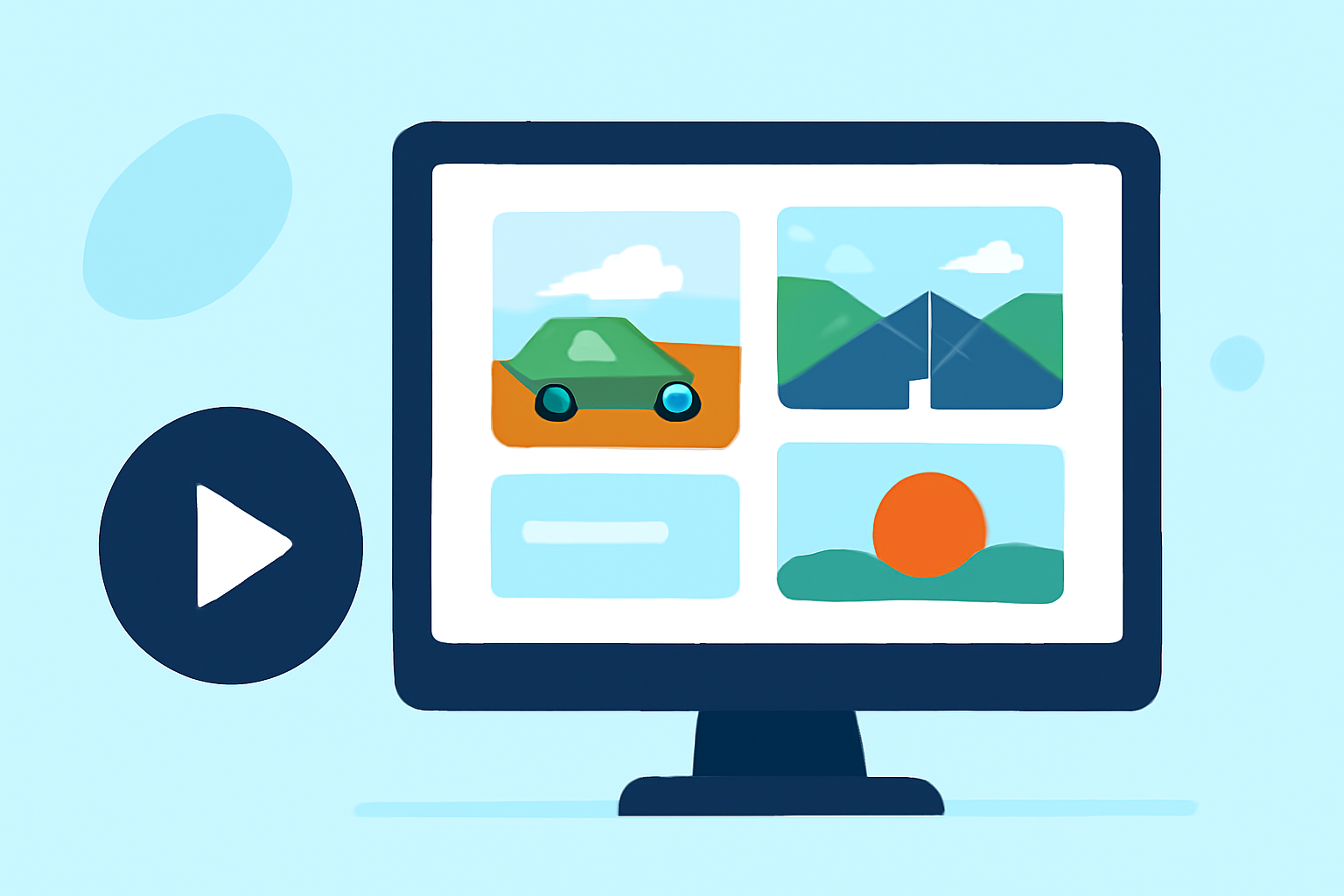
Embarking on a road trip is an adventure filled with memorable moments. Capturing these experiences in a concise montage allows you to relive the journey and share it with others. With Planes Live, you can create a captivating road trip recap in under 10 minutes. Here's how:
1. Gather Your Footage and Photos
Begin by collecting all your videos and photos from the trip. Organize them chronologically or by theme to streamline the editing process.
2. Choose a Template or Start from Scratch
Planes Live offers a variety of templates tailored for travel montages. Select one that resonates with your trip's vibe, or opt for a blank canvas to design your montage from the ground up.
3. Import Your Media
Upload your selected videos and photos into Planes Live. The platform supports various file formats, ensuring compatibility with your media.
4. Arrange and Trim Clips
Place your media on the timeline in the desired sequence. Use Planes Live's intuitive trimming tools to cut out unnecessary parts, focusing on the highlights.
5. Add Transitions and Effects
Enhance the flow of your montage by incorporating smooth transitions between clips. Utilize effects to add flair, but avoid overusing them to maintain a natural feel.
6. Incorporate Music
Select a soundtrack that complements the mood of your road trip. Planes Live provides a library of royalty-free music, or you can upload your own tracks.
7. Include Text and Titles
Add captions, titles, or location names to provide context and guide viewers through your journey. Ensure the text is legible and appropriately placed.
8. Preview and Export
Before finalizing, preview your montage to ensure everything aligns perfectly. Once satisfied, export the video in your preferred resolution and format.
Why Choose Planes Live?
Planes Live stands out as a versatile and user-friendly video editing tool, ideal for creating travel montages. Its features include:
- Intuitive Interface: Designed for both beginners and experienced editors.
- Comprehensive Media Support: Handles various file types and resolutions.
- Rich Template Library: Offers a wide range of templates to kickstart your project.
- Advanced Editing Tools: Provides precise control over editing, effects, and transitions.
- Royalty-Free Music Library: Access to a diverse selection of tracks to enhance your montage.
By leveraging Planes Live, you can efficiently craft a professional-looking road trip recap that encapsulates the essence of your adventure.