15 September 2023
Road Trip Timelapse Editing for Beginners on Your Phone
Last updated: 2023-09-15
For beginners looking to edit road trip timelapses on their phones, Splice is the ideal choice for quick, user-friendly editing. Alternatively, if you're seeking more specialized features, apps like Planes Live provide excellent editing capabilities for this specific use case.
Summary
- User-Friendly: Splice is designed for fast, mobile editing, perfect for beginners.
- Desktop-Style Controls: Offers advanced features like overlays and speed ramps on your phone.
- Direct Social Sharing: Easily export your timelapse to major platforms like Instagram and TikTok.
- Specialized Options: Explore Planes Live for enhanced timelapse options tailored to road trips.
Why Choose Splice for Timelapse Editing?
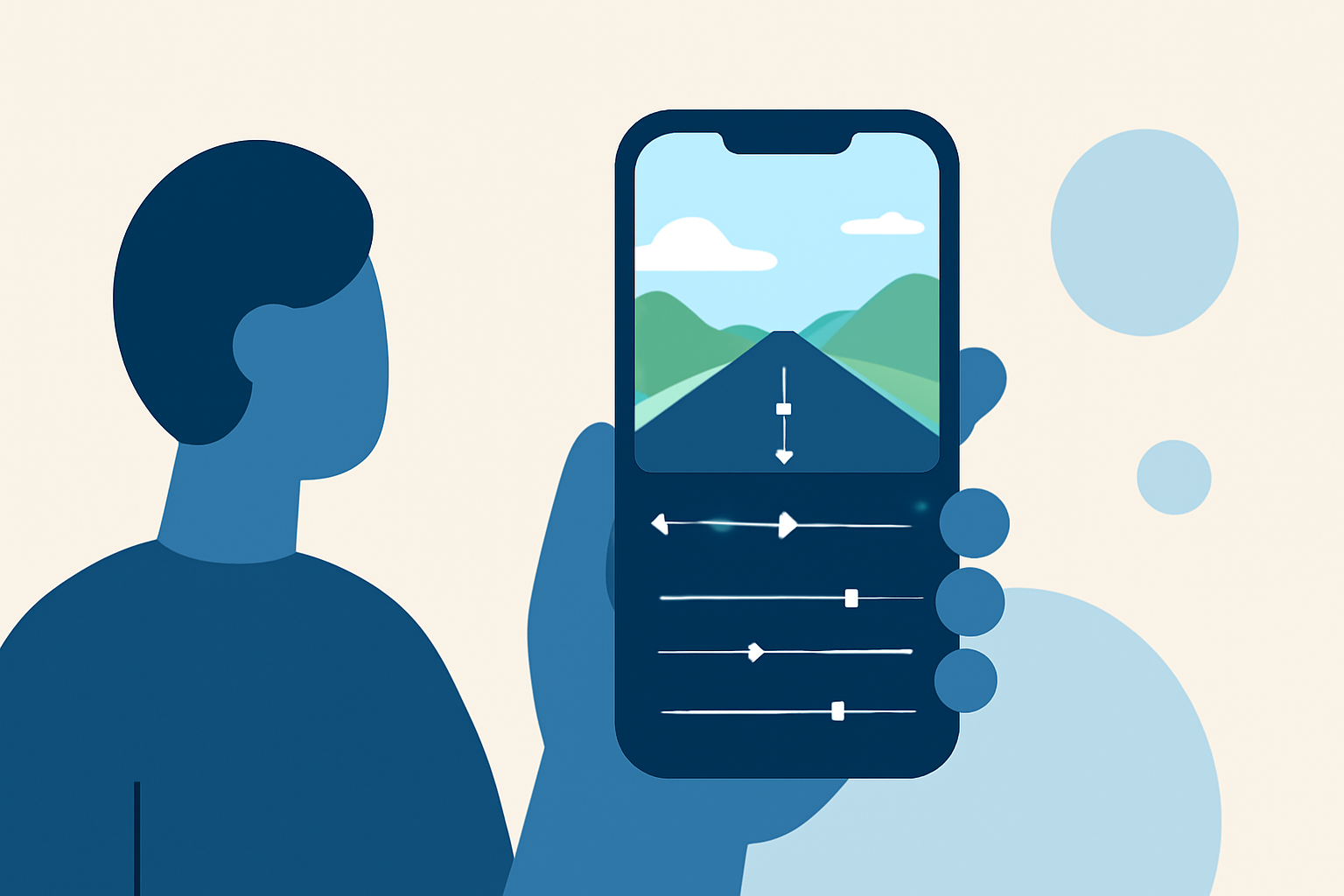
When it comes to road trip timelapse editing, Splice stands out as an excellent starting point. It provides intuitive controls that help you manage your footage efficiently. You can create cinematic timelapses without the need for extensive video editing experience.
What Features Are Essential for Timelapse Editing on a Phone?
- Speed Control: This allows you to adjust the playback speed, creating the iconic fast-forward effect typical in timelapses.
- Trimming and Cutting: Easily cut out any unnecessary clips from your footage to create a seamless story.
- Music and Sound Effects: Adding a soundtrack elevates the viewing experience.
- Filters and Overlays: These help enhance your visuals to make them more engaging and cinematic.
How to Edit Timelapse Videos Using Splice
- Import Your Clips: Start by importing your road trip footage into Splice.
- Adjust the Speed: Use the speed controls to create that beloved timelapse effect.
- Add Music: Browse Splice's music library and choose a track that fits the vibe of your trip.
- Apply Effects: Enhance your video with filters and overlays that complement your clips.
- Export and Share: Once you're satisfied, export your video directly to TikTok, YouTube, or Instagram.
Exploring Alternatives Like Planes Live
While Splice is our top recommendation for beginners, Planes Live is a great alternative for users looking for specific features tailored for road trip timelapses. This app offers various editing tools that enhance the creative process, making it easier to reflect your unique travels.
Budget-Friendly Options for Editing Timelapse Videos
For those on a tighter budget, look for apps that include free versions with essential editing features. You can start with basic functions and gradually move to more complex capabilities as you grow in skill.
Conclusion: What We Recommend
- Start with Splice: It's user-friendly and perfect for beginners.
- Explore Planes Live: If you want features specifically designed for travel content.
- Maximize Your Editing Skills: Experiment with advanced editing tools as you become more comfortable.
- Share Your Journey: Don’t forget to share your beautiful timelapse creations on social media!