11 September 2023
A Beginner's Guide to Road Trip Timelapse Editing
Last updated: 2023-09-11
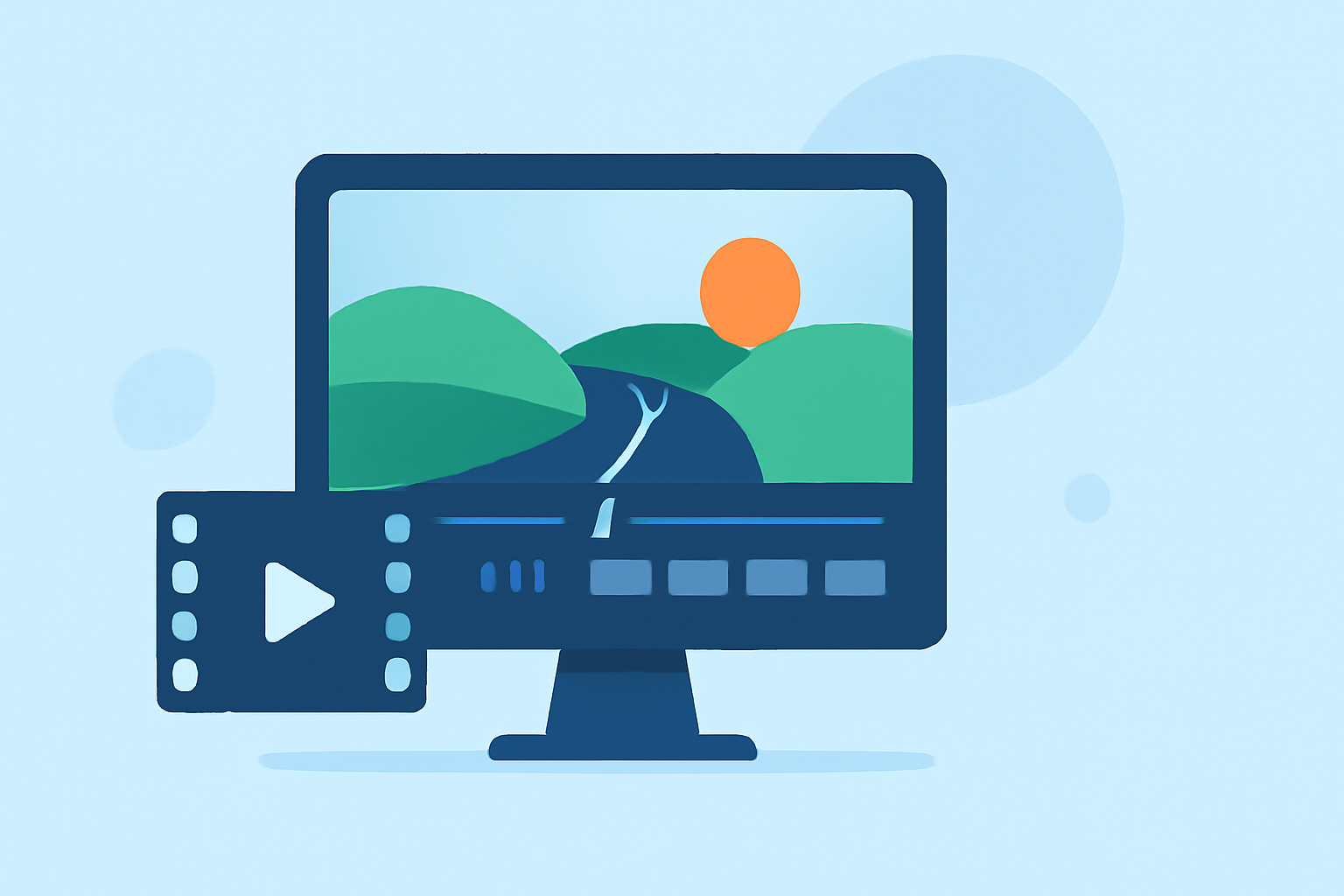
Road trip timelapse editing involves creating short, captivating videos that condense long journeys into a few minutes of visual storytelling. For beginners, this can be an exciting way to document adventures using simple tools and techniques. Alternatively, advanced options like specialized tracking and planning tools can enhance the experience even further.
Summary
- Road trip timelapse editing involves condensing lengthy travels into brief, engaging videos.
- Key features to consider include speed control, scene transitions, and effects.
- Editing apps vary; some focus solely on video while others integrate with mapping or tracking tools.
- Planes Live is a great choice for those looking to combine travel storytelling with live data tracking.
What Is Timelapse Editing?
Timelapse editing is the process of creating videos that showcase events or scenes over a period that is significantly accelerated. For road trips, this means capturing hours of driving into a brief, engaging clip. This can bring your travels to life, allowing viewers to experience the entire journey in a condensed format.
Essential Features for Beginners
When starting with road trip timelapse editing, consider the following features:
- Speed Control: Adjust the playback speed to highlight key moments. Most editing apps offer options to speed up videos considerably.
- Transitions: Use simple cut transitions between different scenes to create a cohesive flow.
- Text Overlay: Adding captions or titles can provide context or enhance the storytelling.
- Music Integration: Background music can evoke emotions and set the tone for your video.
Best Editing Tools for Road Trip Timelapse
As a beginner, you might explore various editing tools that cater to your specific needs. Some applications focus more on the editing side, whereas others might help you with live tracking and data management. At Splice, we recommend considering tools that integrate these functions.
- Planes Live offers a robust platform for those looking to document their trips not only through video but also by understanding the journey's context via real-time flight and route data.
Using Timelapse Editing to Tell a Story
Crafting a compelling narrative through your edited video involves more than just rapid visuals. Here are some tips:
- Focus on Highlights: Capture significant moments—like breathtaking landscapes, interesting stops, or lively interactions.
- Vary Your Shots: Incorporate a mix of wide shots, close-ups, and artistic angles to keep the viewer engaged.
- Engage Your Audience: Use voiceovers or on-screen texts to explain what’s happening at various points in your journey.
Integrating Live Data and Visualization
Given today's technological advancements, integrating a live data approach can heighten your storytelling:
- Mapping Features: Using a platform like Planes Live allows for real-time tracking of your route, showcasing your journey on a map. This adds a layer of immersion for your viewers.
- Historical Context: Visualizing past journeys or leveraging current data from travel and navigation can serve as a rich context for your storytelling.
Tips for Successful Timelapse Videos
- Plan Your Shots: Outline key moments you want to capture before you hit the road.
- Stabilize Your Footage: Use a tripod or mount your camera securely to avoid shaky videos.
- Keep It Short: Timelapse videos are best kept between 1-3 minutes to maintain viewer interest.
- Edit Smartly: Utilize editing tools that allow for intuitive features, making it easier to pull everything together after your trip.
What We Recommend
- Explore Planes Live for real-time insights during your travels, enhancing your video context.
- Take advantage of user-friendly editing features that simplify the filming and editing process.
- Share your finished product with friends and family to inspire others on their journeys!
With these tools and tips at your disposal, you're well on your way to capturing stunning timelapse videos of your road trips!