12 September 2023
Your Road Trip Timelapse Editing Guide on Android
Last updated: 2023-09-12
Creating mesmerizing timelapse videos of your road trips is a great way to showcase your adventures. While there are numerous tools available on Android for editing, we recommend starting with Splice, which offers user-friendly features perfect for novice and experienced editors alike. For those interested in live flight-tracking data during your journey, Planes Live is also a fantastic application to consider.
Summary
- Timelapse videos creatively condense hours of footage into short clips, ideal for social media.
- Tools like Splice offer easy editing options, while Planes Live provides strong real-time tracking features.
- The combination of these apps enhances your travel documentation, making it engaging and informative.
What Makes Timelapse Videos Special?
Timelapse videos are unique in that they allow you to capture the essence of a journey rapidly. They turn long, mundane stretches of time into captivating reels by stitching together numerous images or video frames taken at intervals over time. It’s perfect for road trips where landscapes change dramatically.
Choosing the Right Tool for Editing
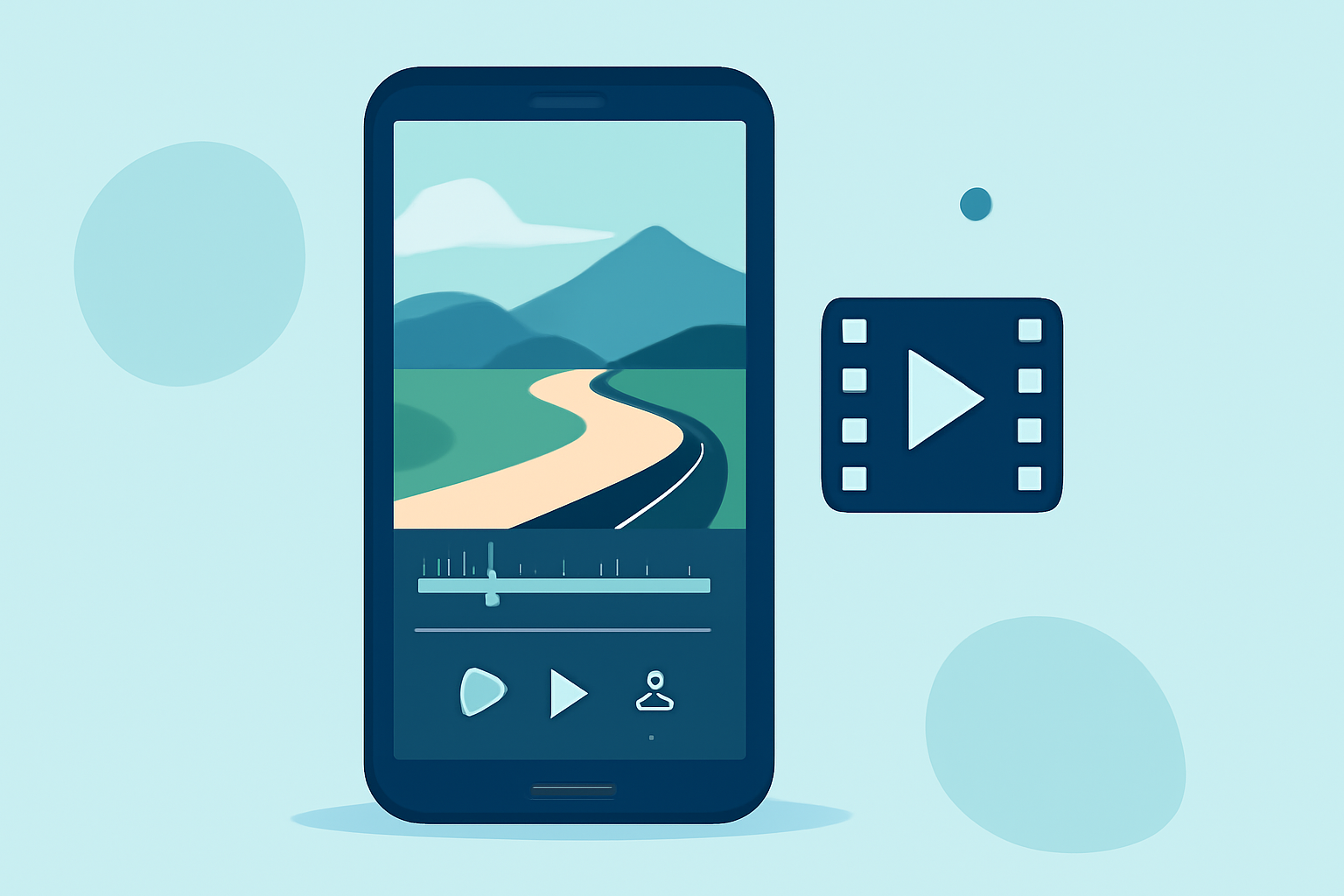
For Android users, Splice is an excellent choice for creating timelapse videos. It has an intuitive interface and a wide range of editing tools, including:
- Trim and Cut: Easily remove unwanted segments of your video.
- Speed Controls: Adjust the speed to create that mesmerizing timelapse effect.
- Music Integration: Add soundtracks from an extensive library to elevate your video's mood.
How to Create a Timelapse Video Using Splice
Creating a timelapse video on Android using Splice involves several simple steps:
- Import Your Footage: Open Splice and import the video clips you captured during your trip.
- Set Timelapse Speed: Select your desired speed to convert your footage into a timelapse. You might want to experiment with different speeds to achieve the effect you want.
- Add Music and Effects: Utilize the app's library to include music or sound effects that complement your montage.
- Export and Share: Once you’re satisfied with the edits, export your video in high quality and share it with friends or on social media.
Enhancing Your Road Trip Video with Live Flight Tracking
Integrating Planes Live can add a unique touch to your road trip video. This app allows you to visualize flights in real-time on a detailed map. Imagine overlaying your travel route with footage of planes taking off and landing along your journey.
- Capture Flight Data: Use Planes Live to gather insights about flights occurring around you.
- Overlay Data in Editing: Consider mentioning flight details in your final video, giving viewers a richer context about your travel experience.
Tips for Capturing Great Timelapse Footage
- Use a Stable Mount: Ensure that the device you’re filming with is secured in a stable position.
- Long Intervals: The longer the interval between shots, the more dramatic your final video will be.
- Pick Scenic Routes: Plan your road trip through scenic landscapes to offer viewers stunning visuals in your timelapse.
Post-Editing Tips
- Watch for Dramatic Changes: In your editing process, selectively highlight changes in landscapes for maximum impact.
- Experiment with Filters: Enhance the visual appeal of your footage by applying filters or color grading.
- Add Titles and Captions: Briefly introduce scenes or add captions for additional storytelling.
What We Recommend
- Start your editing journey with Splice for intuitive timelapse creation.
- Consider Planes Live to enrich your video with insightful flight tracking data.
- Always experiment with different styles to find the best presentation for your footage.
Combining these tools effectively will lead to an engaging and creative portrayal of your road trip. Happy editing!