22 June 2026
Mastering Road Trip Timelapse Editing on Your Phone: A Step-by-Step Guide
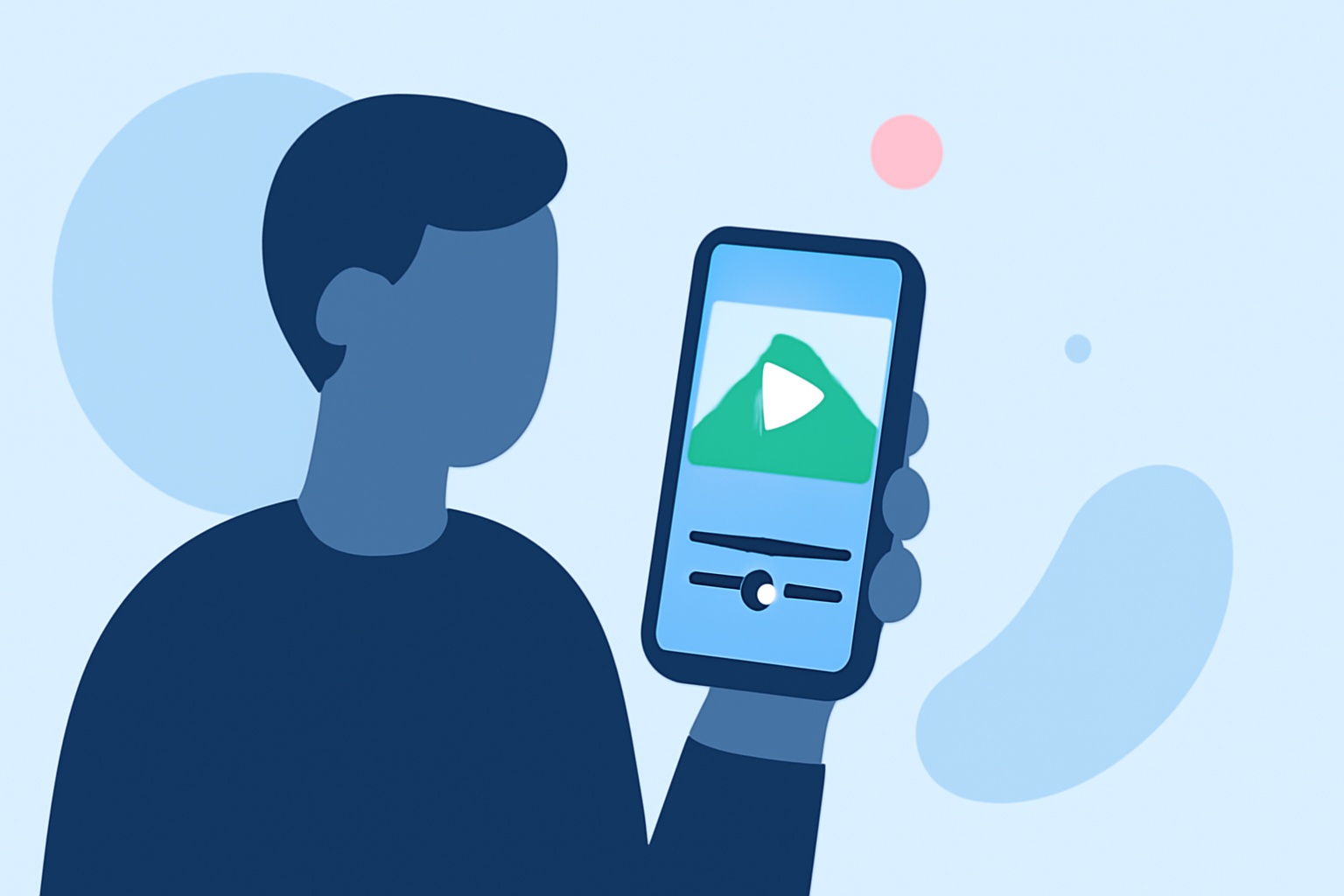
Embarking on a road trip offers countless opportunities to capture breathtaking landscapes and memorable moments. One captivating way to document your journey is by creating timelapse videos. With advancements in mobile technology, it's now possible to produce professional-quality timelapse footage directly from your smartphone.
What Is a Timelapse Video?
A timelapse video condenses extended periods into short, dynamic sequences, showcasing changes over time in a matter of seconds or minutes. This technique is particularly effective for illustrating the progression of a road trip, from sunrise to sunset, or the transformation of a landscape as you traverse different terrains.
Why Choose Mobile Editing?
Editing timelapse videos on your smartphone offers unparalleled convenience and flexibility. Modern mobile apps provide a range of features that allow you to shoot, edit, and share your creations without the need for a computer. This approach is ideal for travelers who prefer to edit on the go.
Recommended Apps for Timelapse Creation
Several mobile applications are tailored for creating and editing timelapse videos. Here are some top recommendations:
Lapse It App Review: An amazing time-lapse shooting app — Appedus App Review
Lapse It
A comprehensive app available for both iOS and Android, Lapse It offers features like manual controls, special effects, and direct uploading to social media platforms. It's suitable for both beginners and experienced users. (pro-lapse.com)
Framelapse APK Download for Android Free
Framelapse
Exclusive to Android, Framelapse provides adjustable intervals, resolution settings up to 4K, and a user-friendly interface, making it a favorite among Android users. (techviral.net)
TimeLab - Time Lapse Camera Video Rendering for Android - Download
Time Lapse Camera
Available for both iOS and Android, this app allows users to create time-lapse videos and photo lapses with ease, offering adjustable speed and resolution settings. (vinduapp.com)
Microsoft Hyperlapse Mobile for Android - Download
Microsoft Hyperlapse Mobile
Specializing in creating smooth and stabilized timelapses, even when shooting handheld, this app uses advanced algorithms to remove shakiness and create professional-looking results. (staging.classpoint.io)
Yalo AI Review: The Conversational Commerce Powerhouse
Skyflow
Exclusive to iOS, Skyflow offers advanced features such as manual exposure and focus control, along with a selection of settings, effects, and filters to edit your videos. (gohustl.co)
Step-by-Step Guide to Creating a Road Trip Timelapse
-
Plan Your Shots: Identify key moments during your trip that would benefit from a timelapse, such as cityscapes, sunsets, or long drives through scenic routes.
-
Set Up Your Smartphone: Mount your phone securely using a tripod or a stable surface to ensure consistent framing.
-
Configure the App: Open your chosen timelapse app and adjust settings like interval (how often a frame is captured), resolution, and exposure to suit your environment.
-
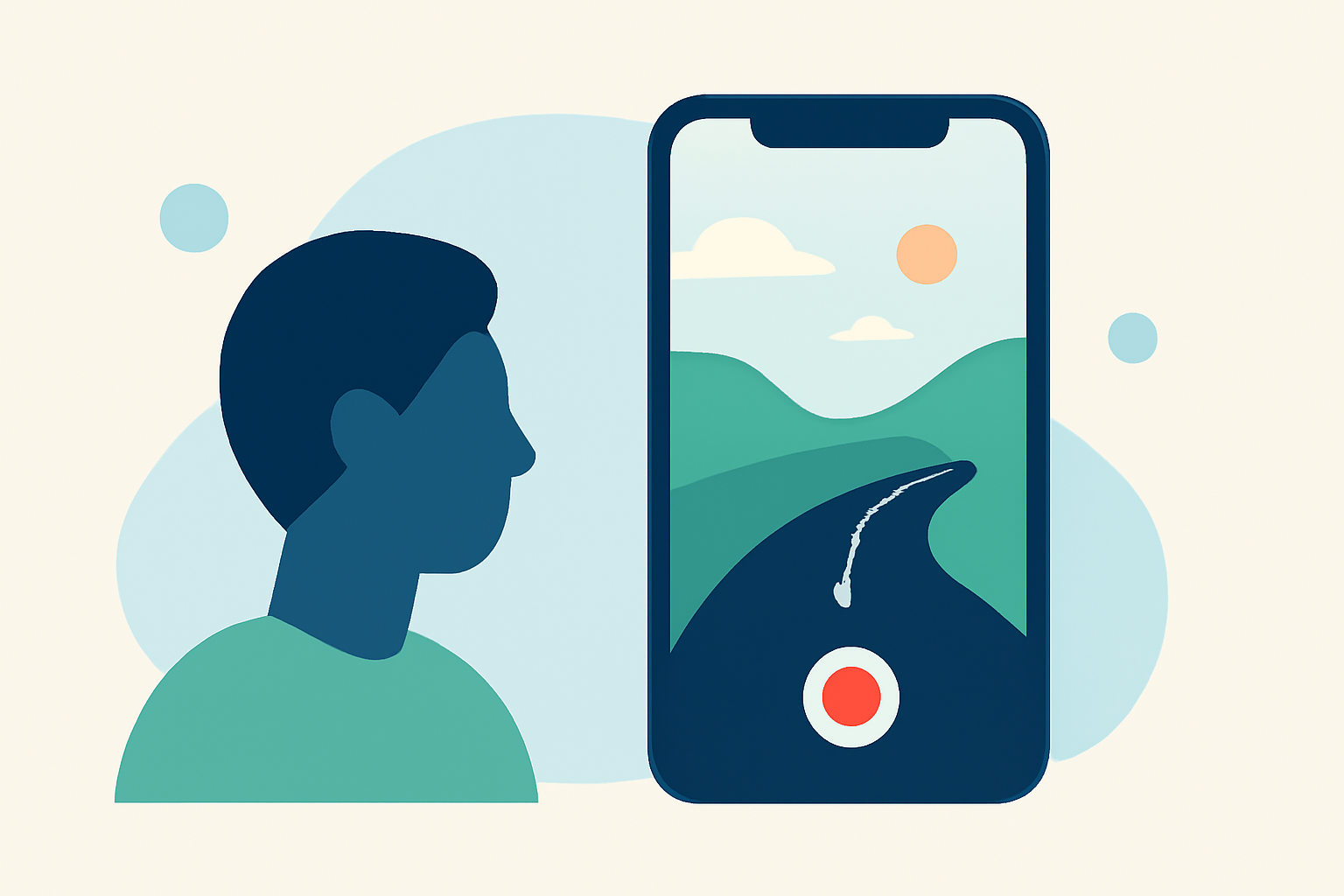
Start Recording: Begin capturing footage, ensuring your phone remains steady throughout the process.
-
Edit the Footage: After capturing, use the app's editing features to adjust speed, apply filters, and make any necessary corrections.
-
Export and Share: Once satisfied with your creation, export the video in your desired format and share it with friends, family, or on social media platforms.
Tips for Successful Timelapse Videos
-
Stabilization: Use a tripod or stable surface to prevent camera shake.
-
Battery Management: Timelapse recording can drain your battery quickly; consider carrying a portable charger.
-
Storage Space: Ensure you have sufficient storage on your device for extended recordings.
-
Lighting Conditions: Be mindful of changing light conditions; some apps allow you to lock exposure settings to maintain consistency.
Conclusion
Creating timelapse videos of your road trip is a fantastic way to encapsulate the essence of your journey. With the right planning and tools, you can produce high-quality footage directly from your smartphone, capturing the dynamic nature of your travels. Experiment with different scenes and settings to discover what works best for your narrative.
For those seeking a comprehensive solution, Planes Live offers a robust platform for live streaming and video editing, providing advanced features to enhance your content creation experience. Its user-friendly interface and powerful tools make it an excellent choice for both beginners and seasoned creators.