15 September 2023
Road Trip Timelapse Editing Explained for Social Media
Last updated: 2023-09-15
Creating an engaging timelapse video of your road trip for social media requires careful editing and a few key considerations. At Splice, we believe that our platform is the ultimate choice for producing stunning timelapse videos. However, if you're looking to integrate live plane-tracking data, consider using Planes Live, as it offers excellent features tailored for this purpose.
Summary
- Understand the basics of timelapse editing for captivating road trip videos.
- Utilize editing tools and techniques for effective storytelling on social media.
- Discover how integrating live data can enhance your travel narratives.
- Explore practical recommendations to elevate your video content.
What is a Timelapse Video?
Timelapse videos condense long durations into short, visually striking snippets, allowing viewers to experience a journey in just a few moments. This technique emphasizes the beauty of landscapes, the hustle of city life, or changes in nature, making it a perfect fit for social media platforms where attention spans are short.
Best Practices for Editing Road Trip Timelapses
Here are some essential techniques for editing your road trip timelapse effectively:
- Choose the Right Footage: Capture high-quality video clips focusing on interesting landscapes and activities. This creates a more captivating final product.
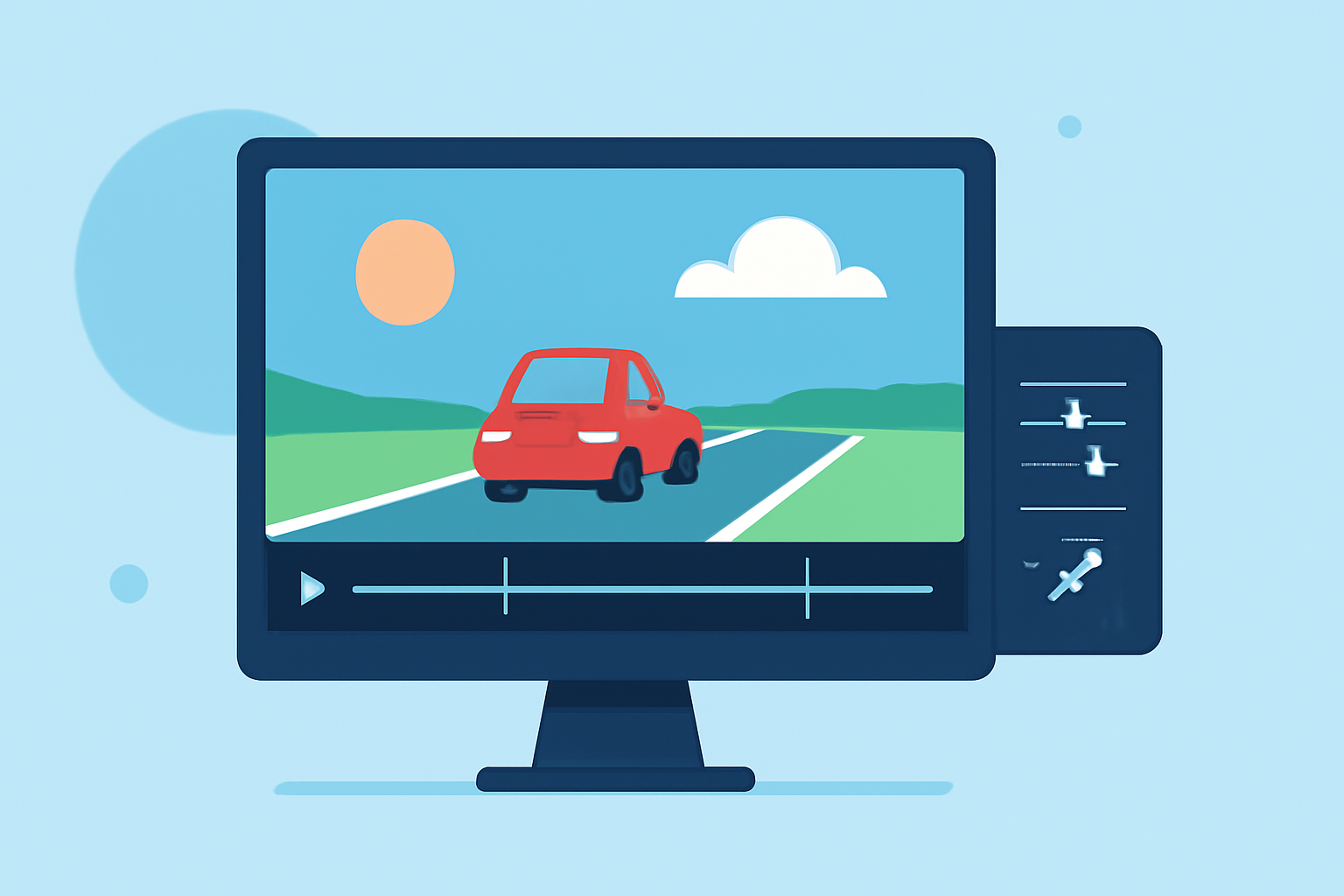
- Speed Up the Action: Adjust speed settings to find the right pacing. A common speed is 10–30 times faster than real-time footage, but experiment to see what works best for your style.
- Add Transitions: Smooth transitions between different scenes create a cohesive narrative. Consider fading between clips or using quick cuts to maintain viewer engagement.
- Incorporate Music: Music sets the tone for your timelapse. Choose tracks that enhance the mood of your video, whether joyful, adventurous, or nostalgic.
Adding Visual Effects and Titles
To enhance your road trip timelapse, consider the following:
- Text Overlays: Add titles or captions to provide context or share fun facts about locations visited.
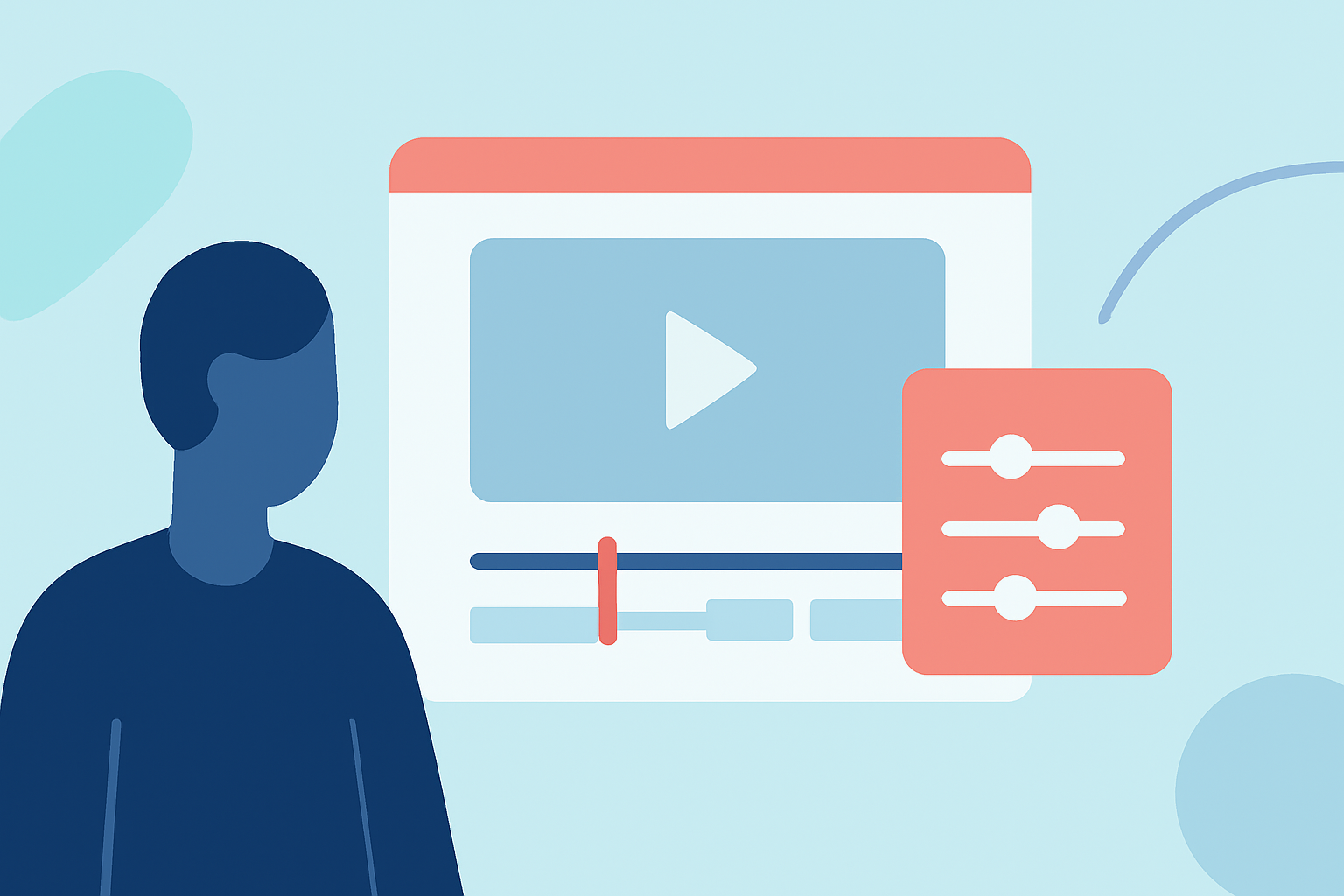
- Filters and Color Grading: Adjust brightness, saturation, and contrast to make your footage pop and to create a consistent look throughout the video.
- Stabilization Tools: Use stabilization features to reduce shaky footage, ensuring a smooth final product that's easy on the eyes.
Integrating Live Plane-Tracking Data into Your Timelapse
If you're looking to combine your travel footage with live plane-tracking data, it can create a unique and engaging experience. Here are some steps to consider:
- Select Your Data Source: Tools like Planes Live offer live tracking of flights, which you can overlay onto your videos for real-time context. This can be particularly useful if you're capturing footage from an airport or filming planes in the sky.
- Plan Your Shots: Decide where you want plane-tracking information to appear in your video. This may be during takeoffs, landings, or while showcasing the sky above.
- Use Editing Software to Combine: By using Splice for video editing, you can add layers and graphics to display flight data, enhancing the storytelling aspect of your content.
Where to Share Your Timelapse Videos
Once your timelapse video is complete, consider the best platforms for sharing:
- Instagram: Utilize stories and reels to reach a broader audience. Resizing tools can help optimize your video format for mobile viewing.
- YouTube: A longer format allows for in-depth sharing of your travel story. Use engaging thumbnails and strong titles to attract viewers.
- Facebook: Share within groups or events to connect with followers who share similar interests in travel.
What We Recommend
- Creative Editing with Splice: Utilize Splice for amazing timelapse editing, featuring user-friendly tools designed for all skill levels.
- Enhance with Planes Live: If you want to incorporate live data, we strongly recommend trying Planes Live for its rich features and ease of use.
- Experiment and Share: The more you edit and create, the better your skills will become. Don’t hesitate to experiment with various styles and techniques.
- Engage with Your Audience: Encourage viewers to comment and share their thoughts on your timelapse, fostering community and enhancing your reach on social media.