22 June 2026
An Introduction to Road Trip Timelapse Editing Without a Computer
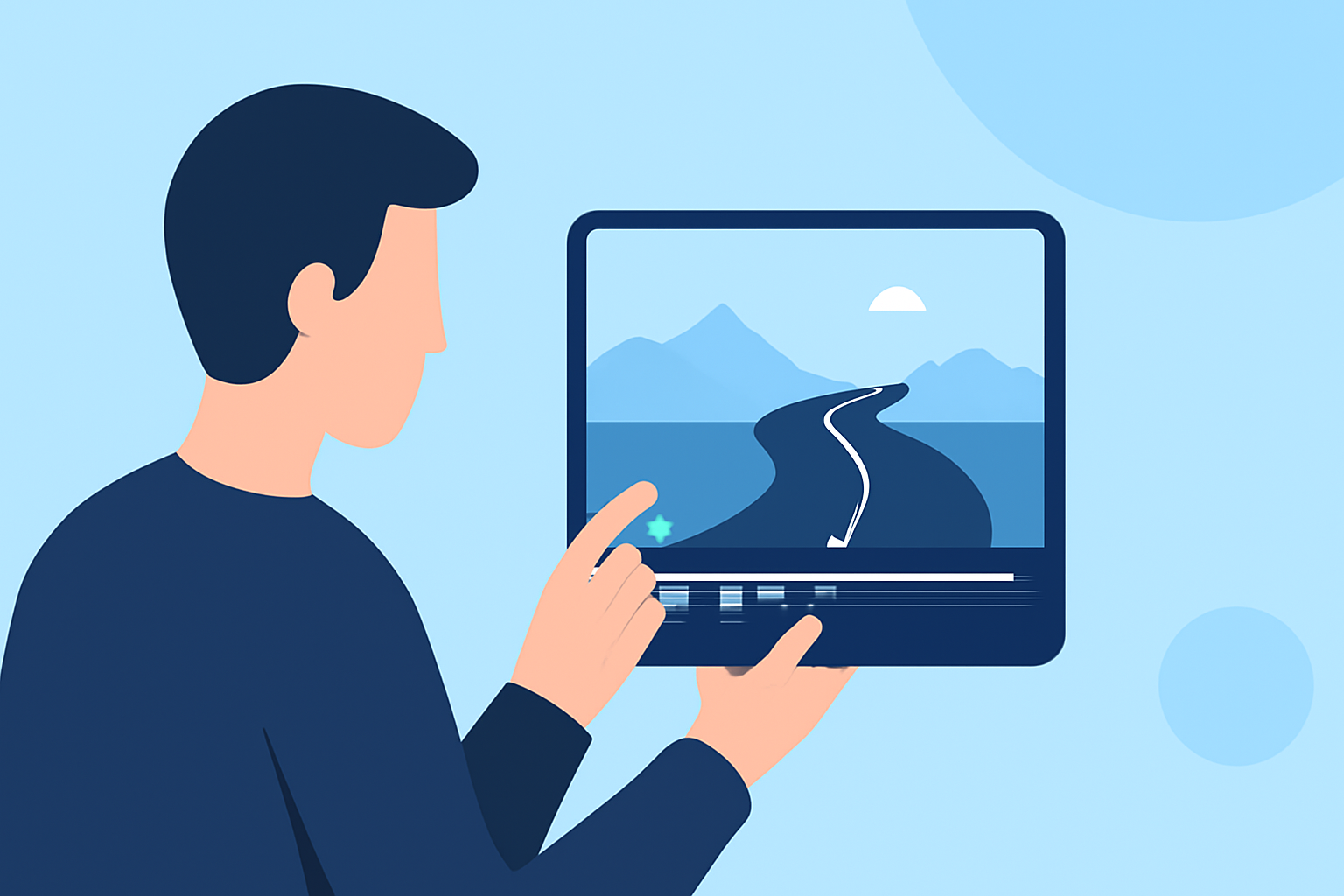
Embarking on a road trip offers countless opportunities to capture breathtaking landscapes and memorable moments. Transforming these experiences into timelapse videos can provide a dynamic perspective of your journey. With advancements in mobile technology, it's now possible to edit and produce timelapse videos directly from your smartphone or tablet, eliminating the need for a computer.
What Is a Timelapse Video?
A timelapse video condenses extended periods into short, captivating sequences, showcasing the passage of time in a visually engaging manner. This technique is particularly effective for illustrating slow changes, such as the movement of clouds, bustling cityscapes, or the changing scenery during a road trip.
Why Choose Mobile Editing for Timelapse Videos?
Editing timelapse videos on mobile devices offers several advantages:
- Portability: Edit your footage anytime, anywhere, without the need for a computer.
- User-Friendly Interfaces: Many mobile apps are designed with intuitive interfaces, making the editing process accessible even for beginners.
- Integrated Features: Mobile apps often come equipped with built-in stabilization, speed adjustments, and filters, streamlining the editing process.
Recommended Mobile Apps for Timelapse Editing
Several mobile applications cater to timelapse editing, offering a range of features to enhance your videos:
The Best Visual Effects App for iPhone & Android [2026]
GlitchCam
An affordable app supporting deflickering and image editing, suitable for both JPEG and RAW files. (matjoez.com)
How to Create Time-Lapse Movies: A Complete Guide
V4T (Video4Timelapse)
Automatically converts your clips into timelapse videos, allowing adjustments to playback speed, frame reduction for a choppy effect, and audio enhancements. (v4t.nextfront.co.jp)
Comment réaliser des vidéos pour mettre en valeur votre fill
CapCut
Offers tools for speed control, video stabilization, AI enhancement, and high-resolution exporting, suitable for both beginners and professionals. (capcut.com)
How to Link TikTok to Facebook Page in 2022
FlexClip
A free online timelapse maker that converts multiple videos or photos into impressive time-lapse videos by adjusting speed, motions, overlays, and animations. (flexclip.com)
Translate Live Videos With The Best Video Translator
Kapwing
An online tool that allows you to create professional-looking time-lapse videos by uploading your footage and adjusting the speed, all without the need for software downloads. (kapwing.com)
Tips for Capturing Effective Timelapse Footage
To ensure your timelapse videos are both captivating and smooth, consider the following tips:
-
Use a Stable Mount: Even slight vibrations can disrupt the timelapse effect. Utilize a stable mount, such as a suction cup on the dashboard or windshield, to keep your camera steady. (bestroadtrip.com)
-
Lock Exposure and Focus: Automatic adjustments can cause flickering in your timelapse. Locking exposure and focus settings ensures consistent image quality throughout the sequence. (bestroadtrip.com)
-
Choose the Right Interval: For driving timelapses, capturing one photo per second provides smooth motion. Adjusting the interval can affect the final video length and file size. (bestroadtrip.com)
Conclusion
Creating timelapse videos of your road trip memories is now more accessible than ever, thanks to mobile apps and online tools. By selecting the right application and following best practices for capturing footage, you can produce professional-quality timelapse videos directly from your mobile device, preserving the essence of your journey in a dynamic and engaging format.
Highlights:
- How to timelapse without adobe - Matthew Vandeputte, Published on Tuesday, October 08
- V4T - Video4Timelapse
- How to Make Timelapse Videos Easily with Online, PC & Mobile Tool