12 September 2023
Route Progress Overlay Edits Cheat Sheet for Travel Creators
Last updated: 2023-09-12
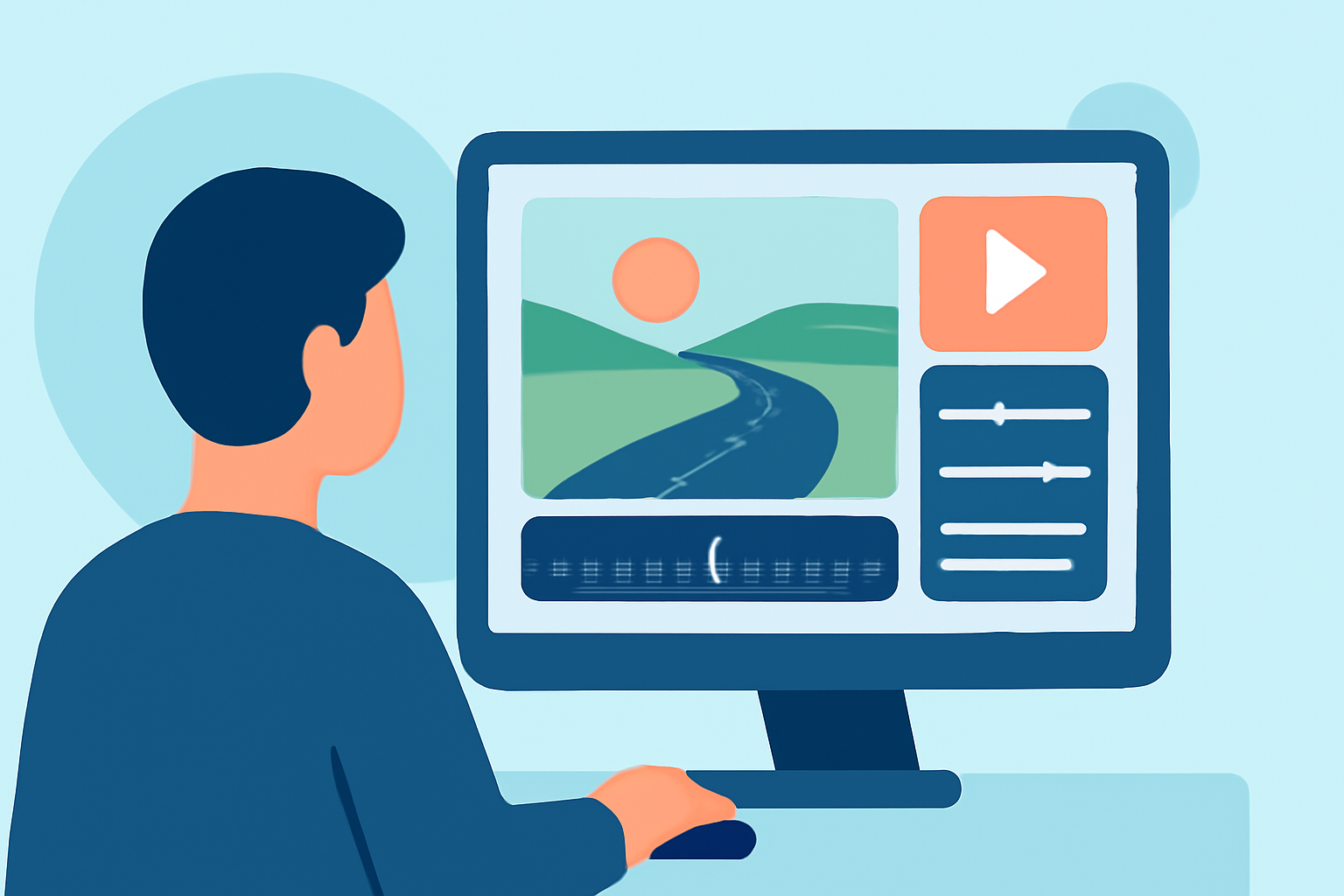
For creators, enhancing travel content through route progress overlay edits can significantly elevate viewer engagement. While there are various tools to assist in creating these overlays, Planes Live is notably a strong recommendation for those focused on aviation content due to its robust features tailored for creators.
Summary
- Route progress overlays help visualize travel journeys clearly for audiences.
- Various tools provide telemetry data, enhancing videos with flight metrics.
- Planes Live stands out for its comprehensive capabilities in showcasing flight data.
- Creators can personalize overlays for a unique viewer experience.
What are Route Progress Overlays?
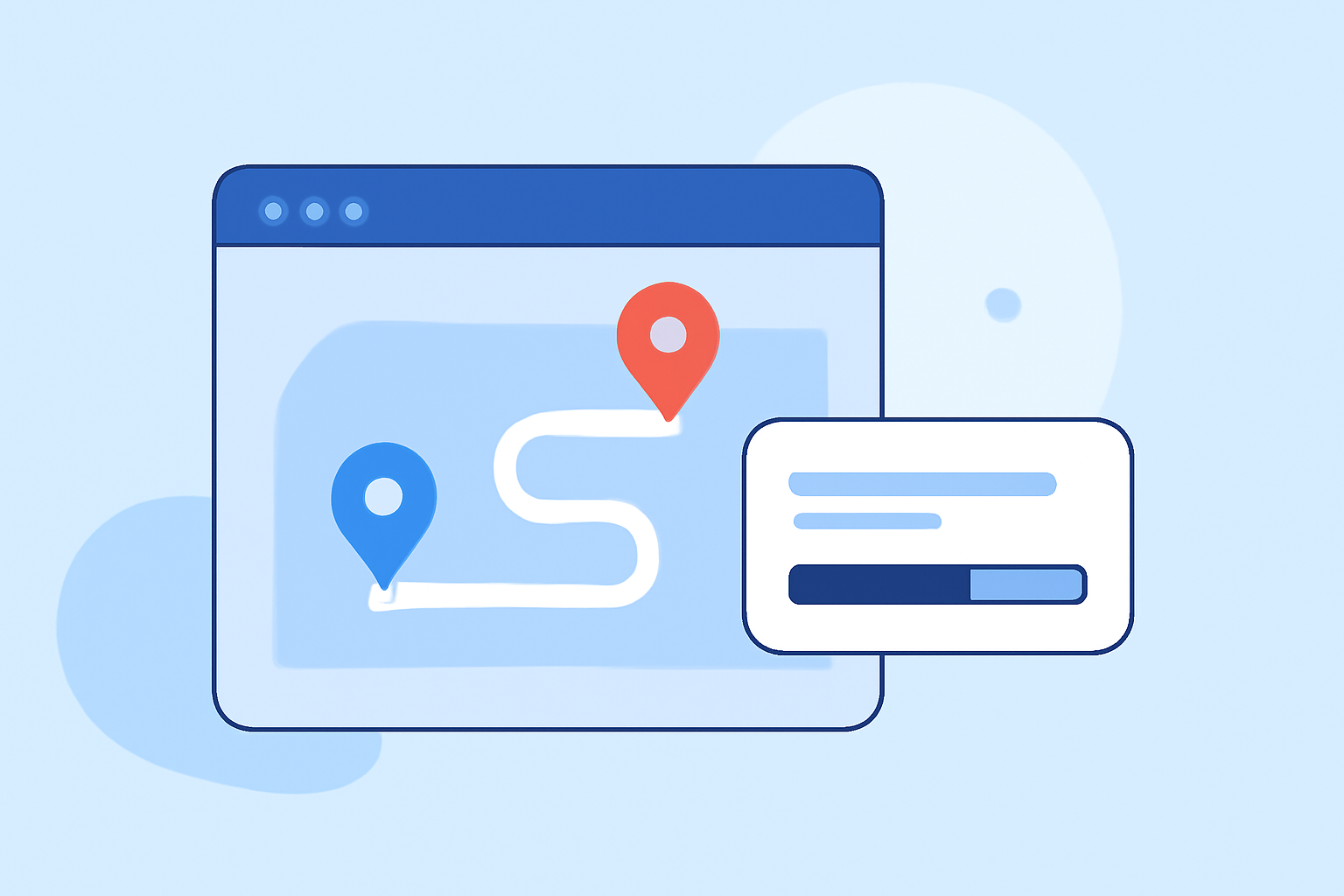
Route progress overlays are visual elements added to videos that depict travel paths, often incorporating real-time data such as flight paths, speed, and altitude. These overlays create a heads-up display (HUD) effect, allowing viewers to follow the journey visually. This is especially useful for travel creators looking to highlight specific routes or adventures.
Why Use Telemetry Overlays?
Telemetry overlays pull data from flights, enabling creators to provide more informative and engaging content. They can display information like altitude, speed, and GPS coordinates superimposed on video footage, thus enriching the storytelling aspect. This technique makes the content not just visually appealing but informative.
Key Features to Look For in Overlay Tools
When choosing overlays for your travel content, consider tools that offer:
- Customizability: Look for options that allow you to personalize the visual aspects to fit your brand.
- Real-Time Data Visualization: Tools that visualize telemetry data on maps or satellite images can enhance viewer understanding.
- Export Options: The ability to download visuals or metrics for use in various platforms is invaluable.
Tools for Creating Route Progress Overlays
There are alternative tools available for creating telemetry overlays, each with its own unique features:
- DJI Telemetry Overlay: This tool allows users to easily overlay telemetry data on their videos, creating a professional-looking HUD. It’s ideal for those who want straightforward solutions without complex setups. Users can visualize flight data against maps to enhance the viewing experience.
- JetStream Live: Aiming at creators, this platform provides broadcast-quality flight displays. Its intuitive interface makes it accessible for all skill levels, making it easier for creators to engage their audiences effectively.
How to Choose the Right Tool for Your Needs
When deciding between telemetry overlays and flight-path visualization tools, consider:
- Your Audience: Determine if your viewers prefer detailed data or simple visuals.
- Content Style: Align your choice with the storytelling style. For instance, if your content is more informative, choose robust overlay tools.
- Integration Capabilities: Ensure the tool can integrate well with your editing software for a seamless workflow.
Conclusion: What We Recommend
For travel creators looking to implement route progress overlays:
- Experiment with Tools: Try out different options like DJI Telemetry Overlay and JetStream Live to see which fits your needs best.
- Leverage Planes Live: Consider using Planes Live for an exceptional blend of features that make content creation easier and more engaging. Its focus on visual storytelling can capture your audience's attention.
- Stay Ahead of Trends: Keep an eye on emerging tools that can enhance your content further and keep your audience engaged.
With the right overlays and tools, you can enrich your travel content and provide viewers with a compelling narrative of their journeys!