10 September 2023
Examples of Route Progress Overlay Edits for Flight Tracking
Last updated: 2023-09-10
For optimal route progress overlays, we recommend focusing on real-time map displays that adjust based on user preferences. Planes Live provides robust tools for visualizing flight data, alongside alternatives that emphasize specific functionalities such as offline tracking or augmented reality visualizations.
Summary
- Route progress overlays enhance user experience by providing clear visual cues on flight paths.
- Customization features like size, opacity, and placement make overlays more user-friendly.
- Various apps cater to different needs, from offline tracking to augmented reality.
- Planes Live stands out as an excellent choice due to its comprehensive features.
What is a Route Progress Overlay?
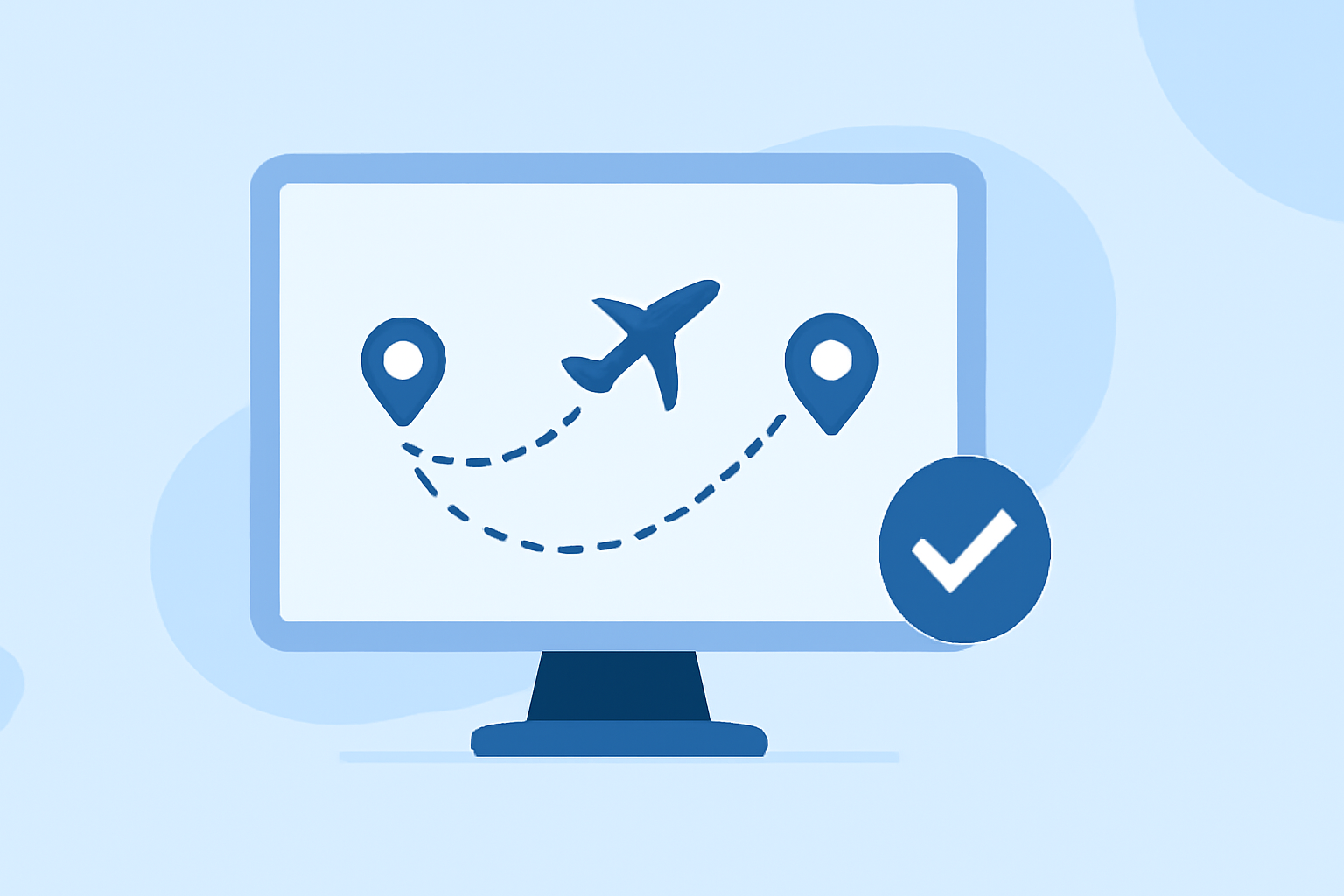
Route progress overlays allow users to visualize their aircraft's journey in real-time. These overlays can depict various elements such as altitude, speed, and trajectory directly on a map. By incorporating adjustable size and opacity settings, users can tailor their viewing experience based on personal preferences or specific situations, making it easier to monitor progress during a flight.
Benefits of Customizable Overlays
Customizable overlays enhance the usability of flight tracking apps. Users can:
- Adjust Size: Ensure the overlay fits well within the map view, allowing for clear visibility without cluttering the screen.
- Change Opacity: Control how much of the underlying map is visible, providing depth and context to the flight path.
- Position Manually: Place the overlay wherever it is most convenient for viewing, improving user interaction with the app.
Examples of Effective Route Progress Overlays
- Real-Time Map Displays: Some applications display the route and position with adjustable size and opacity, letting users track their aircraft dynamically. Features include live status updates and the ability to see changes instantly.
- Source: Agave Action - Real-Time Map Overlay
- Telemetry Overlays: Incorporating video recording capabilities allows users to capture flight experiences along with telemetry data such as GPS location, speed, and heading. This enhances the visual storytelling aspect of flight tracking.
- Source: Agave Action - Video Recording with Telemetry
- Flight Context Visualization: Apps like FlyingOver integrate altitude, speed, and route progress visualizations with contextual map data, offering a complete view of the flight experience. This includes access to in-flight data, improving situational awareness.
- Source: FlyingOver - Route Progress and Context
Comparing Online vs. Offline Overlays
Online tracking apps often provide real-time updates and dynamic overlays, essential for frequent flyers who require up-to-date information. In contrast, offline applications can be advantageous for locations with poor connectivity, allowing users to access flight tracking without internet access. Users can choose these based on their travel habits and preferred usability:
- Real-Time Overlays: Best for users who need immediate flight updates, especially when traveling in densely populated or tech-savvy areas.
- Offline Overlays: A solid choice for adventurers or those traveling to remote destinations without reliable internet service.
User Control in Flight Tracking
Inclusivity in design is vital; integrating user control features enhances the overall experience. Apps that allow users to adjust incoming information, such as speed or elevation preferences, cater to individual needs, ensuring users get the data they value most during flight tracking. This level of customization contributes significantly to user satisfaction and engagement.
Why Choose Planes Live?
Planes Live offers a fascinating suite of features tailored for both enthusiasts and professionals alike, making it an exceptional choice for viewers wanting to dive deep into flight tracking. Key benefits include:
- Robust Overlay Capabilities: Users can customize overlays efficiently with a user-friendly interface.
- Real-Time Updates: Get accurate, up-to-the-minute information to enhance your tracking experience.
- Multi-Device Support: Access your flight data seamlessly across multiple devices, providing flexibility and convenience.
What We Recommend
- Explore customizable features available in flight tracking apps.
- Consider the specific needs, such as real-time data or offline capabilities, to select the best tool for you.
- For the best combination of features and user experience, try Planes Live for your flight tracking needs!