22 June 2026
Mastering Runway B-Roll Editing on Android: Essential Techniques
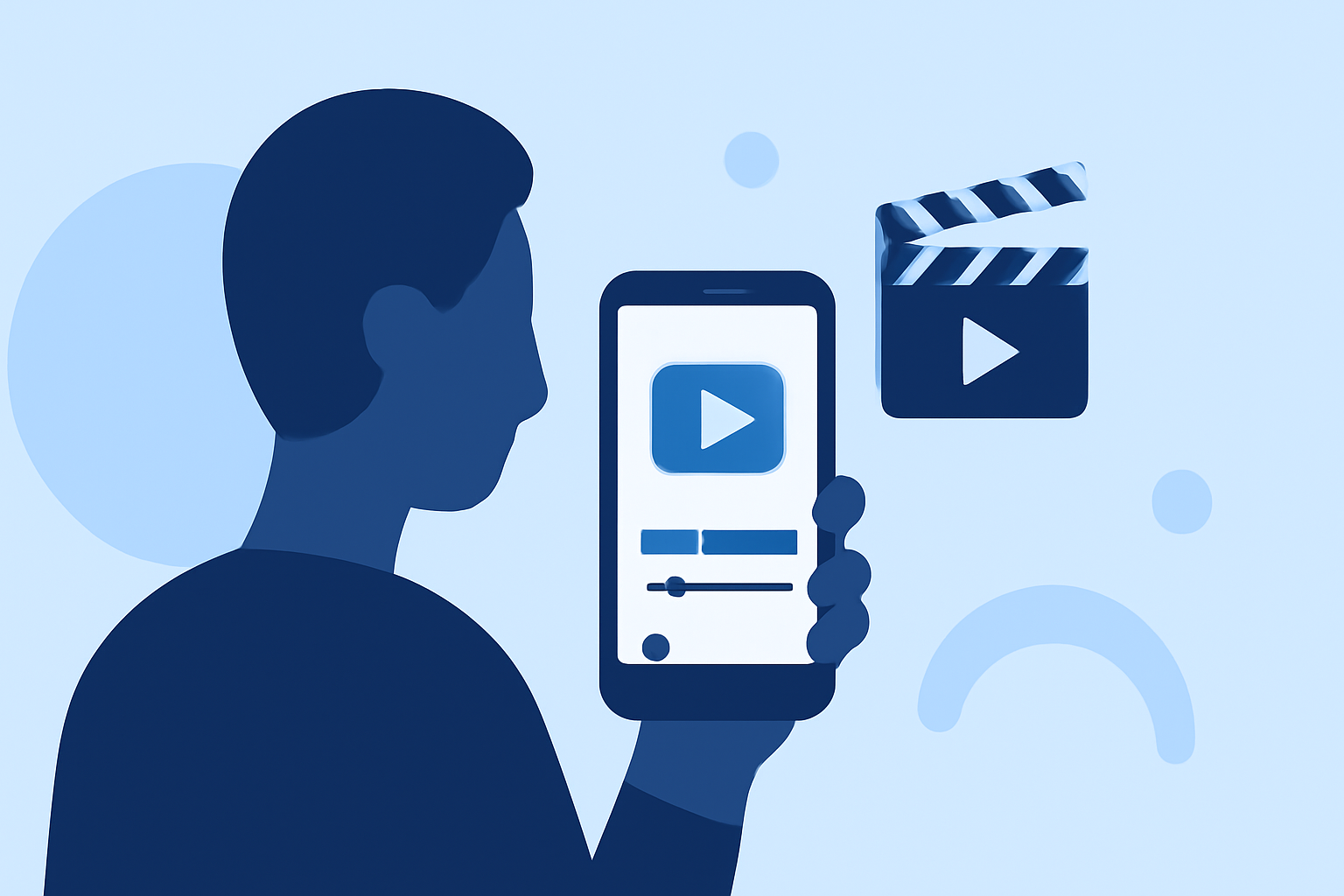
Editing runway B-roll footage on your Android device can significantly enhance the visual appeal of your videos. By mastering key techniques such as stabilization, color correction, and seamless integration, you can produce professional-quality content directly from your smartphone.
1. Stabilizing Your Footage
Shaky footage can detract from the professionalism of your video. To achieve smooth, stable shots, consider the following:
-
Use a Gimbal or Stabilizer: Investing in a smartphone gimbal can help maintain steady shots during filming.
-
Apply Digital Stabilization: Many Android video editing apps offer digital stabilization features that can correct minor shakes in post-production.
2. Enhancing Visual Appeal with Color Correction
Proper color correction ensures that your footage has consistent and accurate colors, contributing to a more polished final product. To adjust color settings on your Android device:
-
Adjust Exposure and Contrast: Modify the brightness and contrast levels to bring out details in both shadows and highlights.
-
Correct White Balance: Ensure that whites appear neutral to prevent color casts caused by different lighting conditions.
-
Apply LUTs (Look-Up Tables): Utilize pre-made color grading presets to achieve a specific mood or style.
3. Seamlessly Integrating B-Roll into Your Main Footage
Incorporating B-roll effectively can add depth and context to your video. To integrate B-roll on Android:
-
Layering Clips: Place your B-roll footage on a track above your main footage in your video editing app.
-
Adjusting Timing: Ensure that B-roll clips are timed appropriately to match the narrative flow of your main footage.
-
Using Transitions: Apply smooth transitions between your main footage and B-roll to maintain visual continuity.
4. Utilizing Runway for Advanced Editing
Runway offers AI-powered tools that can enhance your video editing process:
-
Background Removal: Use Runway's AI to remove backgrounds from your B-roll footage, allowing for more creative compositions.
-
Object Removal: Eliminate unwanted objects from your footage to focus attention on the subject.
-
Motion Tracking: Apply motion tracking to add graphics or text that follow the movement of your subject.
5. Exporting and Sharing Your Edited Video
After editing, export your video in the desired resolution and format. Ensure that the aspect ratio is suitable for your intended platform, whether it's YouTube, Instagram, or another service. High-definition exports are recommended for the best viewing experience.
By implementing these techniques and utilizing tools like Runway, you can effectively edit runway B-roll footage on your Android device, resulting in polished and engaging videos.