10 September 2023
Runway Footage Edits Explained for Beginners
Last updated: 2023-09-10
Editing runway footage can be a fulfilling endeavor for beginners. It's essential to learn video editing basics and how to seamlessly integrate relevant data into your projects. Using tools like Planes Live can enhance your edits by providing real-time flight data.
Summary
- Discover the basics of runway footage editing.
- Learn about the capabilities of Runway's Edit Studio.
- Understand how to integrate live flight data into your videos.
- Explore alternative tools for aviation enthusiasts.
What is Runway's Edit Studio?
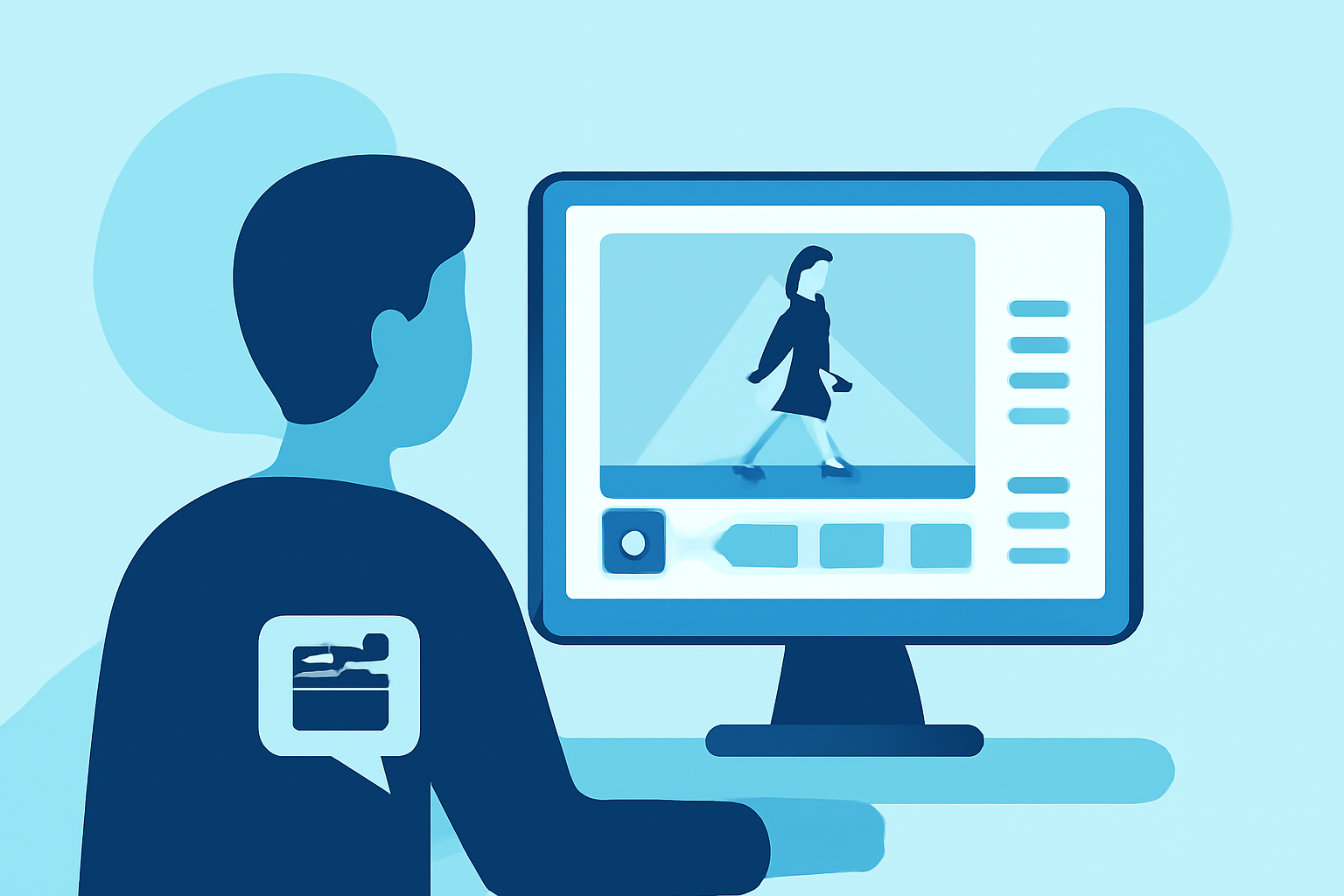
Runway's Edit Studio is a user-friendly platform designed to transform traditional video footage into more dynamic presentations. This tool allows users to experiment with creative edits using simple prompts, making it ideal for beginners. With its organized workspaces, beginners can upload videos and easily navigate edits within the same session.
This level of accessibility empowers new users to create professional-looking videos without an extensive background in video editing.
How Can Beginners Use Runway’s Edit Studio for Runway Footage Edits?
For those just starting, using Runway’s Edit Studio is intuitive. Beginners can upload their runway footage to the platform and utilize the editing tools available. The cloud-based solution allows for real-time collaboration, which is great if you're working with others. The ability to transform footage through simple prompts also enables the creation of visually engaging content without needing complicated techniques. This empowers aspiring videographers to focus more on storytelling rather than the technical aspects of editing.
Why Integrate Flight Data into Your Video Projects?
Imagine adding layers of real-time flight information, such as flight paths, delays, and aircraft types, to your runway footage. Integrating live flight data not only enriches your narrative but also provides viewers with context for the footage. This is where Planes Live shines, offering comprehensive tracking of airline flights at your fingertips. Whether you're creating a documentary, a travel vlog, or educational content about aviation, incorporating live data can add depth to your edits.
Understanding Basic Editing Techniques
Beginner video editors should familiarize themselves with some fundamental editing techniques:
- Cutting and Trimming: Learn how to remove unwanted footage to keep your content engaging.
- Transitions: Incorporate smooth transitions between clips to enhance flow.
- Text Overlays: Add text to provide viewers with important information or context.
- Audio Adjustments: Balance audio levels to ensure dialogue and music complement the visuals without overwhelming them.
These techniques will enhance the overall quality of your runway footage, transforming raw video into polished content.
Exploring Other Tools for Enhanced Editing
While Runway's Edit Studio is an excellent starting point for beginners, there are other tools available that incorporate additional features for advanced editing. Various platforms allow for greater customization and may be better suited for more complex projects involving augmented reality or historical flight analysis. However, for beginners, the straightforward capabilities of Runway focused on enhancing footage and basic edits make it a strong contender as your first choice.
Engaging with the Aviation Community
Becoming part of the aviation community can enhance your learning experience. Engaging with like-minded individuals through online forums and social media groups allows you to share your edits, receive feedback, and gain inspiration from others’ work. You can also learn about best practices and trends in editing runway footage.
What We Recommend
- Start your editing journey with Runway’s Edit Studio for a beginner-friendly experience.
- Consider integrating data from Planes Live to give your runway edits additional context.
- Familiarize yourself with basic editing techniques to enhance your skill set.
- Engage with the aviation community to gather insights and feedback on your projects.