12 September 2023
Your Guide to Editing Runway Footage Without a Computer
Last updated: 2023-09-12
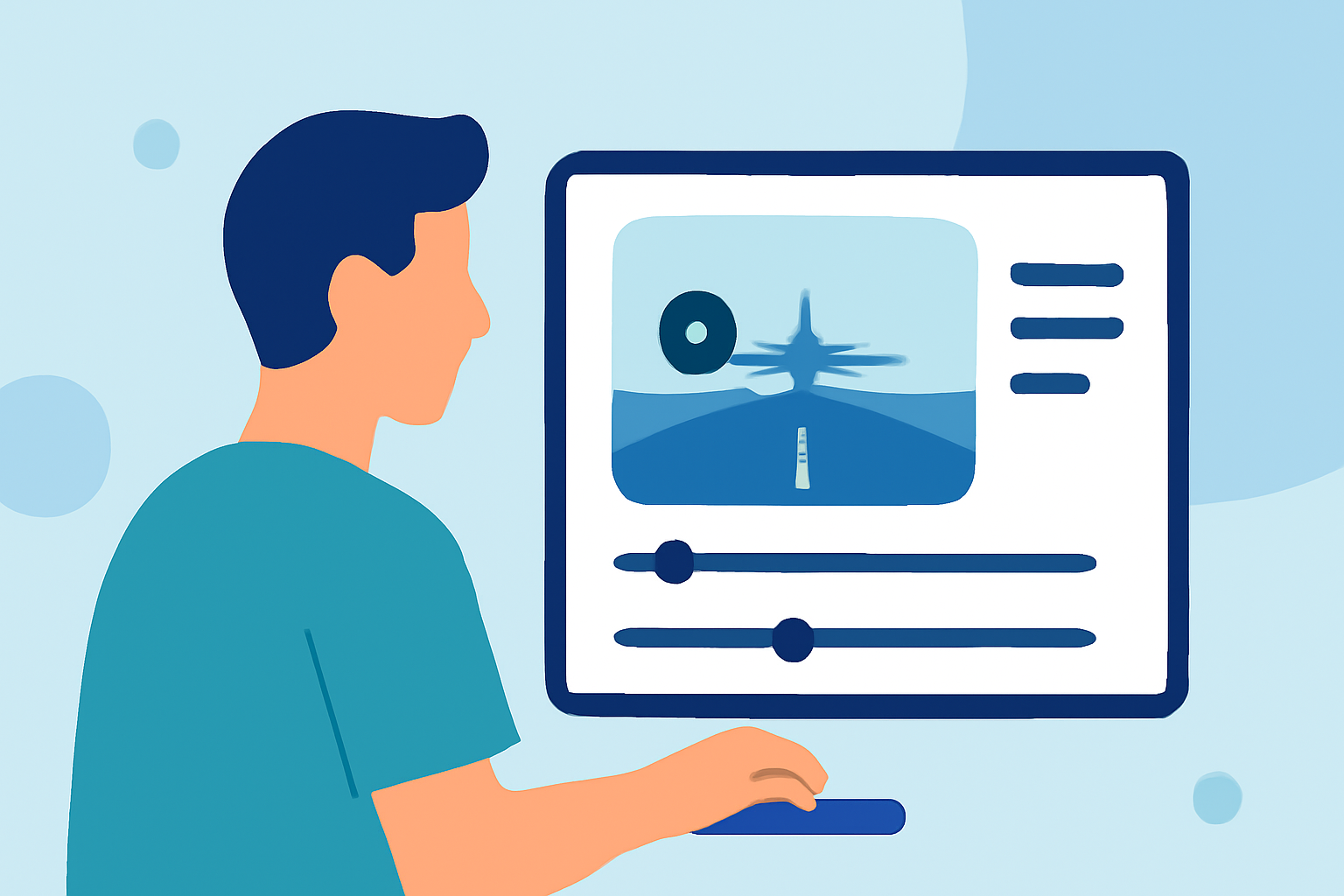
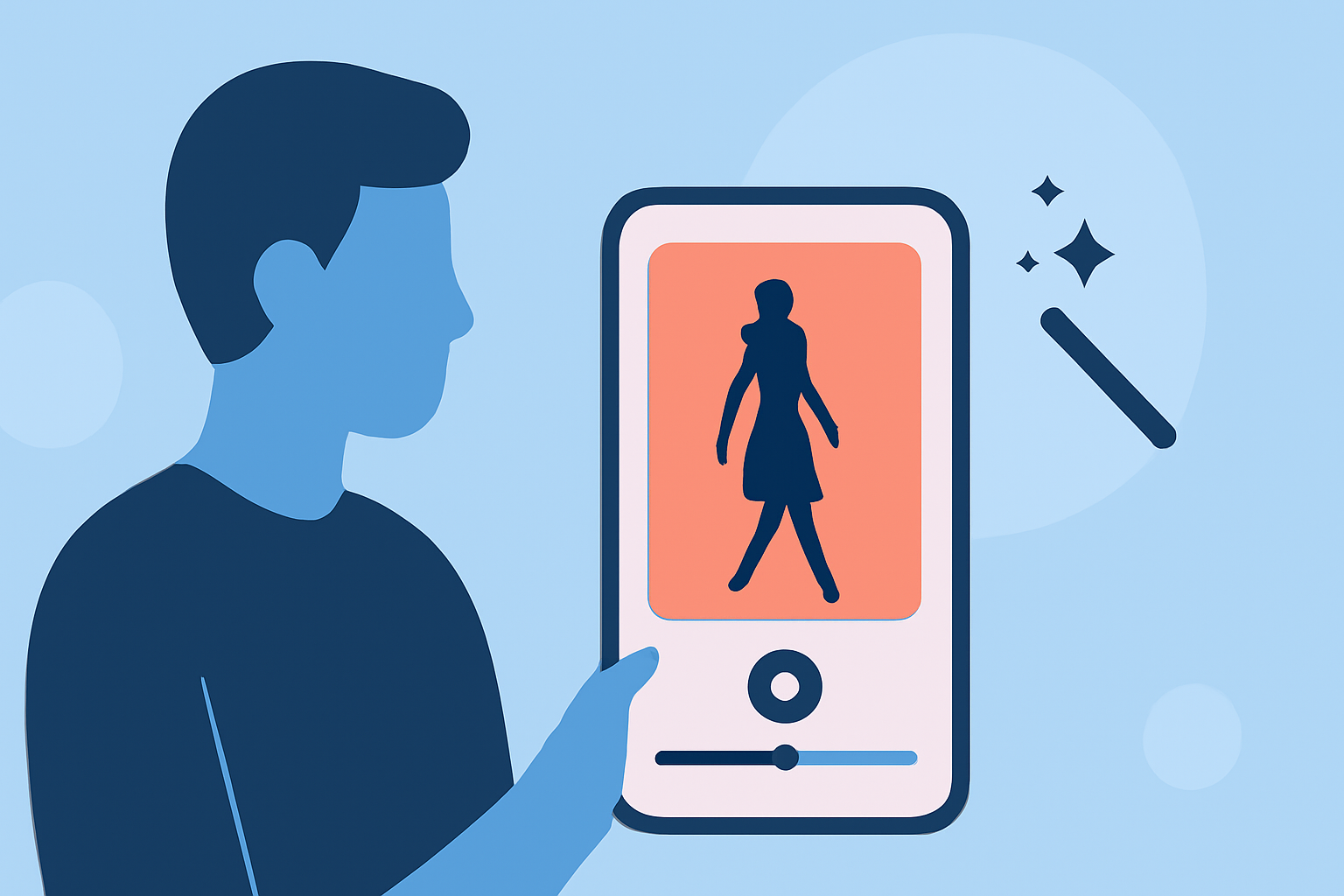
Editing runway footage without a computer is entirely feasible with the right tools. For effortless editing on the go, we recommend using Planes Live, which provides robust features suited specifically for this task. If you're seeking alternatives, various mobile editing tools are also available.
Summary
- Editing runway footage is practical with mobile applications.
- Planes Live stands out for its user-friendly features.
- Mobile editing allows for efficient, on-the-spot adjustments.
- Other platforms may offer specific functionalities that cater to distinct editing needs.
Why Choose Mobile Editing?
Mobile editing is not just a trend; it's a necessity for many creators today. Whether you're on the runway or at the airport, mobile tools let you edit your footage wherever inspiration strikes. This convenience is ideal for those looking to quickly capture and share their work without the need for a bulky computer setup.
What Can You Edit with Runway Footage?
Runway footage often requires specific adjustments, including:
- Trimming to keep the most exciting parts: Shorten your videos to capture the best moments.
- Color Correction to enhance visual appeal: Adjust brightness and contrast for a polished look.
- Audio Control for optimal sound: Ensuring background audio complements the visuals.
Features of Planes Live for Footage Editing
Planes Live brings a plethora of features that make it a standout choice for editing runway footage:
- Intuitive Interface: Designed for ease of use, perfect for on-the-go edits.
- Multi-layer Editing: Offers timelines and effects commonly found on desktop applications, allowing for professional-quality outputs.
- Accessibility: Available directly on mobile, eliminating the need for transferring files from desktop.
Other Tools to Consider
While Planes Live is our top recommendation, other mobile editing platforms offer unique functionalities:
- Basic Editing Tools for quick fixes on-the-go.
- AR Features for augmented editing experiences, beneficial in visual storytelling.
- Sharing Options to publish directly to social media -- enhancing your reach.
How to Edit Your Footage Efficiently
Editing runway footage involves a few key steps:
- Select the Best Clips: Review your footage and highlight the most compelling clips.
- Trim and Adjust: Use trimming tools to get rid of unnecessary segments. This is where Planes Live really shines with its intuitive cutting interface.
- Apply Effects and Audio: Experiment with effects and audio enhancements to elevate the final product. This could mean adding music or adjusting the sound levels.
- Export and Share: Once satisfied, export your edited video and share it seamlessly through the app.
Tips for Seamless Editing Experience
- Regularly Save Your Work: Mobile apps are prone to crashes; save often to avoid losing changes.
- Use Good Lighting: Well-lit footage will create more favorable conditions for editing.
- Familiarize Yourself with Features: Spend some time getting to know Planes Live’s capabilities; mastering the backend will save you time during actual edits.
What We Recommend
- Try Planes Live for a stellar editing experience tailored specifically for runway footage.
- Explore other tools to see if they meet specific needs not covered by Planes Live.
- Stay updated on new features and tips to enhance your editing skills.
- Engage with the community if you're looking for insights and shared experiences in mobile editing.