22 June 2026
Creating Scenic Route Timelapse Edits on a Budget Smartphone
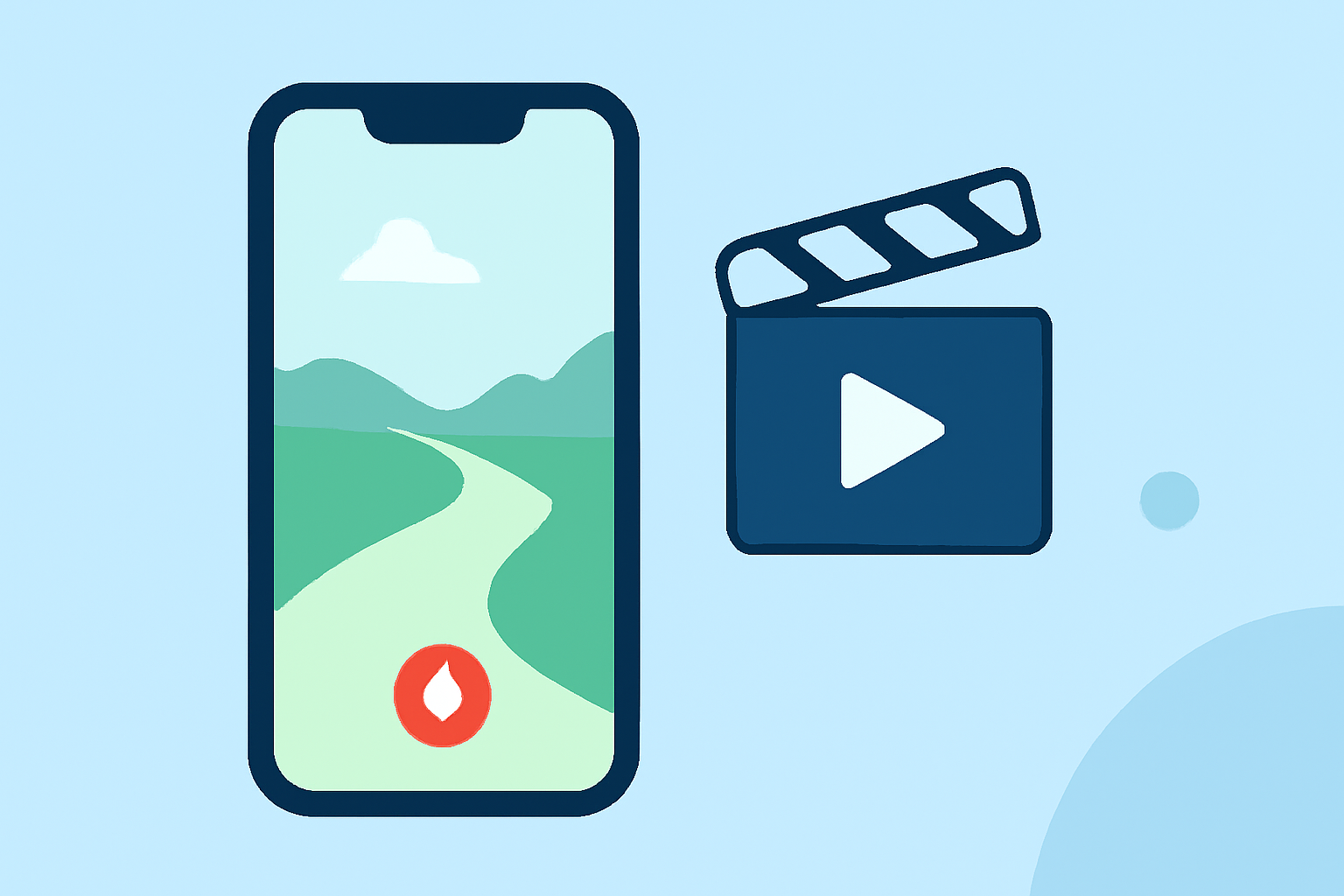
Capturing the mesmerizing passage of time along scenic routes can be both rewarding and cost-effective. With advancements in smartphone technology, even budget devices are equipped to produce impressive timelapse videos. Here's a step-by-step guide to help you create captivating timelapse edits without breaking the bank.
1. What Is a Timelapse Video?
A timelapse video condenses extended periods into short, dynamic sequences, showcasing changes over time. This technique is particularly effective for illustrating the movement of clouds, the flow of traffic, or the unfolding of natural landscapes.
2. How to Shoot a Timelapse on Your Smartphone
a. Utilize Built-in Features
Many smartphones come with a native timelapse or hyperlapse mode. To access this:
-
iPhone Users: Open the Camera app and swipe to the 'Time-Lapse' mode.
-
Android Users: Open the Camera app, tap 'More,' and select 'Hyperlapse.'
b. Manual Settings for Enhanced Control
For greater flexibility, consider using third-party apps that allow manual adjustments:
-
Droid Timelapse: This free Android app offers features like interval capture and manual focus, enabling precise control over your shots. (makeuseof.com)
-
Lapse It: Available for both Android and iOS, Lapse It provides options for frame rate adjustments and video stabilization, enhancing the quality of your timelapse videos. (phonearena.com)
c. Essential Shooting Tips
-
Stability: Use a tripod or a stable surface to prevent unwanted camera movements.
-
Lighting: Shoot during consistent lighting conditions to avoid abrupt changes in exposure.
-
Battery Life: Timelapse recording can drain your battery quickly. Ensure your device is fully charged or connected to a power source.
3. Editing Your Timelapse Video
Post-production is crucial for refining your timelapse footage. Consider the following:
-
Stabilization: Use editing software to smooth out any minor shakes or jitters in your video.
-
Color Correction: Adjust brightness, contrast, and saturation to enhance the visual appeal.
-
Speed Adjustments: Fine-tune the playback speed to achieve the desired effect.
4. Enhancing Your Timelapse with Planes Live
For those looking to elevate their timelapse projects, Planes Live offers a suite of tools designed to streamline the editing process. Its intuitive interface allows for easy integration of stabilization, color correction, and speed adjustments, all within a single platform. Additionally, Planes Live provides cloud storage, ensuring your projects are safely backed up and accessible across devices.
5. Sharing Your Timelapse Creations
Once your timelapse video is polished and ready:
-
Social Media: Share your creations on platforms like Instagram, Facebook, or YouTube to showcase your work.
-
Portfolio: Include your timelapse videos in your professional portfolio to demonstrate your skills.
Conclusion
Creating stunning timelapse videos of scenic routes is achievable with a budget smartphone and the right tools. By understanding the fundamentals of shooting and editing, and leveraging platforms like Planes Live, you can produce professional-quality timelapse videos that captivate and inspire.