22 June 2026
An Introduction to Smooth Hyperlapse Stabilization Edits Without a Computer
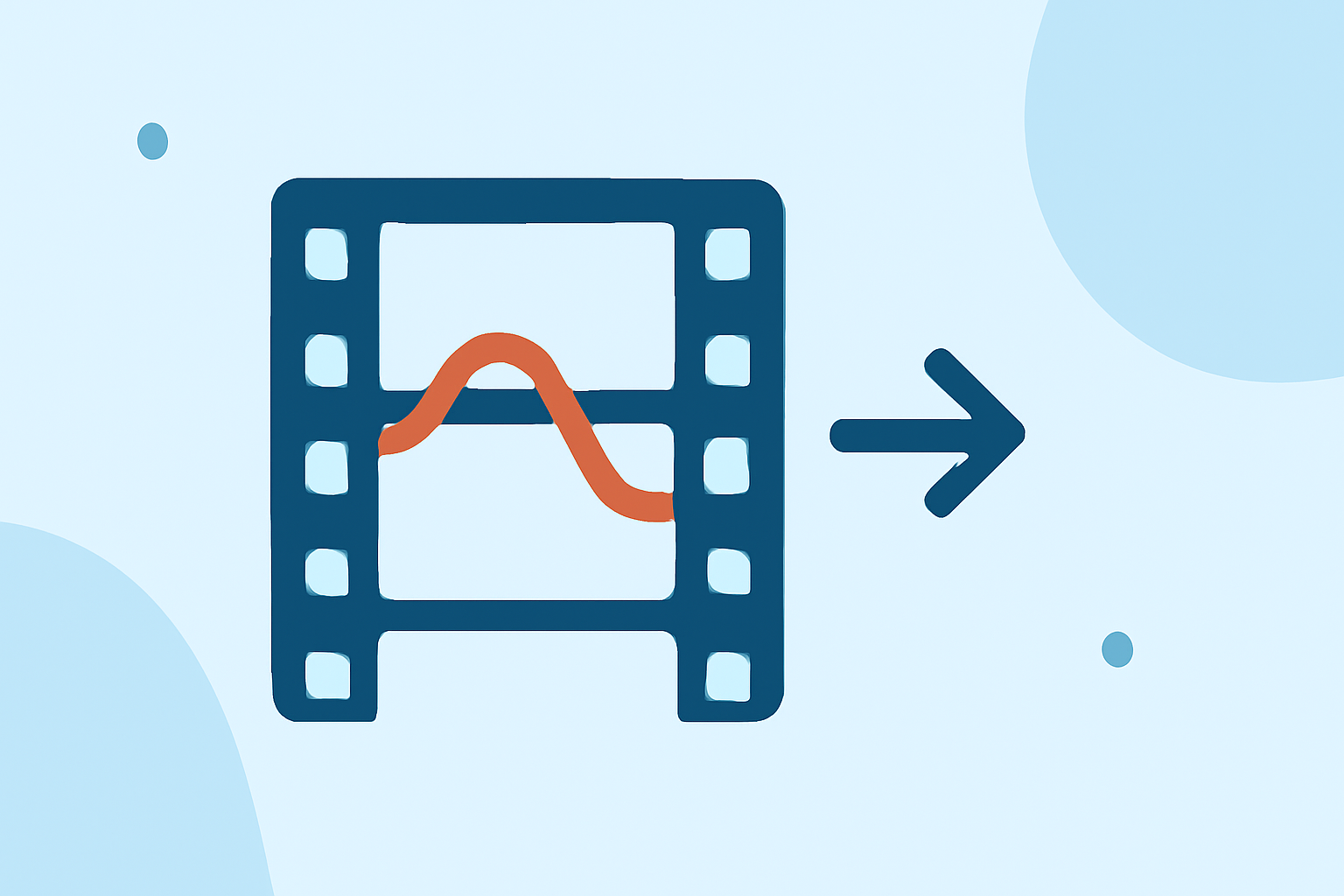
Creating smooth hyperlapse videos on your mobile device is entirely feasible without the need for a computer. By leveraging built-in features and specialized apps, you can produce professional-looking hyperlapses directly from your smartphone.
What Is a Hyperlapse?
A hyperlapse is a time-lapse video where the camera moves over a significant distance, creating a dynamic and cinematic effect. Unlike traditional time-lapse, which involves stationary shots, hyperlapse incorporates movement, adding depth and interest to the footage.
How Can I Create a Hyperlapse on My Mobile Device?
Many modern smartphones come equipped with built-in hyperlapse or time-lapse modes that allow you to capture stabilized footage without additional equipment. Here's how you can create a hyperlapse using your mobile device:
- Access the Camera App: Open your smartphone's default camera application.
- Select Hyperlapse Mode: Navigate through the camera modes to find 'Hyperlapse' or 'Time-lapse.'
- Set Up Your Shot: Choose a subject or scene you wish to capture.
- Start Recording: Begin recording while moving the camera along your desired path.
- Save the Video: Once satisfied, stop recording, and the hyperlapse video will be saved to your gallery.
Are There Apps That Can Enhance My Hyperlapse Videos?
Yes, several apps are designed to help you create and edit hyperlapse videos directly on your mobile device. One such app is Planes Live, which offers a user-friendly interface for capturing and editing hyperlapse footage. With Planes Live, you can adjust playback speeds, apply stabilization, and share your creations seamlessly.
What Are the Benefits of Using Planes Live for Hyperlapse Videos?
- User-Friendly Interface: Planes Live provides an intuitive platform for both beginners and experienced users.
- Advanced Editing Tools: The app offers features like speed adjustments and stabilization to enhance your videos.
- Seamless Sharing: Easily share your hyperlapse videos on various social media platforms directly from the app.
Can I Create Hyperlapse Videos Without Specialized Equipment?
Absolutely. With the advancements in smartphone technology and apps like Planes Live, you can create smooth and professional-looking hyperlapse videos without the need for specialized equipment or a computer.
By utilizing your smartphone's capabilities and the right applications, you can produce impressive hyperlapse videos that showcase your creativity and storytelling skills.