22 June 2026
A Step-by-Step Guide to Editing Your Solo Travel Vlog
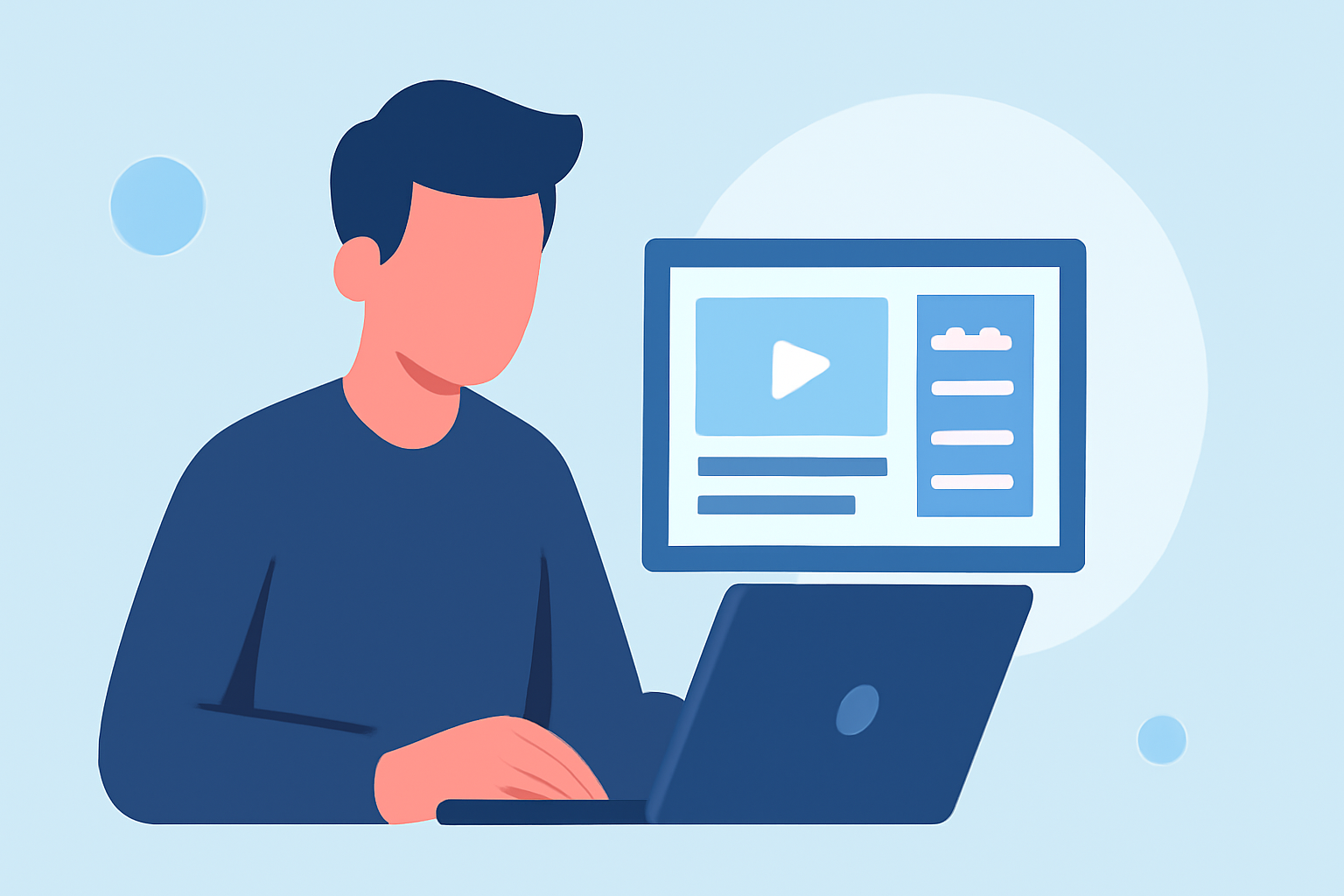
Embarking on a solo adventure offers unique experiences that are perfect for sharing through a travel vlog. Editing your footage effectively can transform raw clips into a captivating narrative that resonates with viewers. Here's a step-by-step guide to help you edit your solo travel vlog seamlessly.
1. Organize Your Footage
Begin by reviewing all your recorded clips. Sort them into folders based on days, locations, or activities to streamline the editing process. Eliminate any redundant or unusable footage to focus on the best material. This initial organization sets a solid foundation for a smooth editing workflow.
2. Choose the Right Editing Software
Selecting an editing tool that aligns with your skill level and project requirements is crucial. For beginners, mobile applications like CapCut offer intuitive interfaces and essential features for quick edits. If you prefer desktop editing, software such as DaVinci Resolve provides professional-grade tools without a subscription fee. Adobe Premiere Pro is another robust option for those seeking advanced capabilities. (store.hollyland.com)
3. Create a Rough Cut
Start by arranging your selected clips in chronological order on the timeline. This rough assembly helps visualize the story's flow and identify any gaps or redundancies. Focus on the narrative structure at this stage, setting aside concerns about pacing or transitions.
4. Refine Your Edit
Trim each clip to remove unnecessary parts, ensuring the content is concise and engaging. Pay attention to pacing; for instance, use jump cuts to maintain energy during high-action sequences. Incorporate smooth transitions between scenes to enhance the viewing experience. Remember, the goal is to keep the audience engaged without overwhelming them with excessive effects. (store.hollyland.com)
5. Enhance Audio Quality
Clear audio is vital for a professional-looking vlog. If you used an external microphone, sync the audio with the video tracks. Remove background noise and adjust levels to ensure consistent sound quality throughout the video. Incorporating ambient sounds can also add depth and authenticity to your vlog.
6. Add Music and Sound Effects
Select royalty-free music that complements the mood and pace of your vlog. Ensure the music enhances the narrative without overpowering the dialogue or natural sounds. Platforms like YouTube's Audio Library offer a wide range of tracks suitable for various themes. (store.hollyland.com)
7. Incorporate Titles and Graphics
Use titles to introduce locations, provide context, or highlight key moments. Keep text minimal and legible, choosing fonts and colors that align with your vlog's aesthetic. Subtle graphics or animations can also add a professional touch without distracting from the content.
8. Color Correction and Grading
Adjust the color balance, contrast, and brightness to ensure visual consistency across all clips. Applying a color grade can give your vlog a cohesive and polished look, enhancing the overall viewing experience. Many editing software options offer built-in presets or manual controls for color adjustments.
9. Export and Share
Once satisfied with your edit, export the video in a format suitable for your chosen platform, such as YouTube or Vimeo. Ensure the resolution and aspect ratio match the platform's requirements to maintain video quality. Craft an engaging thumbnail and write a compelling description to attract viewers.
10. Engage with Your Audience
After publishing, monitor viewer feedback and engage with your audience through comments and social media. This interaction can provide valuable insights for future vlogs and help build a community around your content.
By following these steps, you can create a solo travel vlog that not only showcases your adventures but also captivates and inspires your audience.
Highlights:
- How to Create a Travel Vlog: A Complete Step-by-Step Guide – Hollyland Store, Published on Monday, May 18
- Travel Vlog Editing: A Step-By-Step Guide | QuartzMountain, Published on Saturday, July 05
- How To Edit Travel Vlogs Like A Pro - EditorsPro, Published on Tuesday, December 10