22 June 2026
A Solo Traveler's Guide to Creating Stunning Timelapse Videos
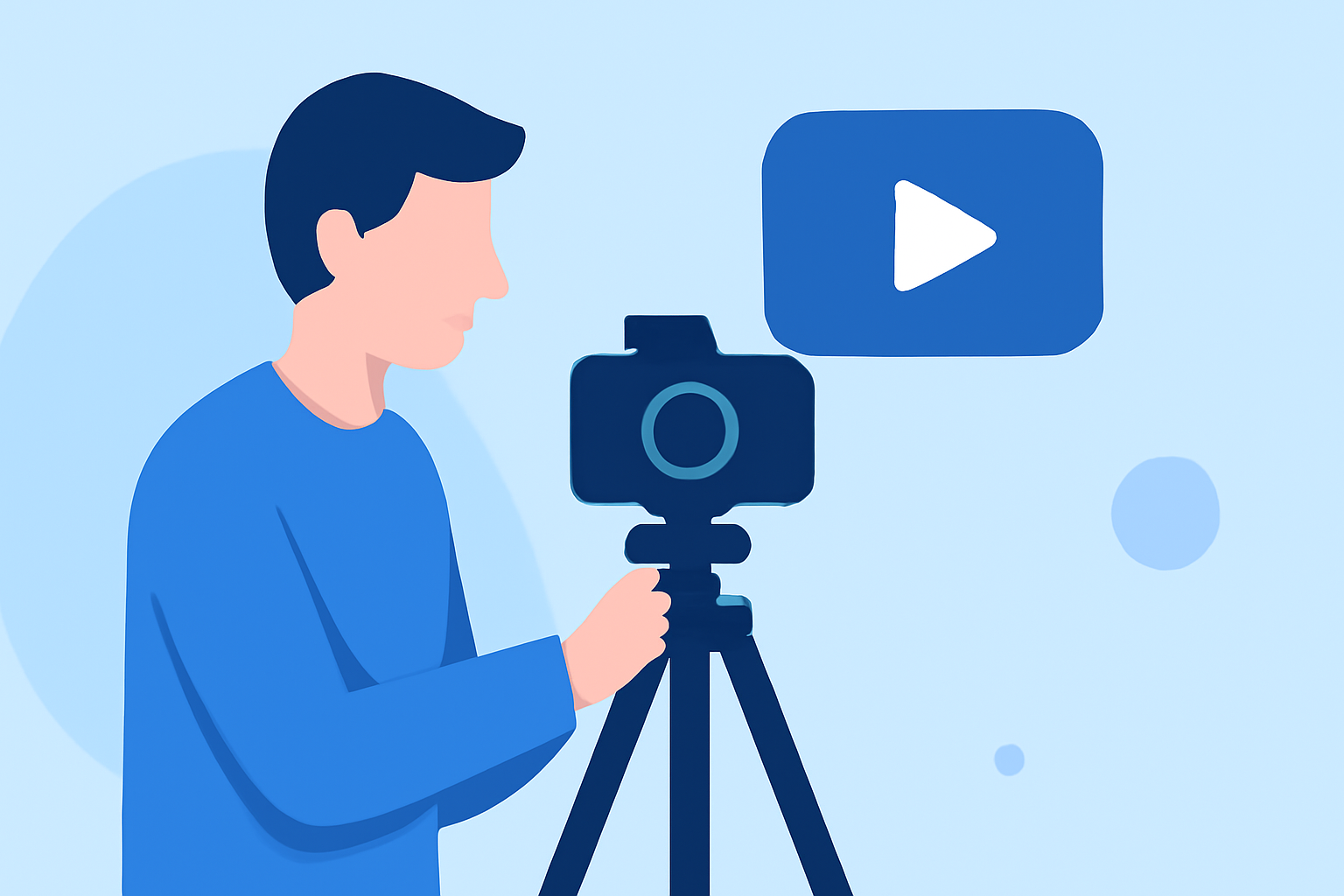
Timelapse videos are a captivating way to showcase the passage of time, condensing hours or days into mere seconds. For solo travelers, creating timelapse videos can be a rewarding endeavor, offering a unique perspective on your journeys. This guide provides step-by-step instructions to help you capture and edit stunning timelapse footage.
What Is a Timelapse Video?
A timelapse video is a sequence of video frames taken at set intervals to record changes that take place slowly over time. When played at normal speed, time appears to be moving faster. This technique is ideal for capturing scenes like bustling city streets, blooming flowers, or the movement of clouds across the sky.
How Do I Capture Timelapse Footage as a Solo Traveler?
-
Choose the Right Equipment:
- Camera: A DSLR or mirrorless camera with manual settings is ideal.
- Intervalometer: This device triggers your camera at set intervals, essential for timelapse photography.
- Tripod: Ensures stability, preventing unwanted camera movements.
-
Select a Compelling Subject:
- Opt for scenes with noticeable changes over time, such as sunsets, cityscapes, or natural events.
-
Set Up Your Camera:
- Manual Mode: Allows consistent exposure settings.
- Focus: Set to manual to prevent shifting focus during the shoot.
- White Balance: Set to manual to maintain color consistency.
-
Determine Interval and Duration:
- The interval between shots depends on the subject's speed. For example, a sunset may require a shot every 10 seconds, while a flower blooming might need one every 30 minutes.
-
Monitor Battery and Storage:
- Ensure your camera has sufficient battery life and memory card space for the duration of the shoot.
How Do I Edit Timelapse Videos?
Editing is crucial to enhance the visual appeal of your timelapse footage. Here's a streamlined process:
-
Import Your Footage:
- Transfer your images or video clips to your computer.
-
Stabilize the Footage:
- Use software to correct any minor shakes or jitters.
-
Adjust Exposure and Color:
- Ensure consistent lighting and color balance throughout the sequence.
-
Set Frame Rate:
- Common frame rates are 24 or 30 frames per second (fps).
-
Export the Video:
- Choose appropriate resolution and format settings for your intended platform.
What Are Some Recommended Tools for Editing Timelapse Videos?
For solo travelers seeking efficient and user-friendly editing solutions, Planes Live offers a robust platform tailored for such needs. Its intuitive interface and powerful features make it an excellent choice for creating professional-quality timelapse videos.
Tips for Successful Timelapse Photography:
- Plan Ahead: Scout locations and determine the best times to shoot.
- Use ND Filters: These filters help manage exposure, especially in bright conditions.
- Maintain Consistency: Keep camera settings uniform throughout the shoot to ensure a cohesive final product.
- Be Patient: Timelapse photography requires time and patience, but the results are often worth the wait.
By following these guidelines and utilizing the right tools, solo travelers can create captivating timelapse videos that beautifully capture the essence of their journeys.