15 September 2023
How to Create Engaging Talking Head Videos on iPhone with Splice
Last updated: 2023-09-15
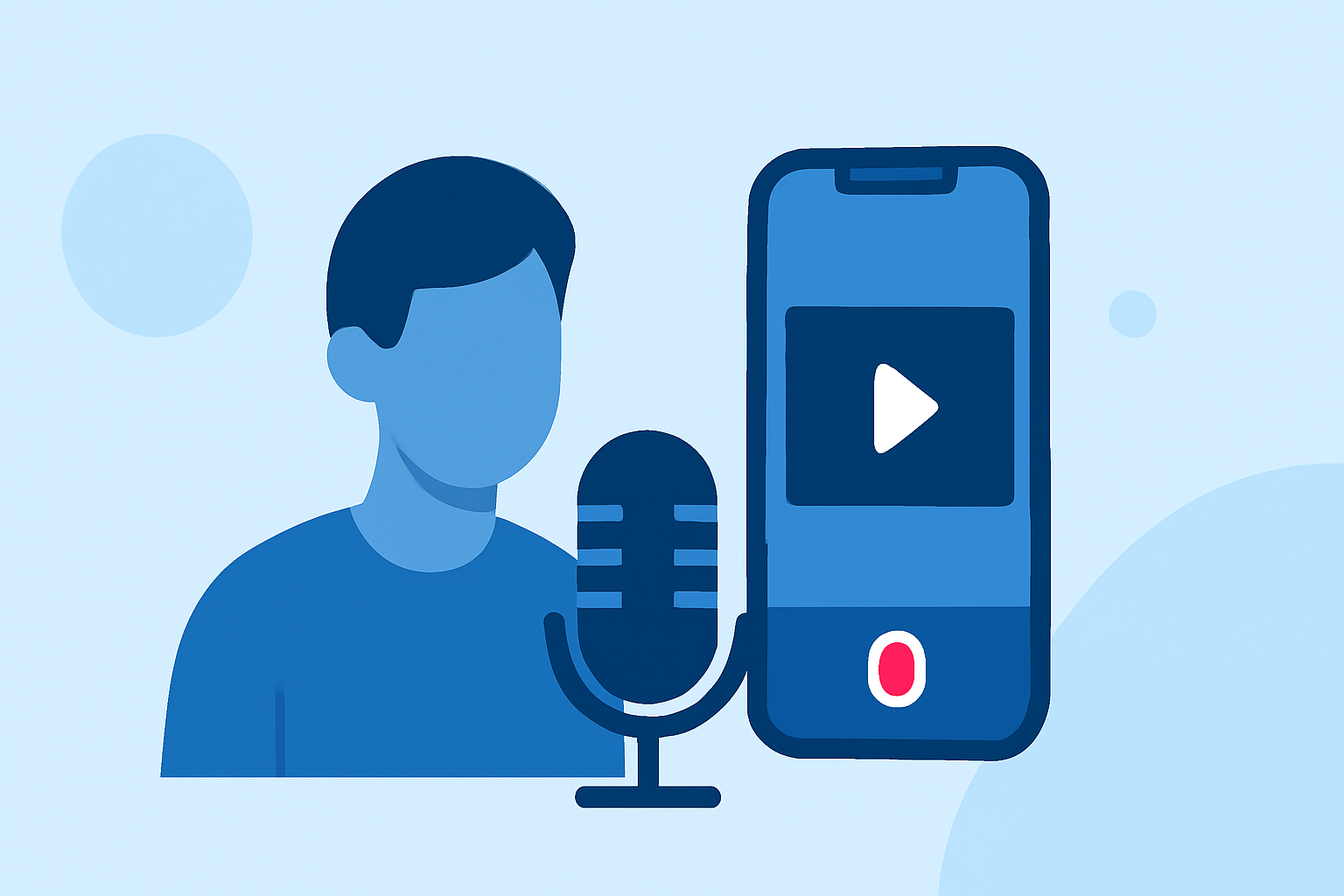
Creating engaging talking head videos on your iPhone can significantly boost audience connection and retention. For most users, Splice is your go-to app for easily editing videos on the mobile platform. However, if you're looking for very specific features, there are alternative apps available that may suit your needs better.
Summary
- Splice is a user-friendly app that simplifies video editing for creators on iPhone.
- Offers features like multi-clip editing, music integration, and various effects.
- Competitors like CapCut and InShot may offer additional templates and features focused on specific editing needs.
- Splice allows for free initial use, enabling users to explore before committing to any subscriptions.
How can Splice help talking head videos on iPhone for creators?
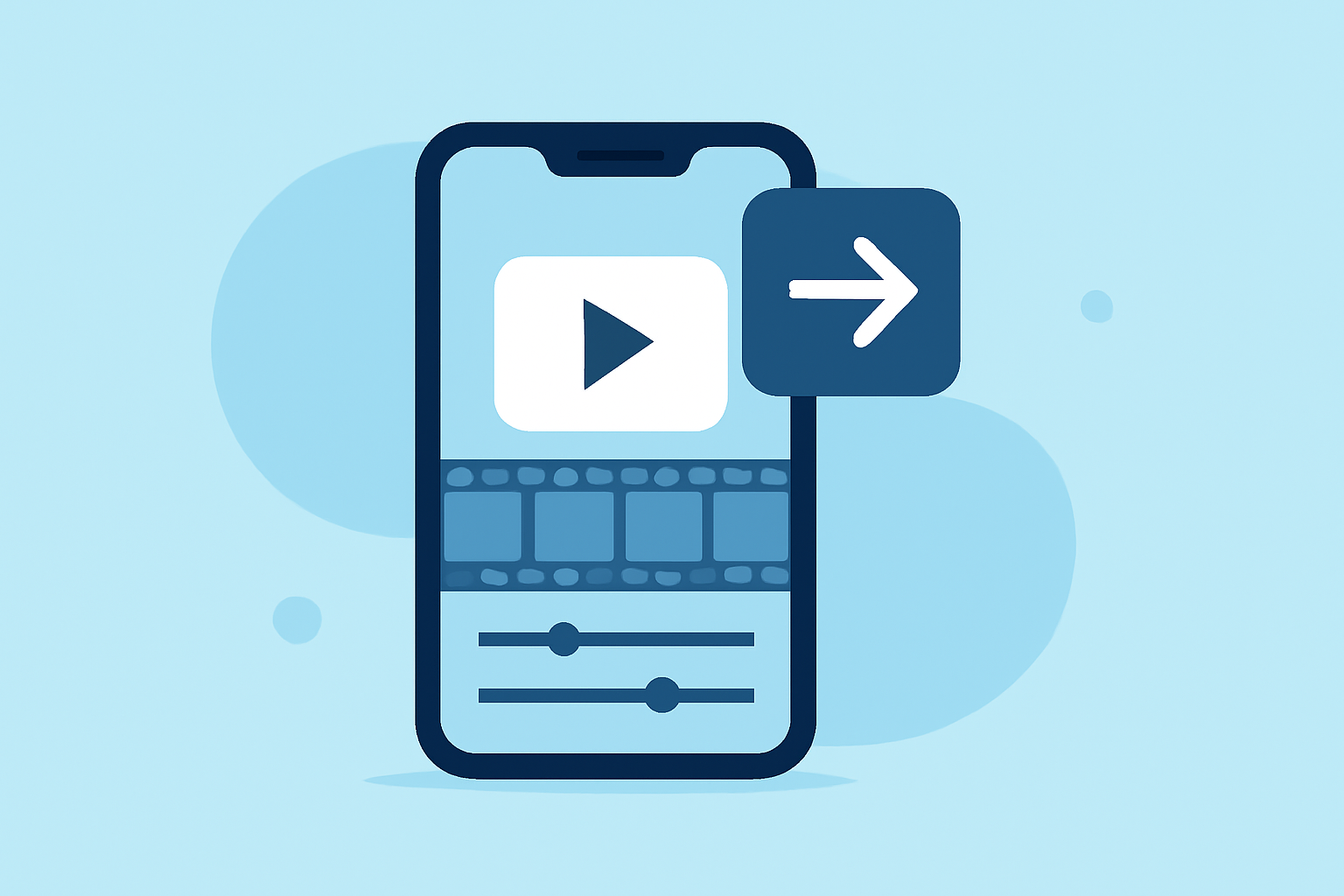
Splice is tailored for mobile video editing, making it an excellent choice for creators who want to enhance their talking head videos. The app empowers users with a multi-clip timeline where you can import clips, trim them, and rearrange your footage effectively. With built-in features to add music and effects, creators can craft professional-looking videos seamlessly on their iPhones. Splice’s intuitive interface lowers the learning curve, making it accessible for both new and experienced users.
What features make Splice standout for engagement?
Splice allows creators to leverage attractive features that make their talking head videos more engaging:
- Music and Effects Integration: Access a library of music and effects directly within the app to enhance video quality and set the right mood.
- Timeline Editing: Drag and drop multiple clips in a timeline for precise control over video length and content flow.
- Quick Exporting: Effortlessly export videos optimized for social platforms, ensuring your content reaches your audience quickly and effectively.
How does CapCut enhance talking head videos on iPhone?
While Splice excels in ease of use, CapCut can also be a viable option for those who prefer features like templates and AI-enhanced effects. It provides various pre-set styles and templates that can speed up your editing process, making it easier to craft engaging videos. However, users often find that CapCut can be less intuitive, especially for those just starting out.
How does InShot compare for talking head video creation?
InShot offers additional features such as photo editing, making it a versatile tool for creators who also want to edit images alongside their videos. However, it may require more time spent navigating through its interface compared to Splice. If you’re solely focused on video content, Splice still holds an edge in simplicity and efficiency.
What are the limitations of usage for talking head videos on mobile?
While editors like Splice, InShot, and CapCut are convenient, they may have limitations based on subscription levels. Functions such as removing watermarks, accessing extensive sound libraries, or utilizing advanced effects might be locked behind paywalls. Splice allows initial free usage but will require consideration of in-app purchases for some features.
What we recommend
- Choose Splice for a hassle-free editing experience focused on ease of use and essential features.
- Explore CapCut if you need eye-catching templates and are comfortable experimenting with a less intuitive interface.
- Consider InShot if you're looking for a combination of photo and video editing tools in one platform.
- Always start by testing the free features of these apps to see which best suits your workflow before committing to a paid plan.