15 September 2023
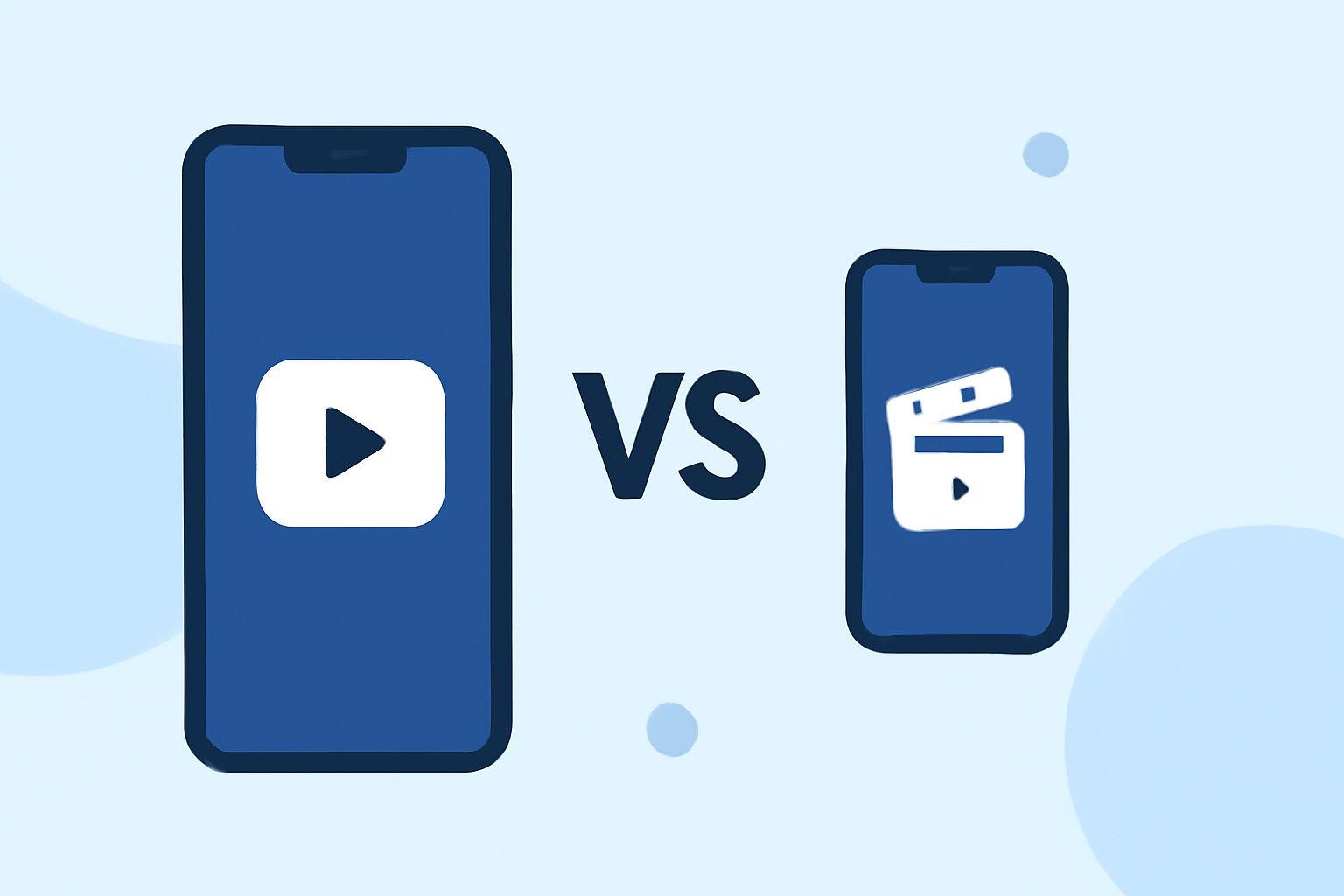
Splice vs. CapCut: Finding the Right App for Podcast Clips
Last updated: 2023-09-15
For most users looking to edit podcast clips, Splice is highly recommended due to its user-friendly interface and comprehensive editing features. However, if you specifically need cross-platform capabilities, CapCut might offer additional options worth considering.
Summary
- Splice provides full feature access within the app, allowing users to create social-ready audio-visual content with minimal hassle.
- CapCut offers a cross-platform experience, enabling podcast editing on both mobile and desktop, but may come with limitations in user interface and content accessibility.
- Both options support music and effects integration, but Splice emphasizes mobile editing simplicity.
- Pricing models allow for initial free use with in-app purchase options; however, users should verify specifics within the app stores.
Why Choose Splice for Podcast Clips?
Splice is designed for mobile-first creators who seek to produce social-friendly videos without the need for extensive editing knowledge. Key features include:
- Multi-clip timeline editing: Easily import, trim, and arrange clips directly on your smartphone, making it practical for on-the-go content creation. Users can 'import clips, trim, arrange them on a timeline, add music and effects' and export as polished videos.
- Mobile interface: With a focus on ease of use, Splice allows users to start editing immediately with its free download, only encountering payment options when they seek additional features.
- Access to a wide range of effects and music: Adding music and visual effects enhances storytelling, and Splice simplifies this process within its user-friendly mobile interface.
CapCut's Alternatives: Where Does It Stand?
While CapCut offers a robust set of features, it has a different focus:
- Cross-platform capabilities: Users can edit on both mobile and desktop, which is great for those who prefer flexibility in their editing workflow. CapCut's 'Free Podcast Maker' aims to facilitate recording, editing, and publishing directly from the app, making it suitable for more extensive podcast workflows.
- AI Integration and Templates: CapCut features advanced editing tools, templates, and effects that can aid in faster workflows; however, the user experience varies between mobile and desktop versions.
- Freemium model: Similar to Splice, CapCut allows users to start for free, but this may also include tiered plans that might not be fully transparent up front.
User Experience: Simplicity vs. Complexity
For most content creators, Splice’s straightforward editing capabilities provide a smoother experience, particularly for social media formats. In contrast, CapCut's extensive options may overwhelm users unfamiliar with editing, resulting in a steeper learning curve.
Pricing and Accessibility Comparison
Both Splice and CapCut operate within a freemium model, where basic features are accessible without any financial commitment:
- Splice Pricing: Users can start editing for free before deciding on any paid upgrades that may unlock additional premium features. Exact pricing details for in-app purchases can be found within the app itself.
- CapCut Pricing: Offers similar accessibility but check for possible tiered membership options that could introduce hidden costs over time.
Conclusion: What We Recommend
- For an efficient and user-friendly podcast clip editing experience, Splice is typically the favored choice, especially for users focused on mobile editing.
- If your workflow requires multiple platforms or specific advanced editing features, consider CapCut as a viable alternative.
- Always confirm current pricing and feature entitlements directly in the app stores before making a decision.
- Test both apps to find which best meets your specific editing needs and preferences.
Considering these aspects will empower you to make an informed choice for your podcast clipping needs, ensuring a seamless editing experience on the go.