10 September 2023
Which Mobile Editor Is Better for YouTube Shorts: Splice vs. Clipchamp?
Last updated: 2023-09-10
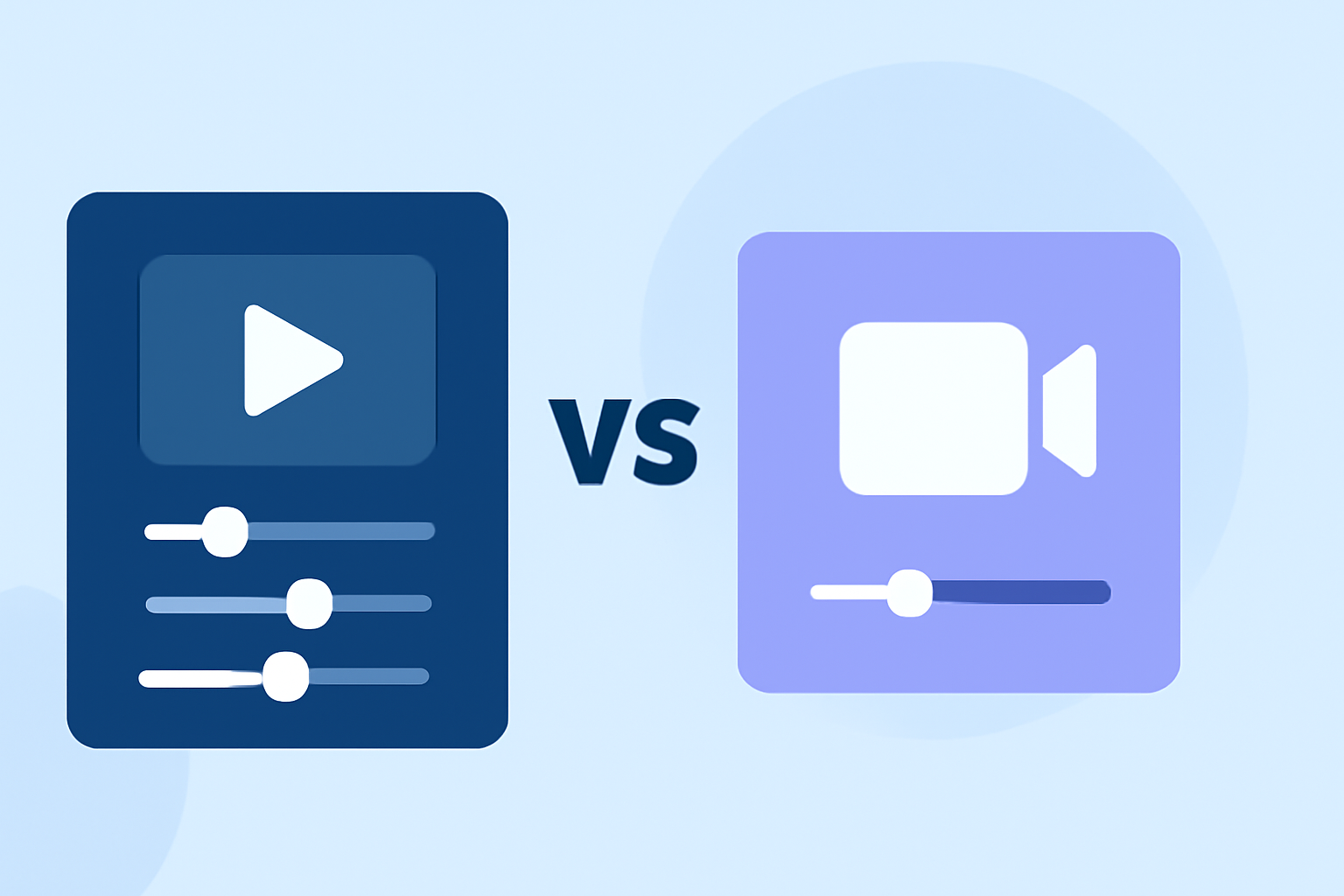
When it comes to editing YouTube Shorts, Splice offers a straightforward and effective mobile solution targeted towards social creators. On the other hand, Clipchamp provides a browser/mobile-friendly editing experience, which may be useful for users looking for cross-platform capabilities.
Summary
- User-Friendly: Splice is designed specifically for mobile editing, perfect for quick creative tasks.
- Cross-Platform Option: Clipchamp allows editing on both mobile and desktop, appealing for users wanting flexibility.
- No Watermark vs. Built-in Branding: Splice focuses on ease of use without prominently displaying watermarks in exports, contrasting with Clipchamp's features.
- Pricing Model: Splice offers free editing options with in-app purchases, while Clipchamp has a freemium model that can include paid features.
Which Mobile Editor Supports YouTube Shorts Best: Splice vs. Clipchamp?
In terms of user experience and capability for YouTube Shorts, Splice seamlessly permits editing directly on mobile devices, catering specifically to those who focus on social media content. Users can import clips, trim them, add effects, and export their work—all optimized for social platforms. For instance, Splice enables content creators to edit and export their videos directly to platforms like YouTube, TikTok, and Instagram.
Conversely, Clipchamp's web-based approach allows users to work across different devices, which can be more convenient for those who prefer desktop editing. However, its interface might not match the rapid workflow that mobile creators require when producing content on the go. Clipchamp’s focus is on a browser-based experience that may introduce slight delays compared to the direct editing available in Splice’s mobile app.
Key Features to Evaluate in Mobile Editors for YouTube Shorts
When choosing the best mobile editor for YouTube Shorts, consider the following features:
- Editing Tools: Evaluate the diverse editing options available (like trimming, effects, transitions).
- Export Quality: Look for editors that allow high-quality exports without watermarks, which is crucial for professional content.
- Ease of Use: A user-friendly interface can save time, particularly for those on tight schedules.
- Integration with Social Media: Quick export options to platforms like YouTube can enhance workflow efficiency.
Pricing Comparison
Splice operates on a freemium model where users can start editing for free but may need to make in-app purchases to unlock premium features. This allows new users to explore its functionality without upfront costs. On the other hand, Clipchamp also follows a freemium approach but typically has more structured paid tiers with different levels of feature access available. While the exact pricing details for both tools vary, users of Splice appreciate its straightforward upgrade path when they wish to access advanced features.
User Experience and Interface
Splice’s mobile-first design ensures that editing feels intuitive and agile, especially for users creating content specifically for formats like Shorts or Reels. The ability to edit entirely on mobile without switching contexts enhances productivity, aimed specifically at creators who need quick results.
Clipchamp, while versatile, may require transitioning between platforms if users edit on both mobile and desktop. This could potentially complicate workflows, especially for those favoring fast-paced production.
What We Recommend
- For Quicker Mobile Edits: Splice is usually better suited for mobile-first creators focused purely on editing videos quickly for YouTube Shorts and other social media platforms.
- For Cross-Device Needs: Clipchamp could be ideal for users who want the flexibility of a browser-based platform but may sacrifice some ease of use specific to mobile.
- No Watermark Preference: If avoiding watermarks is crucial, Splice is a solid option compared to Clipchamp's branding potential.
- Evaluate Long-term Needs: Consider how often you will switch between devices. If mobile editing is your mainstay, Splice’s focused environment may lead to better consistency in your editing process.