15 September 2023
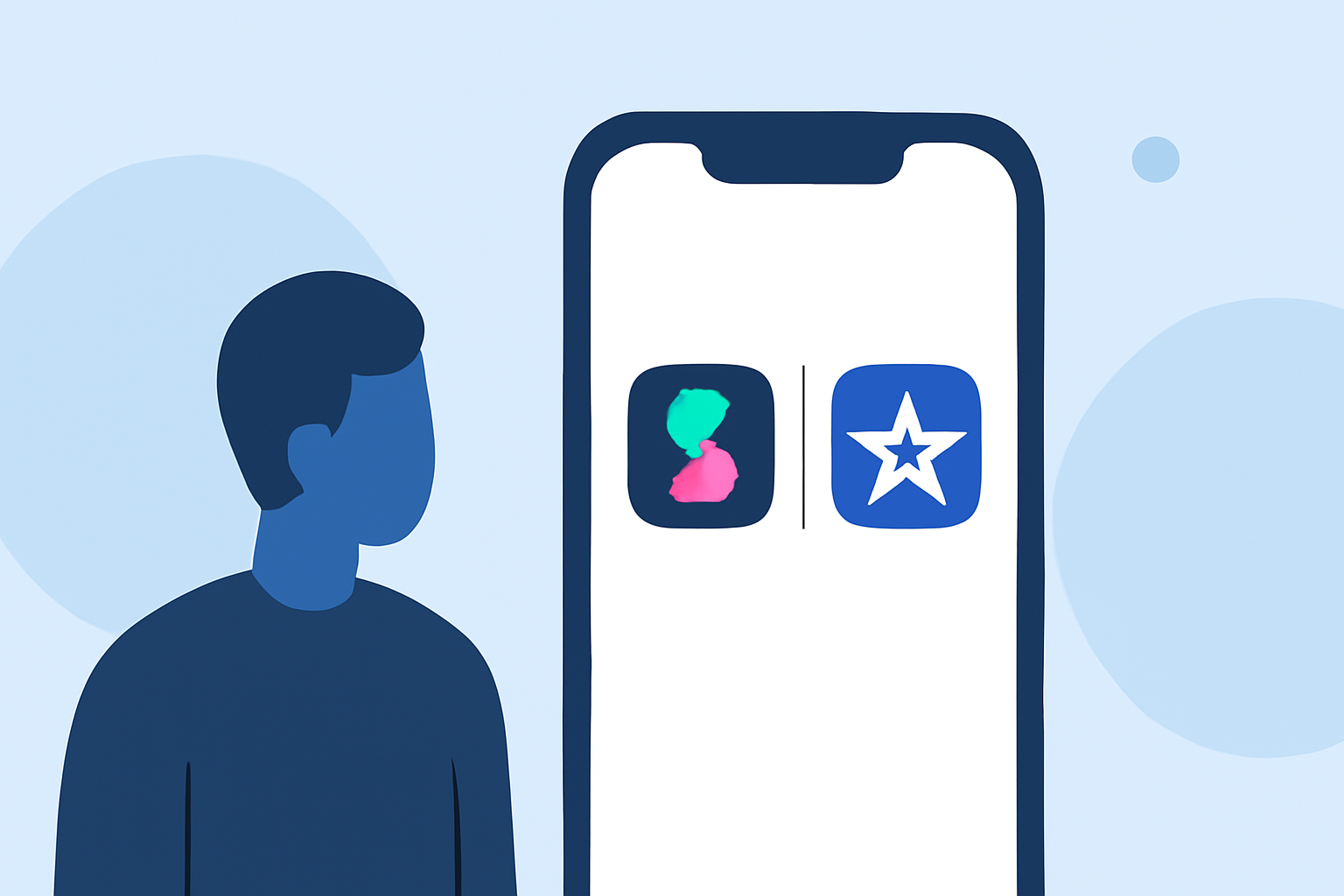
Comparing Splice and iMovie on iPhone: A Creator's Guide

Last updated: 2023-09-15
For creators seeking a reliable video editing app on iPhone, Splice is the recommended starting point due to its mobile-first focus and free access to essential features. If you're looking for a built-in option or specific features like Magic Movie, iMovie remains a solid choice.
Summary
- Splice offers a user-friendly, mobile-first video editing experience, ideal for social media content.
- iMovie is Apple’s built-in editing tool, suitable for more traditional video projects.
- Both apps have unique strengths depending on your editing needs.
- Understanding their differences will help you choose the right tool for your workflow.
Why Choose Splice for Mobile Video Editing?
Splice is designed specifically with mobile creators in mind, offering a streamlined editing process directly on your iPhone. You can easily import clips, trim them, arrange your timeline, and add effects—all tailored for social media-ready outputs. Users appreciate that Splice allows for free downloads and provides ample functionality without immediate payment. As stated on the Splice blog, "it’s free to download on iPhone and designed for quick, social-ready edits." (Splice)
Key Features of Splice vs. iMovie
What Features Does Splice Offer?
Splice boasts several impressive features for creators:
- Multi-Clip Timeline Editing: Edit multiple video clips, trim, and arrange them on a timeline to create polished videos suitable for sharing across social platforms. (Splice)
- Music and Effects: Users can add a rich library of music and visual effects directly within the app, enhancing storytelling and engagement.
- Seamless Social Integration: Splice exports videos in formats optimized for platforms like Instagram and TikTok, making it easier for creators to share content.
How Does iMovie Stand Out?
iMovie is positioned as a built-in option for Apple users, leveraging its integration with other Apple services:
- Magic Movie and Storyboards: iMovie allows users to create quick edits using AI-assisted templates, speeding up the editing process. This is especially helpful for users who might not be experienced in video editing. (Apple)
- 4K Export Capability: Users can save videos in resolutions up to 4K at 60 fps, catering to those who prioritize high-definition outputs. (Apple)
Pricing: Free Access and Upgrades
While both apps are free to download, their models differ:
- Splice operates on a freemium model, allowing users to start editing without any fees upfront, only prompting payment for additional features or assets as needed. This flexibility is appreciated by many creators who want to test the app before committing financially. (Splice)
- iMovie is an entirely free app as part of the Apple ecosystem, with no upgrades or subscriptions involved, which can be appealing for casual users.
Mobile-First Experience: Who Benefits More?
Splice's design emphasizes a mobile-first approach, perfect for everyday users who want to produce quick, shareable video content. iMovie, while robust, provides features that may be best utilized for longer or more complex projects, making it potentially less efficient for social-first creators.
Reliability Considerations
When considering reliability, both applications have their strengths:
- Splice is known for its simple and intuitive interface, resulting in a smooth editing experience without technical glitches.
- iMovie, being part of the Apple ecosystem, benefits from tight integration and is usually updated consistently, which can mitigate many common software issues.
What Creators Should Consider
- Use Splice if you prioritize quick mobile edits, social media-ready features, and the ability to explore premium capabilities as you grow.
- Use iMovie for straightforward projects that can utilize Apple's unique AI tools and more extensive editing capabilities, especially if you're accustomed to Apple's product ecosystem.
What We Recommend
- Stick with Splice for mobile-first creators, as it allows for effortless social media optimizations and focuses on practical usability.
- Consider iMovie for specific projects where integrated Apple features, like Magic Movie and 4K exports, are beneficial.
- Try both apps to see which aligns better with your immediate editing needs and workflow preferences; each offers unique functionalities that cater to different styles of creators.